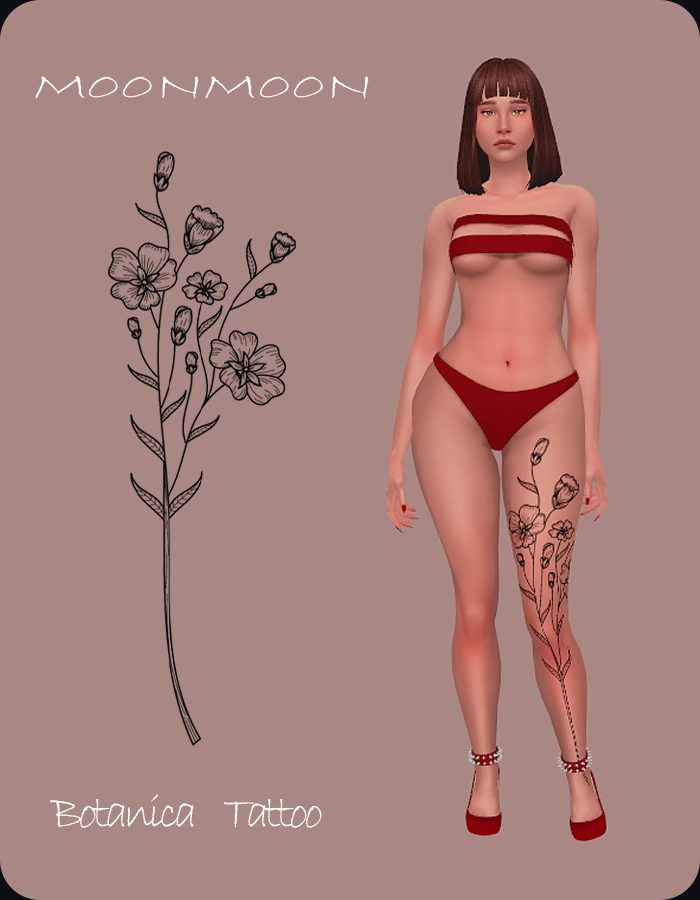
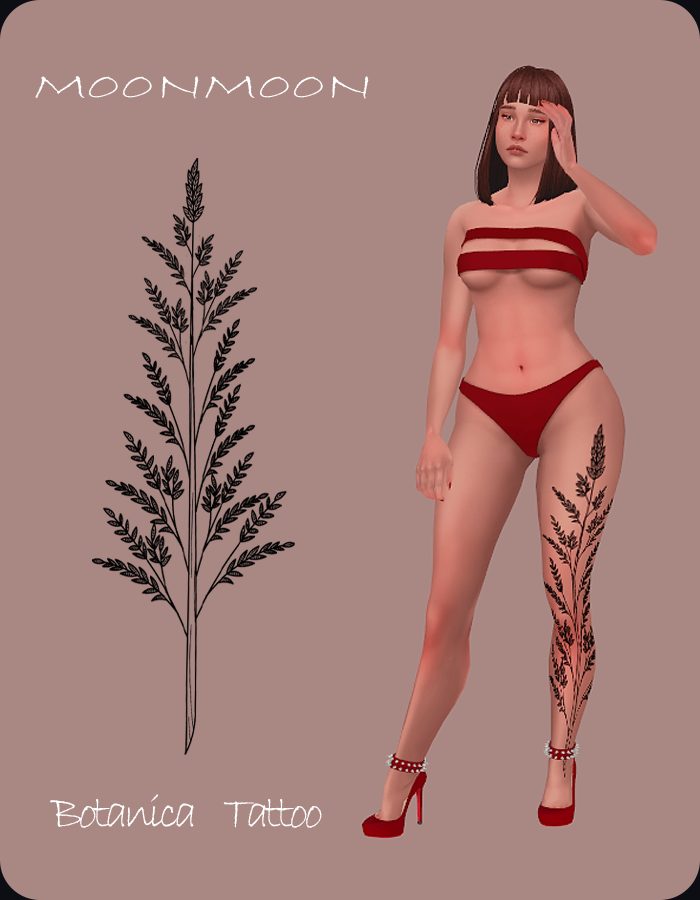
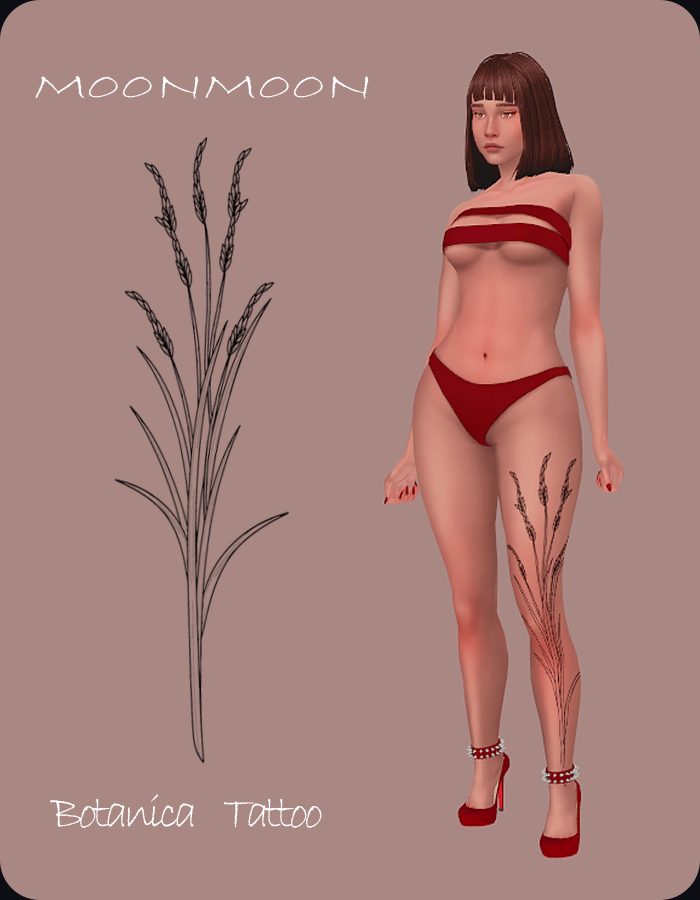
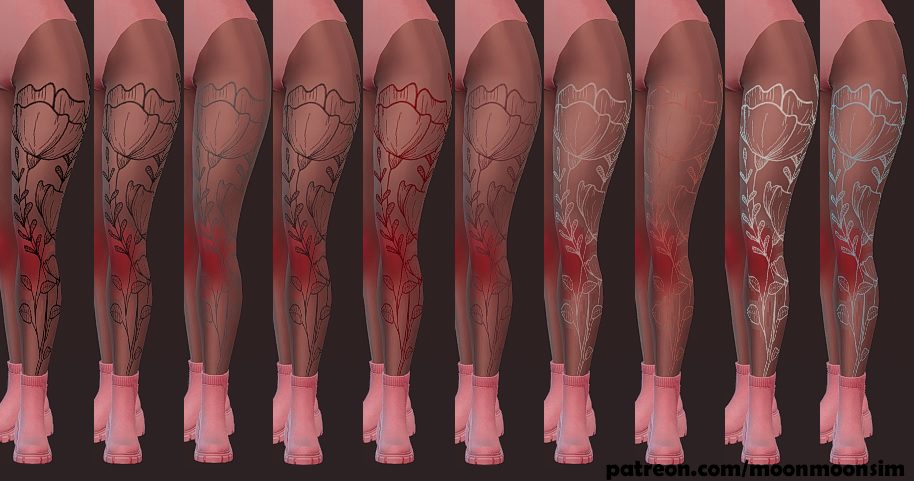
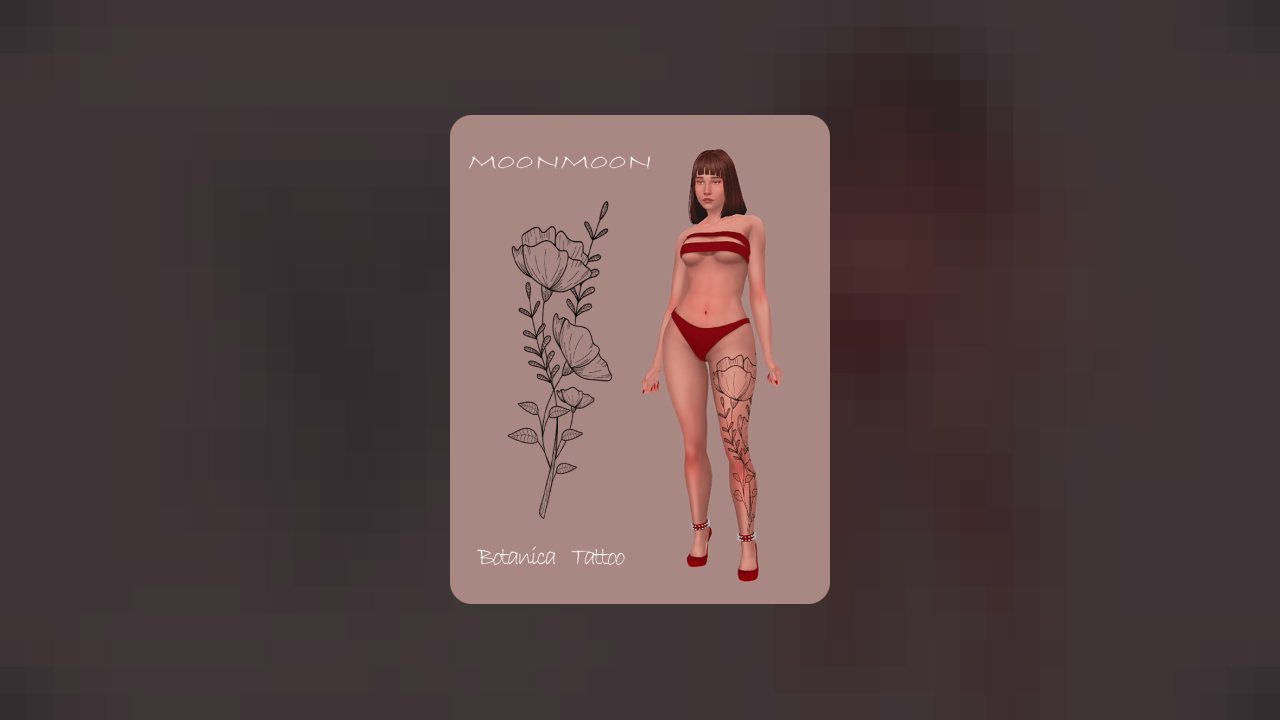
5 color | female only | arm category | HQ compatible | custom thumbnail | disallow for random | EA BG
!Update - Now compatible with alpha skins
ABOUT THIS LISTING
This page describes Botanica Tattoo by moonmoonsim. The description and screenshots are the author's own, imported from their listing on CurseForge on 25 October 2026: https://www.curseforge.com/sims4/create-a-sim/botanica-tattoo
Mythiq.net hosts no files for it. The download button goes straight to the release file on edge.forgecdn.net, so you are downloading from the author's own host, not from a copy of ours.
The download count, rating and comments on this page start at zero and count Mythiq.net only. The source's own figures are not copied here — they measure a different site, and a number that cannot be checked against our own ledger is not worth printing.
Media
Botanica Tattoo 2
Botanica Tattoo 3
Botanica Tattoo
Botanica Tattoo color
Requirements
Game versions
1.105.345
1.108.329
1.105.332
1.108.318
1.110.311
1.112.519
1.90.358
1.98.127
BASE GAME
Custom content and mods need the base game and Custom Content enabled in Game Options. Content that uses a pack's items says so on the author's page — a dress recoloured from a Cats & Dogs asset needs that pack.
GAME PATCH
Listed against game patch 1.105.345, 1.108.329, 1.105.332, 1.108.318. The Sims 4 tolerates older custom content well, but a major patch can break script-level mods until the author updates them.
SCRIPT MODS
Gameplay mods that change behaviour (rather than adding objects or clothing) may also need "Script Mods Allowed" ticked in Game Options → Other. If a gameplay mod does nothing at all, that checkbox is the first thing to check.
Installation
1. Download the archive with the button on this page and unzip it.
2. Move the .package files (or the mod's own folder) into:
Documents\Electronic Arts\The Sims 4\Mods
Subfolders inside Mods are fine; the game reads them one level deep.
3. Start the game, open Game Options → Other, and check "Enable Custom Content and Mods" (and "Script Mods Allowed" for gameplay mods). The game asks to restart — let it.
4. Custom content appears in Build/Buy or Create a Sim by name; gameplay mods announce themselves in a popup or their own menu on first load.
IF NOTHING APPEARS
Nine times out of ten the .package is inside a folder-in-a-folder. It must sit directly in Mods or one folder deep — not in the Downloads folder the zip created.
This release downloads from edge.forgecdn.net, not from us, so
there is no checksum to compare against. Scan the archive before you unpack it.
Tell us if something is wrong — a file that will not work, content taken from
someone else, or anything that looks unsafe. Reports go to our review team, not
to the author.
We use cookies to ensure that we give you the best experience on our website and improve your experience. By continuing to use this site you consent to such use of cookies.