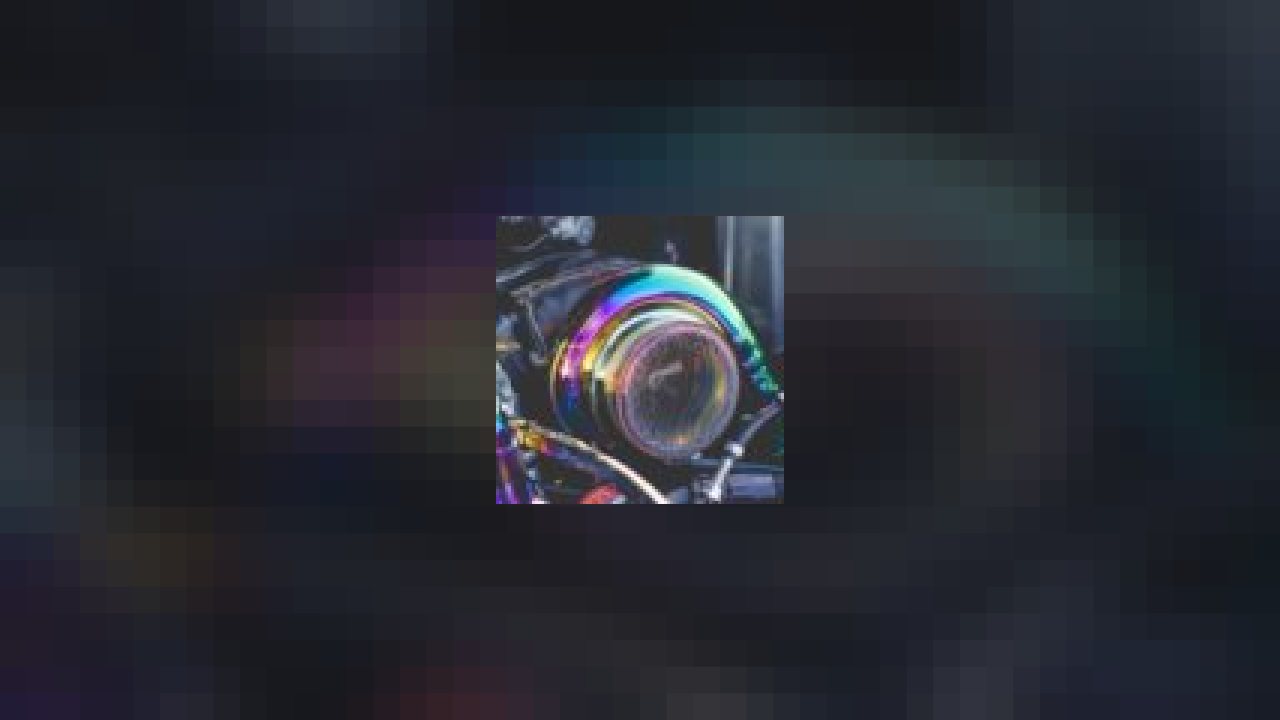
Here’s how it works… A blow-off valve is connected to the intake tract. Inside the valve’s main housing is a vacuum chamber with a spring, a diaphragm and valve. The diaphragm reacts to pressure changes and at a predetermined vacuum it’s pulled toward the vacuum source compressing the spring inside the housing. The spring is connected to a valve that pulls away from its seat and releases the unwanted boost pressure.
Link:http://zipvale.com/AmrC
Images
-
Elite Steel, Sithhy™, Sukurai92 and 1 other person like this.
ABOUT THIS LISTING
This page describes HKS T51R Turbo Bov by DriftTuner. The description and screenshots are the author's own, imported from their listing on the BeamNG.drive repository on 26 October 2026: https://www.beamng.com/resources/hks-t51r-turbo-bov.2604/
Mythiq.net hosts no files for it. The download button goes straight to the release file on beamng.com, so you are downloading from the author's own host, not from a copy of ours.
The download count, rating and comments on this page start at zero and count Mythiq.net only. The source's own figures are not copied here — they measure a different site, and a number that cannot be checked against our own ledger is not worth printing.
Requirements
BeamNG.drive on a current build. The repository lists a mod as outdated once it stops loading, but a mod written for an older release can still misbehave quietly rather than fail outright — check the resource page for the author's own compatibility note before reporting a fault.
Nothing else is required unless the author says so above. BeamNG mods are self-contained zip archives; there is no loader or framework to install first.
Installation
1. Download the archive with the button on this page. Do NOT unzip it — BeamNG loads mods as zips.
2. Put the zip in your mods folder:
Windows — Documents\BeamNG.drive\\mods
Linux — ~/.local/share/BeamNG.drive//mods
3. Start the game and open the Mod Manager from the main menu to confirm it is listed and active.
4. Vehicles appear in the vehicle selector; maps appear under Freeroam.
UPDATING
Delete the old zip before adding the new one. Two versions of the same mod in the folder is the usual cause of a vehicle appearing twice, or of parts that will not fit together.
IF SOMETHING LOOKS WRONG
Clear the cache: in the Mod Manager, use "Clear cache and restart". Most oddities after an update — missing textures, parts that vanish — are a stale cache rather than a broken mod.
This release downloads from beamng.com, not from us, so
there is no checksum to compare against. Scan the archive before you unpack it.
Version history
v2.0Latest
18 Feb 2018 · 116 KB via beamng.com · 0 downloads Download
Off-site on beamng.com —
no checksum, because we never held this file.
Link checked by our review team on 26 Oct 2026.
Tell us if something is wrong — a file that will not work, content taken from
someone else, or anything that looks unsafe. Reports go to our review team, not
to the author.
We use cookies to ensure that we give you the best experience on our website and improve your experience. By continuing to use this site you consent to such use of cookies.