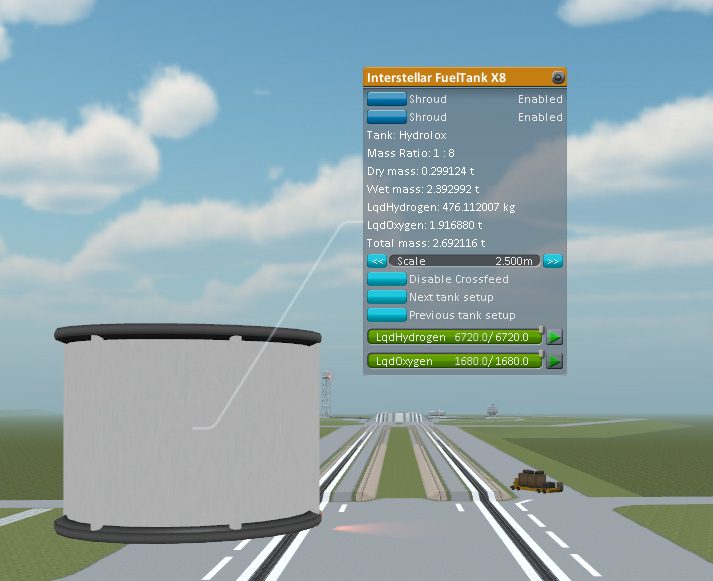
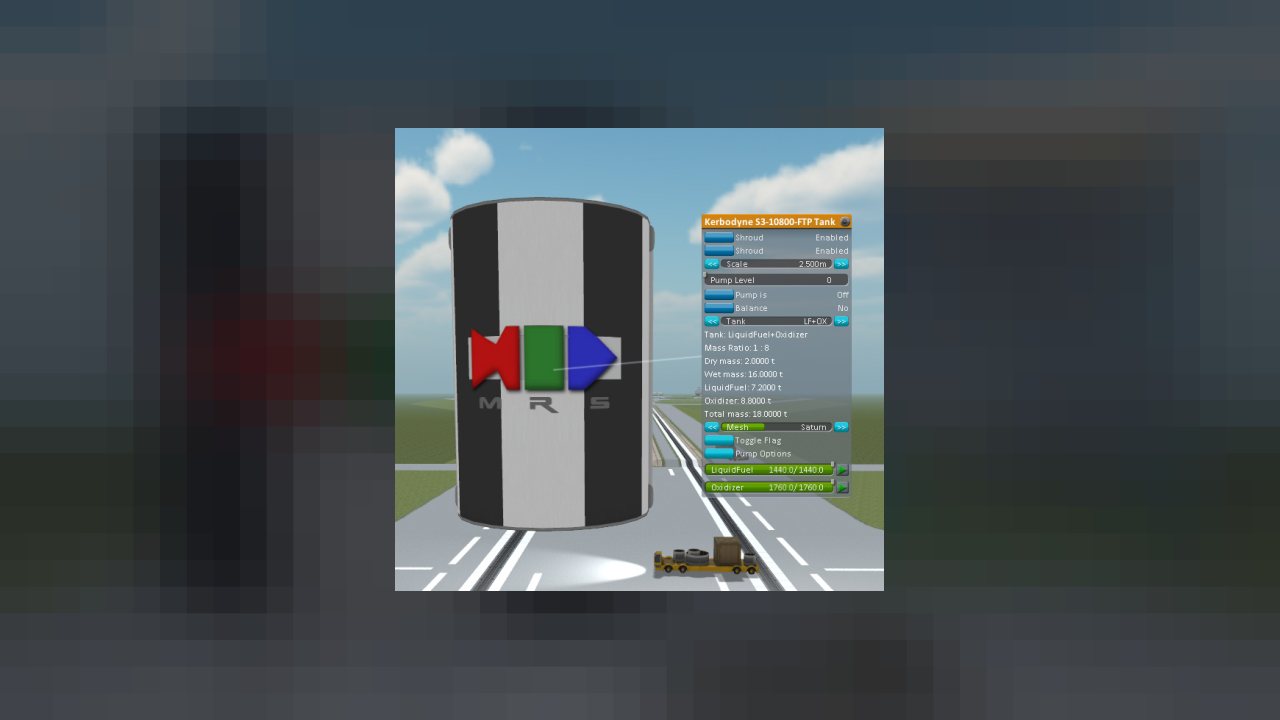
Interstellar Fuel Switch is mend for mod makers which want to add resource/mesh/texture switching to their tanks
Interstellar Fuel Switch is an improved version of FSFuelSwitch, FSMeshSwitch and FSTextureSwitch, FSTextureSwitch2 made by Snjo.
Features:
- - Improved persistence in VAB and in Flight
- - Improved Multiple texture switching
- - Improved Initialization
- - Improved scaling with Tweakscale
- - Improved in flight switching behavior
- - Improved tank cost calculation which compensates for resource cost
- - Improved integration with tech tree
- - Improved GUI (switching between resouces)
- - Improved Display (showing remaining resource in mass)
- - Improved In flight switching (only allows switching after the tanks are empty and tech requirement are met)
- - Improved Real Solar System support
- - Improved stock LFO IFS tanks
for more details visit the IFS DEvelpment Thread
ABOUT THIS LISTING
This page describes Interstellar Fuel Switch by freethinker79. The description and screenshots are the author's own, imported from their listing on CurseForge on 25 October 2026: https://www.curseforge.com/kerbal/ksp-mods/interstellar-fuel-switch
Mythiq.net hosts no files for it. The download button goes straight to the release file on edge.forgecdn.net, so you are downloading from the author's own host, not from a copy of ours.
The download count, rating and comments on this page start at zero and count Mythiq.net only. The source's own figures are not copied here — they measure a different site, and a number that cannot be checked against our own ledger is not worth printing.
Media
IFS 1.26
Requirements
Game versions
1.9.1
1.10.1
1.11.0
1.11.1
1.10
1.8.1
1.11.2
1.9
GAME VERSION
Built against KSP 1.9.1, 1.10.1, 1.11.0, 1.11.1, 1.10, 1.8.1. Parts and plugins compiled for one major version routinely misbehave on another — a plugin for 1.8 can fail silently on 1.12.
DEPENDENCIES
Many part packs and plugins depend on ModuleManager, and some on each other. KSP's loading log (KSP.log in the game folder) names the missing dependency when a part does not appear; the author's page lists the usual set.
Installation
1. Download the archive with the button on this page and unzip it.
2. Move the mod's folder — the one containing the .version file or the part folders — into:
Kerbal Space Program\GameData
The path in game must read GameData\\…, not GameData\\\…
3. Start the game. Parts appear in their categories in the VAB; plugins show their own toolbars or settings screens.
4. If the mod ships a CraftNote or extras folder, leave it — some packs store example ships and textures there.
UPDATING
Delete the old folder in GameData first. Two versions of one plugin loaded together is the usual cause of duplicate parts and toolbar errors.
This release downloads from edge.forgecdn.net, not from us, so
there is no checksum to compare against. Scan the archive before you unpack it.
Version history
IFS 3.29.4 for KSP 1.8.1 - 1.11.2Latest
24 May 2021 · 21 MB via edge.forgecdn.net · 0 downloads Download
Off-site on edge.forgecdn.net —
no checksum, because we never held this file.
Link checked by our review team on 26 Oct 2026.
Tell us if something is wrong — a file that will not work, content taken from
someone else, or anything that looks unsafe. Reports go to our review team, not
to the author.
We use cookies to ensure that we give you the best experience on our website and improve your experience. By continuing to use this site you consent to such use of cookies.