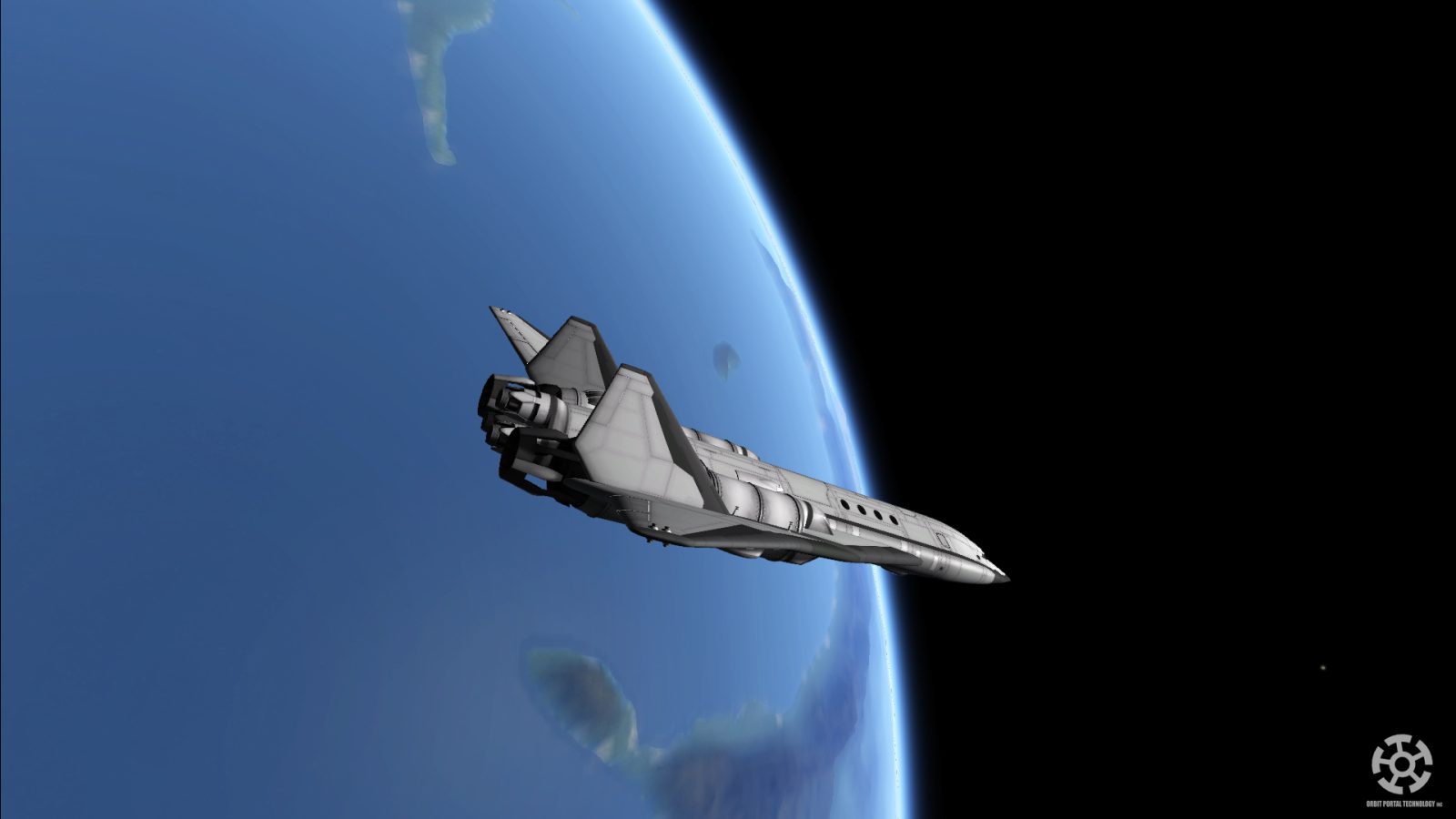
Please follow the video if you are unfamiliar with installing mods!
Otherwise Please read the short notice for OPT v 2.0:
OPT v2.0:::::::::: PLEASE READ ::::::::::::
Since OPT1.9.9, ASET Prop, ASET Avionics and RASTER PROP MONITOR IS NO LONGER BUNDLED!!
Please download from their official download pages if you wish to have instruments in IVA mode.
RasterPropMonitor, by Mihara, MOARdV
ASET Prop pack, by alexustas
ASET Avionics, by alexustas
Please delete original OPT folder for new install, as some textures have changed to DDS format, leaving the original PNG format unused.
Links:
OPT Forum Page - For comments or bug report!
Looking Forward to your feed backs!
Thanks for downloading and supporting this mod!
Common Q&A:
Q: I have trouble installing this mod, missing parts, missing textures or sudden crash
A: Try following the installation section carefully, it's been tested working many times! Also try to run KSP in x64 bit.
Q: No fuel when right clicking parts in SPH/VAB!
A: Read the requirements and installation section of this post! This is most likely due to incorrect installation of Module Manager, or have multiple versions of it. Also be aware that OPT uses fuel switch, which means if you right click the part, you can select your desired fuel tank.
Q: The wing parts are very annoying to attach, could you combine them into a single piece?
A: I explained it in this post, why they must be kept separate!
Q: Help with building space planes?
A: Basic Aircraft Design, this post provides good explanation about the basics of an aircraft design. Otherwise take a look at the pre-built crafts that's included with the download.
Q: The lifting body mess up during re-entry, causing the craft to flip!
A: check if your craft is well balanced on empty tanks first, then add fuel to the tanks near CoM. Also KSP aerodynamic model isn't exactly perfect, try keep re-entry angle less than 30 degrees. OPT parts have quite high thermal resistance, so unlike the real space shuttle, your kerbals will survive a faster re-entry.
Q: Support for FAR?
A: FAR is supported, however you need to download it separately for now. There is link on the forum page.
Q: Will this mod be indexed by CKAN?
A: Yes it's already on CKAN.
Q: The engines are overpowered!
A: If you dislike the engines, you can manually remove the engines by deleting the folder: GameData/OPT/Parts/engines. If you are looking for other large spaceplane engines, i recommend taking a look at: MkIV Spaceplane, and B9 Aerospace
If you like to leave a comment, but can't, it's because your on CurseForge instead of Curse.
Please click "view on Curse.com" in the project section and comment!
ABOUT THIS LISTING
This page describes OPT Space Plane Parts V2.0 by kkgc3124. The description and screenshots are the author's own, imported from their listing on CurseForge on 25 October 2026: https://www.curseforge.com/kerbal/ksp-mods/opt-space-plane-parts-v2-0
Mythiq.net hosts no files for it. The download button goes straight to the release file on edge.forgecdn.net, so you are downloading from the author's own host, not from a copy of ours.
The download count, rating and comments on this page start at zero and count Mythiq.net only. The source's own figures are not copied here — they measure a different site, and a number that cannot be checked against our own ledger is not worth printing.
Media
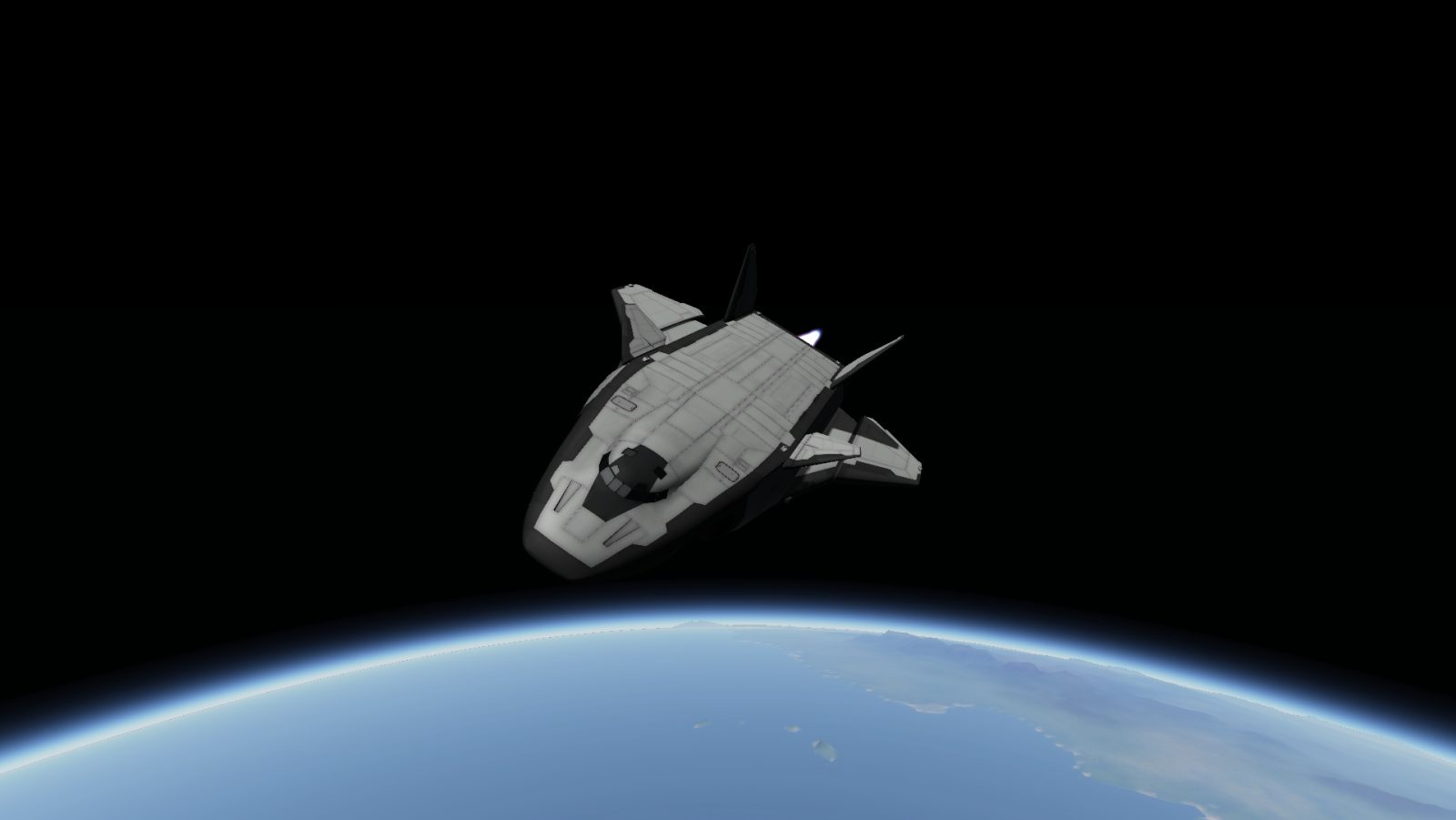
K Hauler SSTO
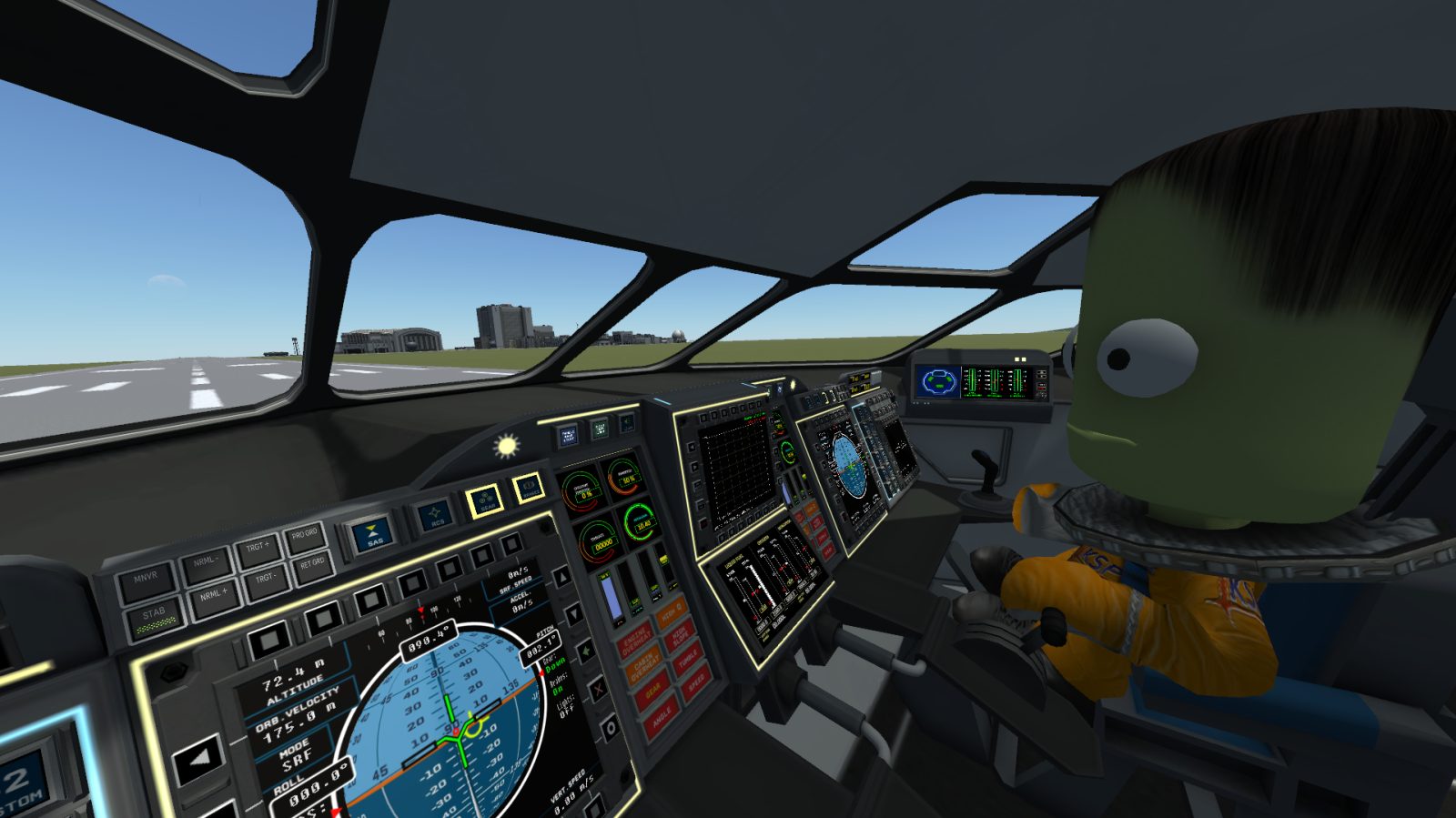
IVA
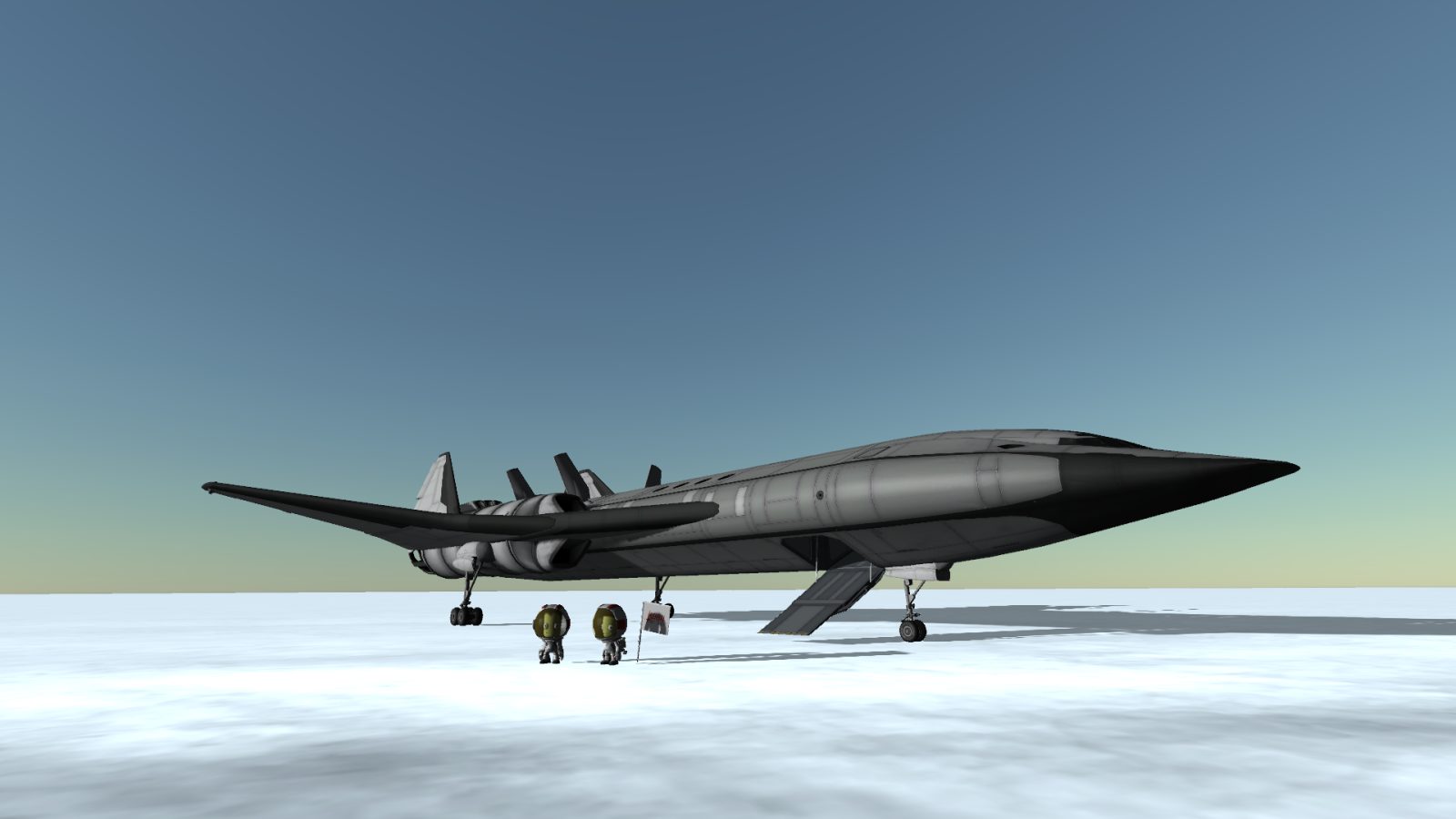
SouthPoleCrew
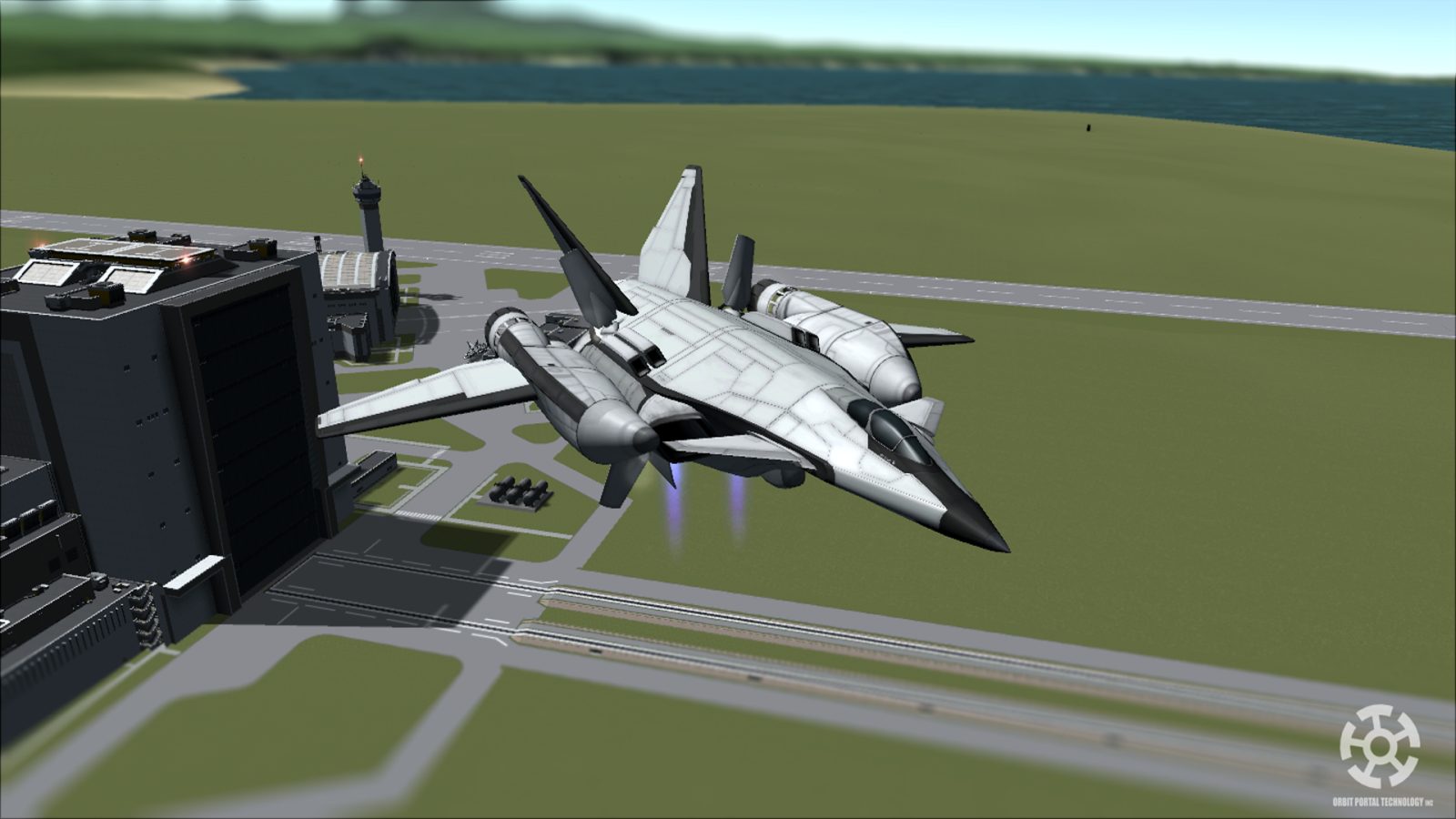
OPT VTOL
BalariV SSTO
Requirements
Game version
1.3
GAME VERSION
Built against KSP 1.3. Parts and plugins compiled for one major version routinely misbehave on another — a plugin for 1.8 can fail silently on 1.12.
DEPENDENCIES
Many part packs and plugins depend on ModuleManager, and some on each other. KSP's loading log (KSP.log in the game folder) names the missing dependency when a part does not appear; the author's page lists the usual set.
Installation
1. Download the archive with the button on this page and unzip it.
2. Move the mod's folder — the one containing the .version file or the part folders — into:
Kerbal Space Program\GameData
The path in game must read GameData\\…, not GameData\\\…
3. Start the game. Parts appear in their categories in the VAB; plugins show their own toolbars or settings screens.
4. If the mod ships a CraftNote or extras folder, leave it — some packs store example ships and textures there.
UPDATING
Delete the old folder in GameData first. Two versions of one plugin loaded together is the usual cause of duplicate parts and toolbar errors.
This release downloads from edge.forgecdn.net, not from us, so
there is no checksum to compare against. Scan the archive before you unpack it.
Tell us if something is wrong — a file that will not work, content taken from
someone else, or anything that looks unsafe. Reports go to our review team, not
to the author.
We use cookies to ensure that we give you the best experience on our website and improve your experience. By continuing to use this site you consent to such use of cookies.