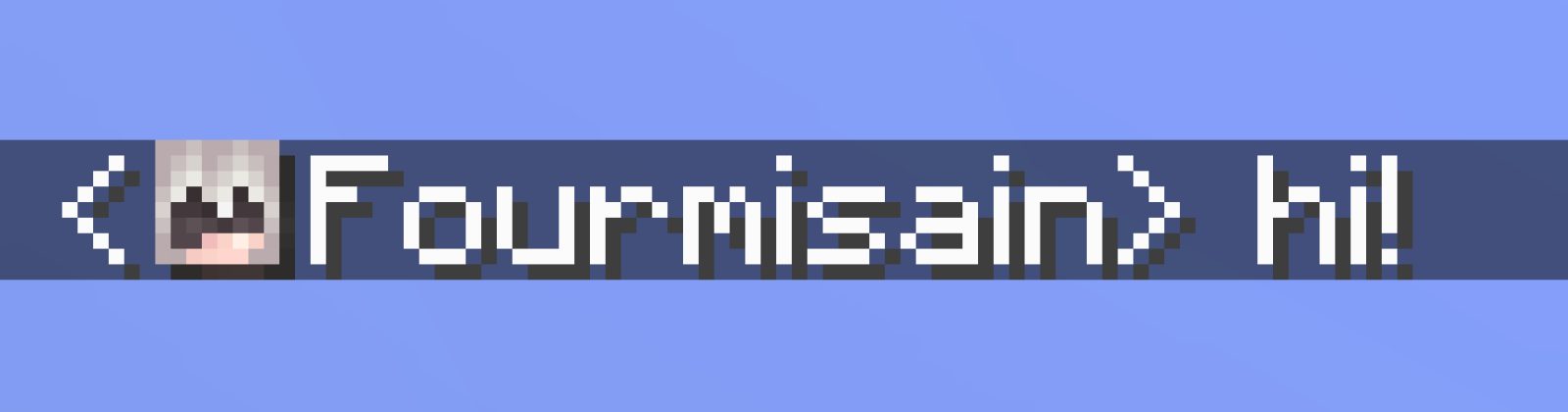
This clientside mod adds player heads next to chat messages, as seen on the screenshot above.
It makes telling various people in chat apart a bit easier, and it looks hella nice.
Based on a request from Hugman on the Fabric Discord.
Cloth Config (and Mod Menu for Fabric) is needed to access the settings, but the mod works without it, using the default settings.
Note: The default settings might not work on some servers. In this case try using the "Heuristic only" sender detection mode. Note that this might put wrong chat heads on some messages.
Note: Incompatible with newer versions of OptiFine (~1.20.1), use Sodium and co instead.
ABOUT THIS LISTING
This page describes Chat Heads by dzwdz. The description and screenshots are the author's own, imported from their listing on Modrinth on 31 August 2026: https://modrinth.com/mod/chat-heads
Mythiq.net hosts no files for it. The download button goes straight to the release file on cdn.modrinth.com, so you are downloading from the author's own host, not from a copy of ours.
The download count, rating and comments on this page start at zero and count Mythiq.net only. The source's own figures are not copied here — they measure a different site, and a number that cannot be checked against our own ledger is not worth printing.
Media
Before Line
Before Name
Before Line, default (with offset)
Before Line, no offset
Shadow
Requirements
Game versions
1.20.1
1.20
MOD LOADER
This release is built for Fabric. A mod built for one loader will not load under another — Fabric mods do not run on Forge, and vice versa.
GAME VERSION
Built for Minecraft 1.20.1, 1.20. Minecraft mods are tied to an exact version: a 1.21.4 build will refuse to load on 1.21.5.
DEPENDENCIES
Check the author's listing for required libraries before you start the game — a missing dependency shows up as a crash on launch, not as a warning.
Installation
1. Install Fabric for the Minecraft version you play, if you have not already.
2. Download the .jar with the button on this page. Do not unzip it — a mod jar is installed as it is.
4. Launch the game with the Fabric profile selected.
ON A SERVER
Anything that changes world generation or gameplay has to be installed on the server as well as on every client. Client-side visual and interface mods do not.
UPDATING
Replace the old .jar rather than adding the new one beside it. Two versions of the same mod in the folder is a crash on launch.
This release downloads from cdn.modrinth.com, not from us, so
there is no checksum to compare against. Scan the archive before you unpack it.
Version history
v0.15.7Latest
14 Aug 2026 · 85 KB via cdn.modrinth.com · 18 downloads Download
0.15.7
- compatibility with TalkArea (fix offset head position)
0.15.6
- update Ukranian (uk_ua) translations, thanks to Ch1sho!
0.15.5
- update Turkish (tr_tr) translations, thanks to iFair1!
0.15.4
- fix compatibility issue with TAB plugin's layout feature (ignore fake "slot" player info)
0.15.3
- update Argentina Spanish (es_ar) translations, thanks to Texaliuz!
0.15.2
- [1.19.2 - 1.21.6] fix automatic "Before Line" fallback for Caxton and ModernUI not working anymore (regression of 0.14.0)
0.15.1
- [1.21.5-] fix click positions yet again
0.15.0
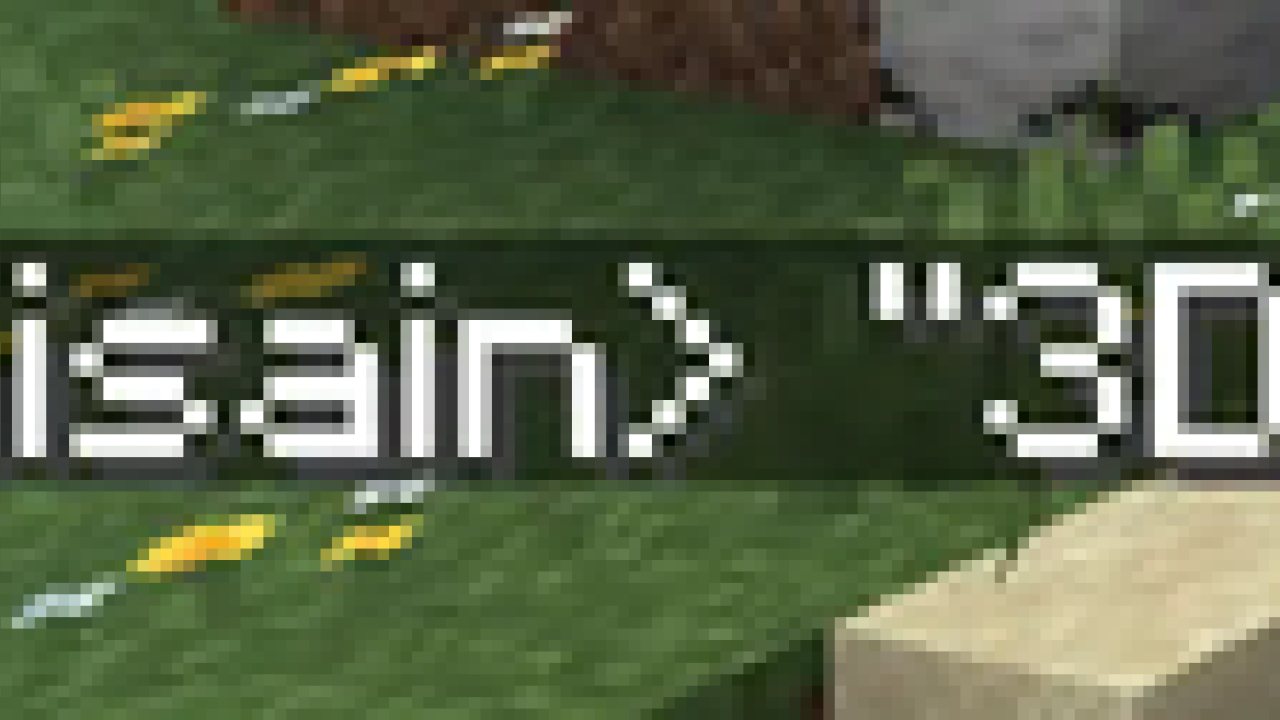
- backport "3Dness": a config option, which can render the hat layer slightly bigger to make heads appear less flat
Example of "3Dness", or Fluffyness if you prefer:
0.14.2
- fix translations JSON (oops!)
0.14.1
- update Simplified Chinese (zh_cn), Traditional Chinese (zh_tw) and Japanese (ja_jp) translations, thanks to Internet Yamero!
0.14.0
- add "Auto-detect Name Aliases" feature, which detects responses to /realname commands on EssentialsX servers and automatically adds aliases for it (on by default)
- [1.21.6+] fix "Missing Cloth Config" screen text being invisible
0.13.22
- respect "Player Customization" - If you take your hat off, it won't show in chat either
0.13.21
- add option to render shadow below chat heads (on by default)
- render upside down players upside down
Off-site on cdn.modrinth.com —
no checksum, because we never held this file.
Link checked by our review team on 31 Aug 2026.
Tell us if something is wrong — a file that will not work, content taken from
someone else, or anything that looks unsafe. Reports go to our review team, not
to the author.
We use cookies to ensure that we give you the best experience on our website and improve your experience. By continuing to use this site you consent to such use of cookies.