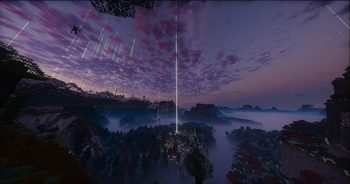
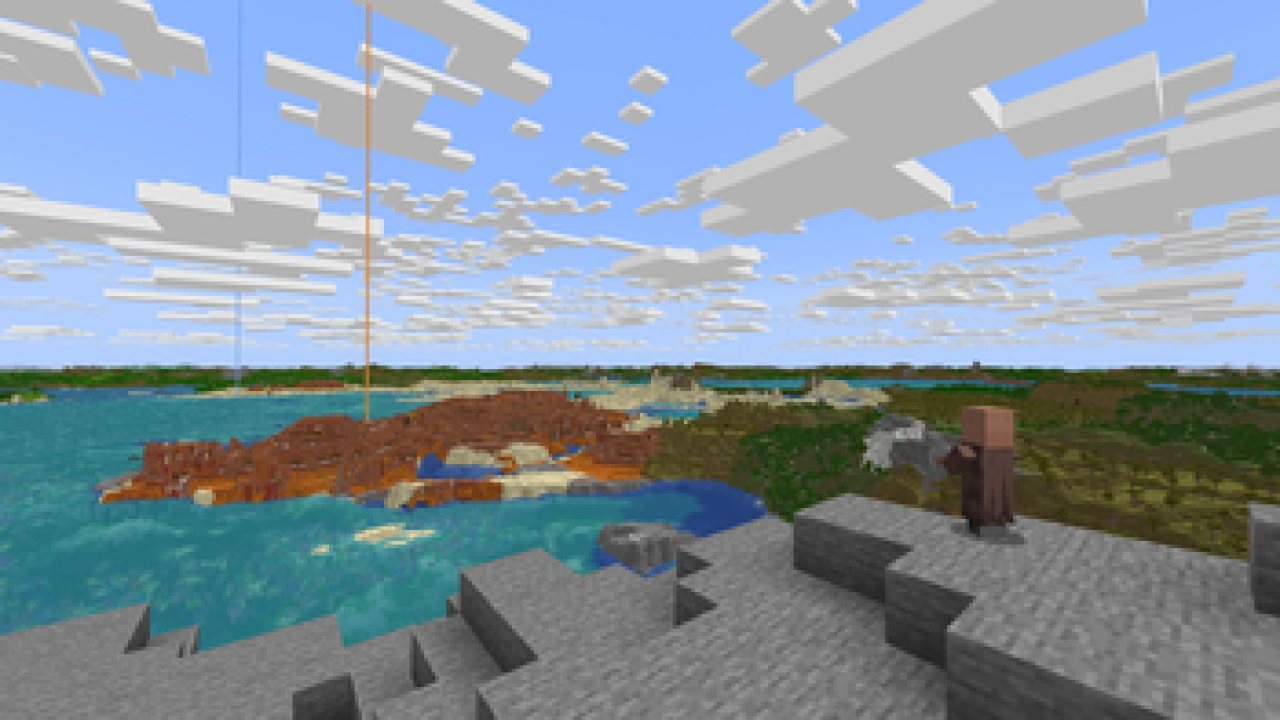
Massively increase render distance without harming performance.
Distant Horizons allows you to achieve extreme (256+) chunk render distances at a low performance cost.
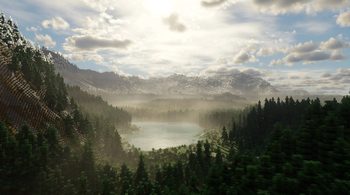
Now you can finally enjoy that mountain top lookout tower.
This photo was taken with a Minecraft render distance of 8 and a mod distance of 512.
FAQ:
Q: Forge or Fabric?
A: MC 1.20.6 and newer - NeoForge and Fabric are both in the same jar.
MC 1.20.4 and older - Forge and Fabric are both in the same jar.
Q: Shaders?
A: Yes, but only with certain shaders.
- Optifine: DH partially works with forward rendered shaders.
- Iris (and equivalent ports): DH 2.1.0+ only works with Iris 1.7+ and only with shaders built with DH support in mind.
- DH 2.0 and older don't work with Iris.
Q: Does this work with player created structures?
A: Yes.
Q: Does this render using my GPU?
A: Yes.
Distant Horizons uses OpenGL or Vulkan for graphics rendering.
Q: Is there multiplayer support?
A: Yes
client side only:
If you only have DH installed on your client LODs will be saved between sessions, although you have to explore the world to load them.
Server and Client:
If DH is installed on the server and client, LODs will automatically be sent to each connected user that has DH installed and has Distant Generation Enabled set to true, disabling distant generation on the server will prevent LODs from being sent to the users.
Q: My game is stuttering, help!
A: Try each of the following steps:
1. Use a concurrent garbage collector like ZGC for Java 21+ or Shenandoah for Java 8-17
- This can be done via your JVM arguments (args)
2. Increase Minecraft's allocated RAM
- For CPUs with 4-8 cores: try allocating 6-8 GB
- For CPUs with 10+ cores: try allocating 12-16 GB
3. Lower DH's CPU load in the DH config menu
4. Disabling DH's "Distant Generation" in the DH config menu
5. Lower DH's "Graphics Preset" in the DH config menu
Q: Where can I download the Bukkit plugin?
A: The bukkit plugin has its own separate download page:
Discord:
Join our Discord for news, updates, and help:
discord.com/invite/xAB8G4cENx
Support us:
If you want to help with development, join our discord and let us know!
Otherwise, if you can't help with development but still want to support Distant Horizons, check out our donation page:
ko-fi.com/distanthorizons
ABOUT THIS LISTING
This page describes Distant Horizons by jeseibel. The description and screenshots are the author's own, imported from their listing on Modrinth on 3 October 2026: https://modrinth.com/mod/distanthorizons
Mythiq.net hosts no files for it. The download button goes straight to the release file on cdn.modrinth.com, so you are downloading from the author's own host, not from a copy of ours.
The download count, rating and comments on this page start at zero and count Mythiq.net only. The source's own figures are not copied here — they measure a different site, and a number that cannot be checked against our own ledger is not worth printing.
Media
Iris Shader Support (Distant Mountains)
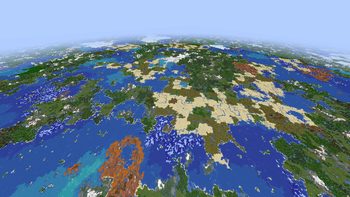
1024 render distance
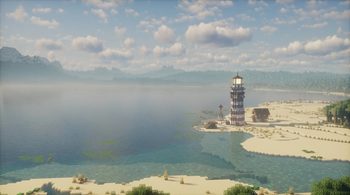
Iris Shader Support (Ocean Overlook)
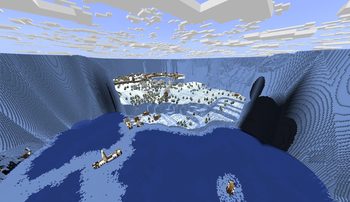
Custom map/structure support
Screenshot Contest Shader Winner
Requirements
Game version
26.3
MOD LOADER
This release is built for Fabric and Neoforge. A mod built for one loader will not load under another — Fabric mods do not run on Forge, and vice versa.
GAME VERSION
Built for Minecraft 26.3. Minecraft mods are tied to an exact version: a 1.21.4 build will refuse to load on 1.21.5.
DEPENDENCIES
Check the author's listing for required libraries before you start the game — a missing dependency shows up as a crash on launch, not as a warning.
Installation
1. Install Fabric for the Minecraft version you play, if you have not already.
2. Download the .jar with the button on this page. Do not unzip it — a mod jar is installed as it is.
4. Launch the game with the Fabric profile selected.
ON A SERVER
Anything that changes world generation or gameplay has to be installed on the server as well as on every client. Client-side visual and interface mods do not.
UPDATING
Replace the old .jar rather than adding the new one beside it. Two versions of the same mod in the folder is a crash on launch.
This release downloads from cdn.modrinth.com, not from us, so
there is no checksum to compare against. Scan the archive before you unpack it.
Tell us if something is wrong — a file that will not work, content taken from
someone else, or anything that looks unsafe. Reports go to our review team, not
to the author.
We use cookies to ensure that we give you the best experience on our website and improve your experience. By continuing to use this site you consent to such use of cookies.