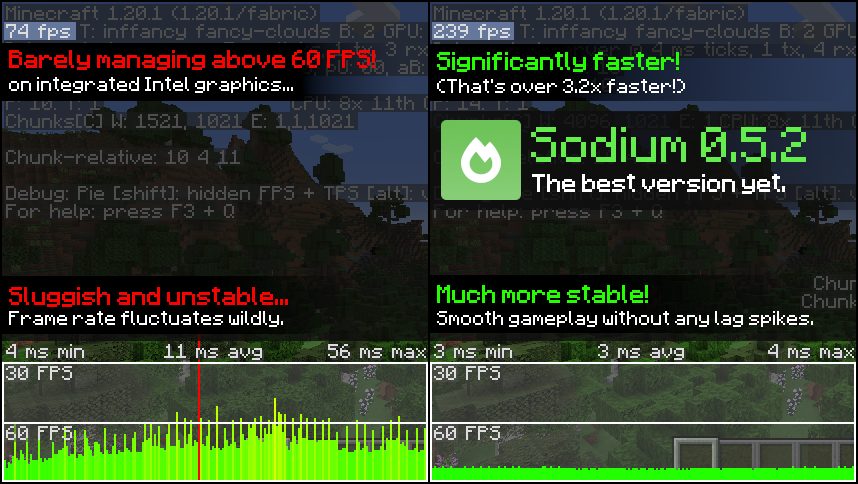
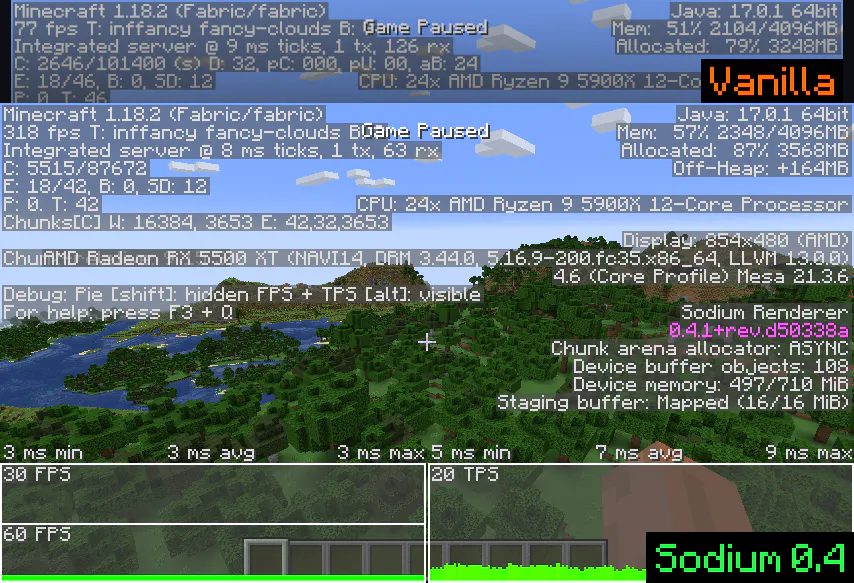
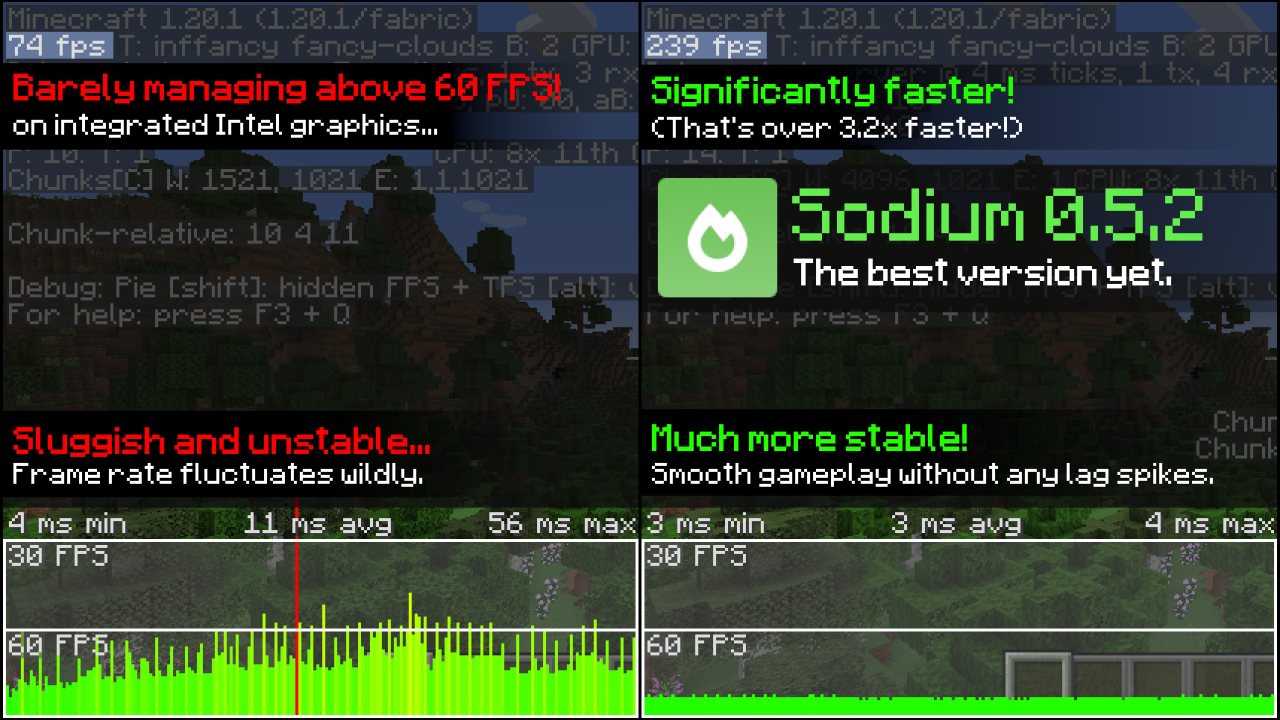
A rewritten rendering engine that dramatically raises frame rates and removes most of vanilla's micro-stutter.
Sodium replaces Minecraft's rendering engine with a modern one. It is the single largest performance improvement available to a vanilla-shaped client, and on most machines it multiplies frame rate rather than nudging it.
WHAT IT CHANGES
Chunk meshing and geometry upload are rebuilt to use the GPU properly instead of the very old code path vanilla still uses. The practical effects are much higher frame rates, far less stutter when moving into new chunks, and a render distance that is actually usable at values vanilla cannot sustain.
It also fixes a number of graphical bugs in vanilla rendering along the way, and adds a rebuilt video settings screen with options the vanilla one does not expose.
CLIENT-SIDE ONLY. It changes nothing about the world or gameplay, so it works on any server, including vanilla servers, and needs no server-side install.
Pairs with Iris Shaders for shader support and with Lithium for server-side tick performance — the three are frequently installed together.
Over 204 million downloads on Modrinth as of August 2026.
Media
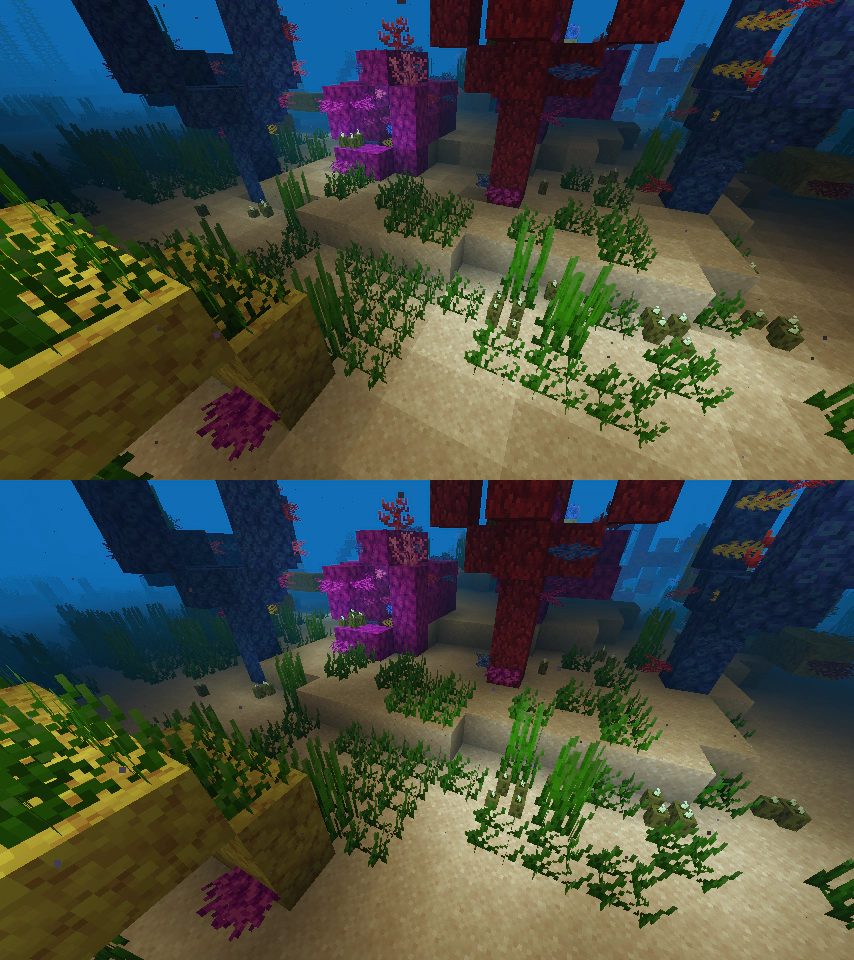
Underwater Lighting Improvements
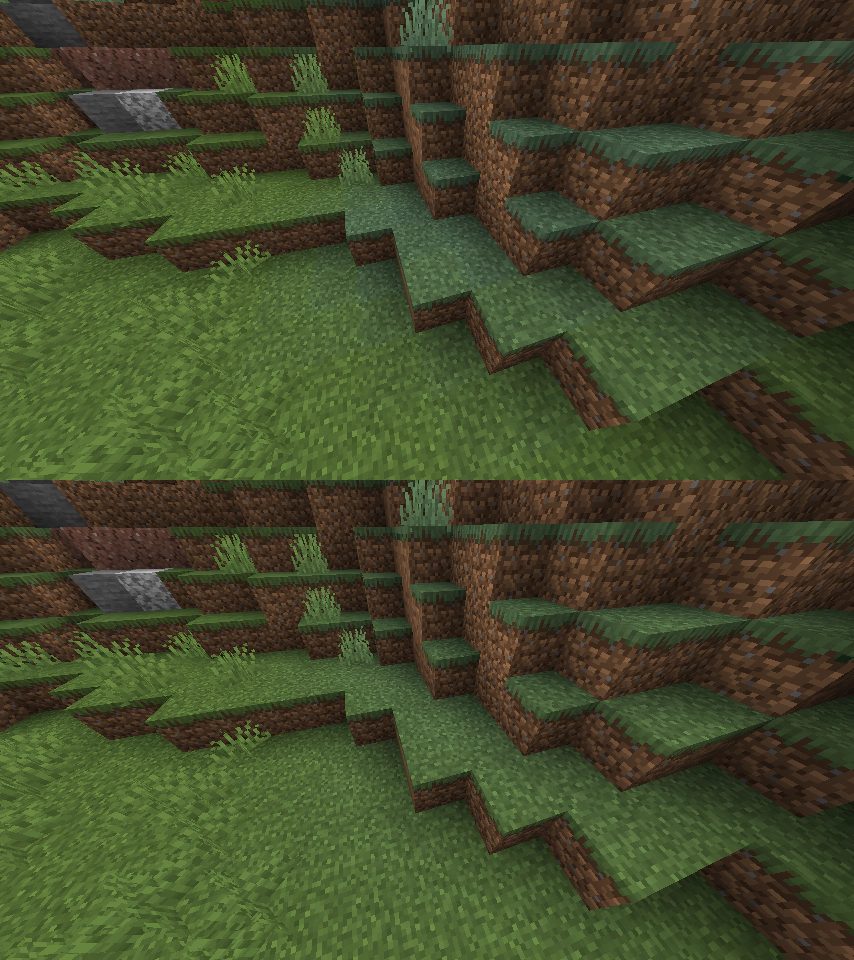
Biome Blending Improvements
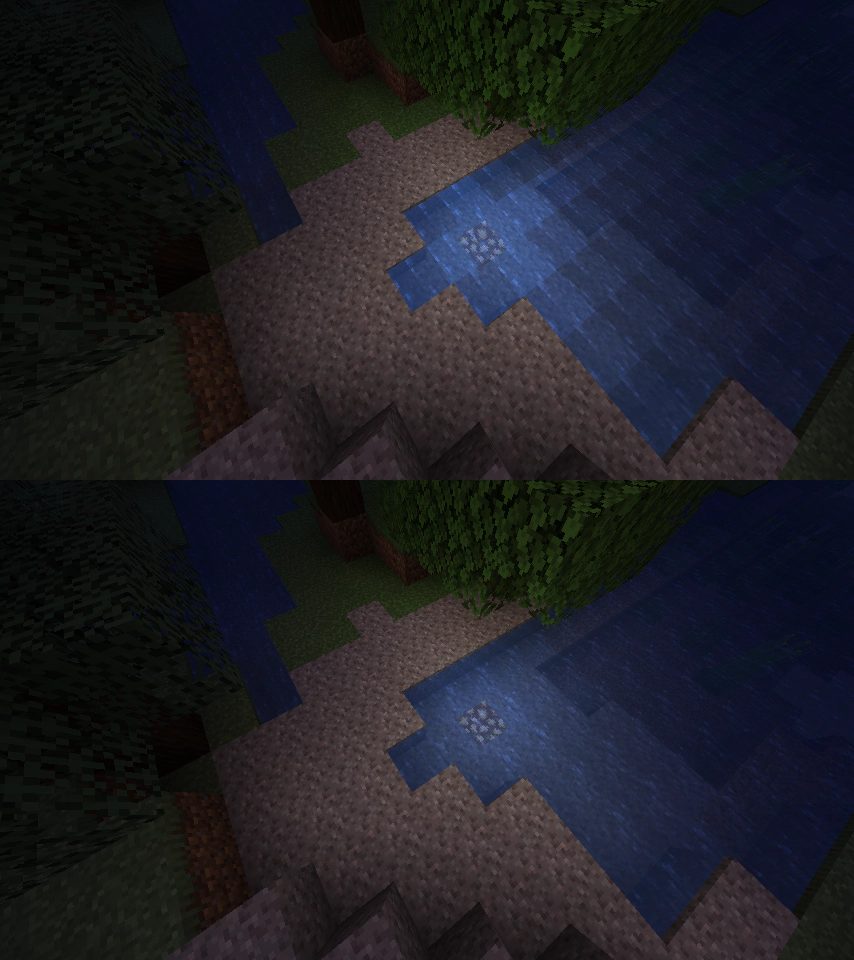
Fluid Rendering Improvements
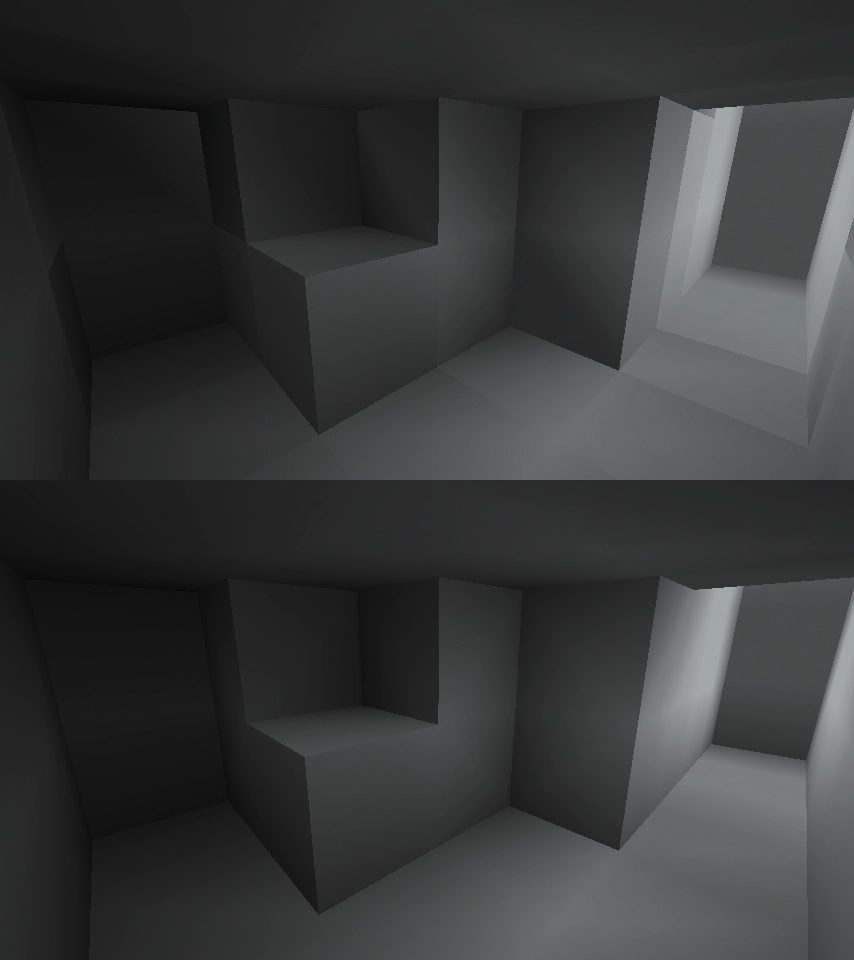
Block Shading Improvements
Sodium 0.5.2
Sodium 0.4.1
Requirements
Game versions
26.2
26.1.2
1.21.1
REQUIRES
Fabric loader and Fabric API, or NeoForge for the NeoForge build. Quilt is supported.
GPU
A GPU with OpenGL 4.6 support. Very old integrated graphics may not be able to run it — that is the one machine where Sodium is not an upgrade.
CONFLICTS WITH
OptiFine. They replace the same systems and cannot coexist. Use Iris Shaders instead if you came for shader support.
SERVERS
None needed. Client-side only.
Installation
1. Install the Fabric loader and Fabric API for your Minecraft version.
2. Download the Sodium build matching that Minecraft version and loader.
3. Drop the .jar into your mods folder (%appdata%\.minecraft\mods on Windows).
4. Launch. Video Settings will have been replaced with Sodium's own screen.
5. Raise your render distance — the whole point is that you now can.
FOR SHADERS
Add Iris Shaders. It is built to run on top of Sodium and the two are designed together.
This release downloads from cdn.modrinth.com, not from us, so
there is no checksum to compare against. Scan the archive before you unpack it.
Version history
v0.9.1+mc26.1.2Latest
12 Nov 2024 · 1.8 MB via cdn.modrinth.com · 20 downloads Download
Tracking current Minecraft releases.
Continued chunk rendering and memory work.
Fixes for driver-specific rendering issues.
Off-site on cdn.modrinth.com —
no checksum, because we never held this file.
Link checked by our review team on 14 Aug 2026.
Tell us if something is wrong — a file that will not work, content taken from
someone else, or anything that looks unsafe. Reports go to our review team, not
to the author.
We use cookies to ensure that we give you the best experience on our website and improve your experience. By continuing to use this site you consent to such use of cookies.