The Classic quest helper — objectives on the map and minimap, with class, race and faction gating handled properly.
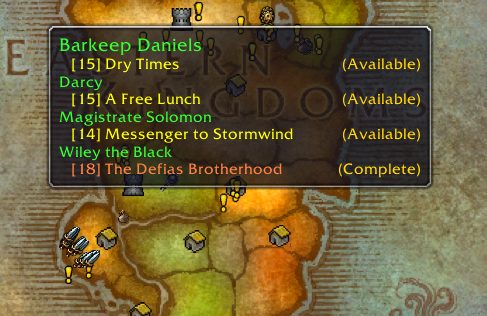
Questie puts quest objectives back on the map. Classic WoW deliberately ships without the quest markers modern WoW has, and Questie is how the overwhelming majority of Classic players choose to put them back.
WHAT IT DOES
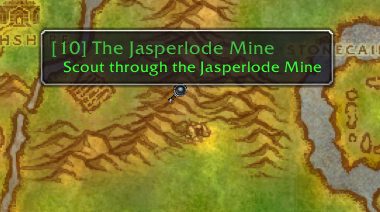
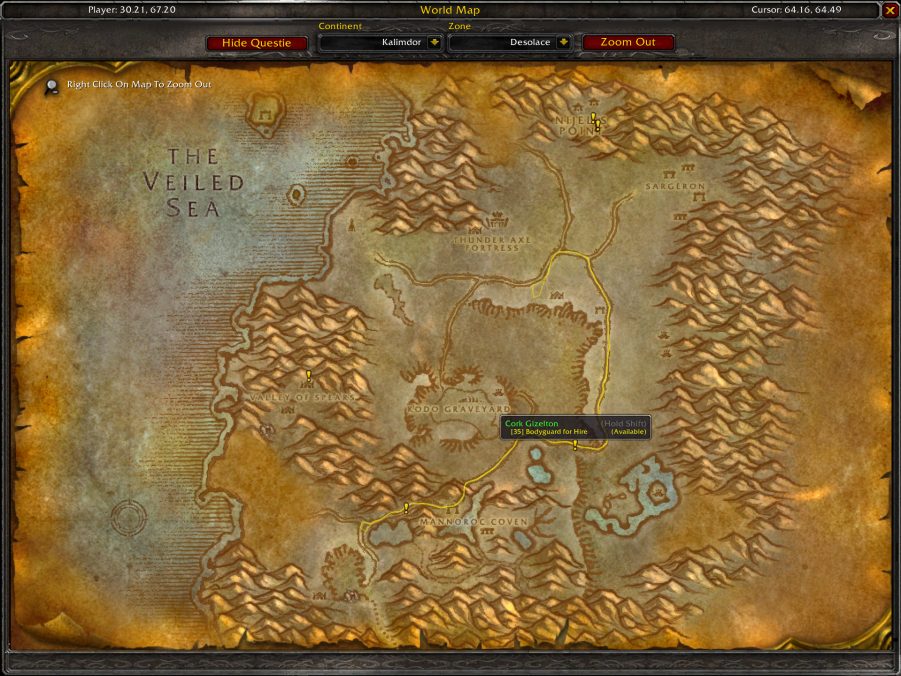
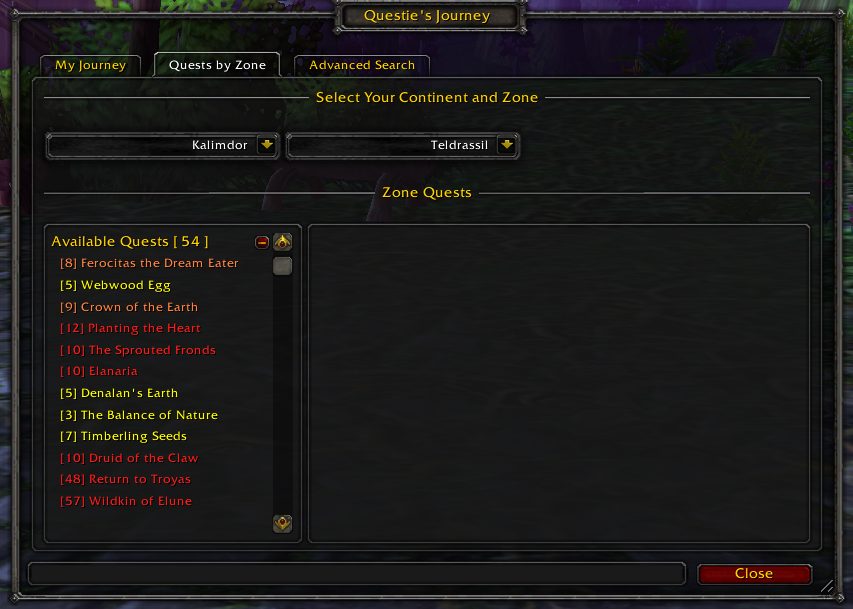
Icons on the world map and minimap for where to pick a quest up, where its objectives are, and where to hand it in. A tracker showing what is available at your level in the zone you are standing in. Full awareness of class, race, faction, profession and prerequisite gating, so it never sends you to a quest you cannot take.
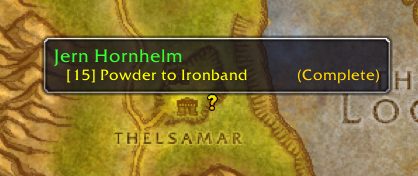
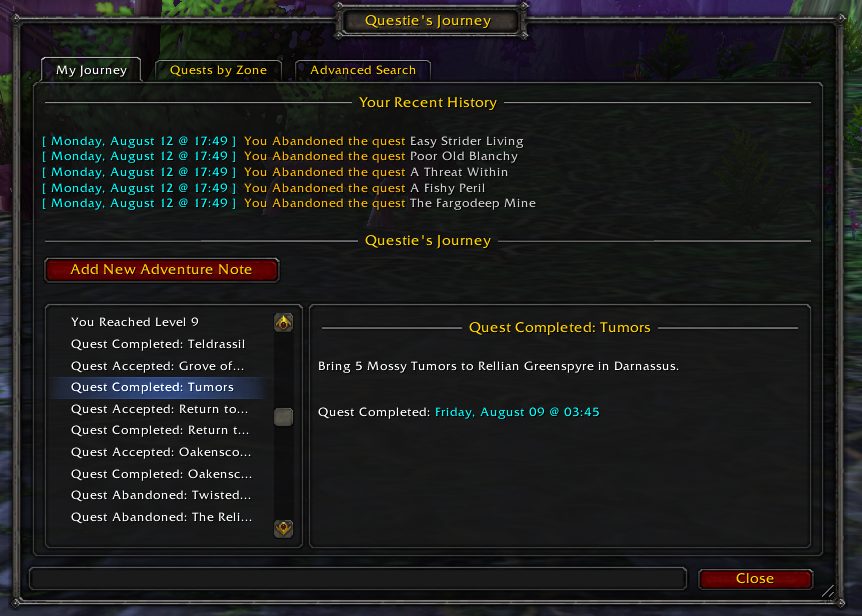
It also shows which quests you have already completed on that character, which matters enormously in a game where a chain can span three zones and twenty levels.
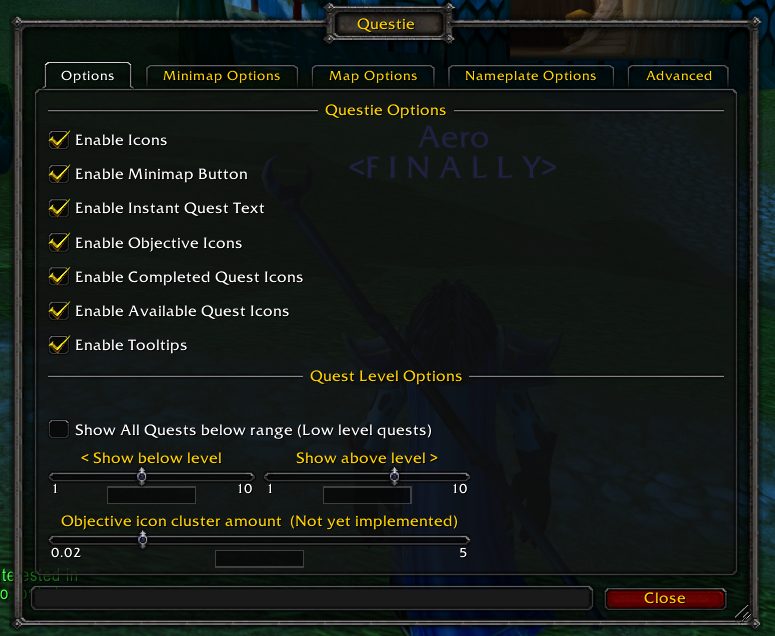
HOW MUCH IT TELLS YOU IS CONFIGURABLE. If you want the map markers without the tracker, or objectives only for quests already in your log, that is a setting rather than a different addon.
Over 203 million downloads on CurseForge as of August 2026.
Media
World map tooltips
Quest Objectives
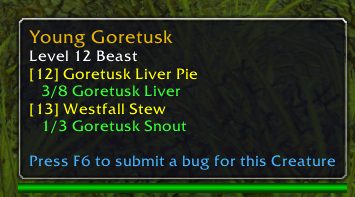
Mob Tooltips
Quest complete
Waypoints
Quests by Zone
Advanced Search
Journey system
Config ui
Requirements
Game versions
1.15.9
3.4.x
2.5.x
REQUIRES
Nothing. Standalone.
CLASSIC FLAVOURS
Published for Classic Era, Season of Discovery, Hardcore, and the progression Classic flavours. Install the build matching your client — a Classic Era build will not have the right quest database for Wrath.
CONFLICTS WITH
Other quest helpers. Works fine alongside TomTom, which it can hand waypoints to.
PERFORMANCE
The quest database is large. Loading is noticeably slower on first login after an update while it rebuilds — this is normal.
Installation
THROUGH THE CURSEFORGE APP (recommended)
Install and update from the app.
MANUAL
1. Download the build for your Classic flavour from CurseForge.
2. Extract into the AddOns folder for that client:
Classic Era — World of Warcraft\_classic_era_\Interface\AddOns
Progression Classic — World of Warcraft\_classic_\Interface\AddOns
3. Restart the game.
4. Type /questie for options.
IF YOU WANT LESS HELP
The options let you show only quests already in your log, hide the tracker, or turn off availability icons entirely — a much better answer than uninstalling it.
This release downloads from curseforge.com, not from us, so
there is no checksum to compare against. Scan the archive before you unpack it.
Version history
v11.34.1Latest
22 Jan 2023 · via curseforge.com · 17 downloads Download
Quest database corrections across all supported Classic flavours.
Tracker and map icon improvements.
Updates for the current Classic patch.
Off-site on curseforge.com —
no checksum, because we never held this file.
Link checked by our review team on 14 Aug 2026.
Tell us if something is wrong — a file that will not work, content taken from
someone else, or anything that looks unsafe. Reports go to our review team, not
to the author.
We use cookies to ensure that we give you the best experience on our website and improve your experience. By continuing to use this site you consent to such use of cookies.