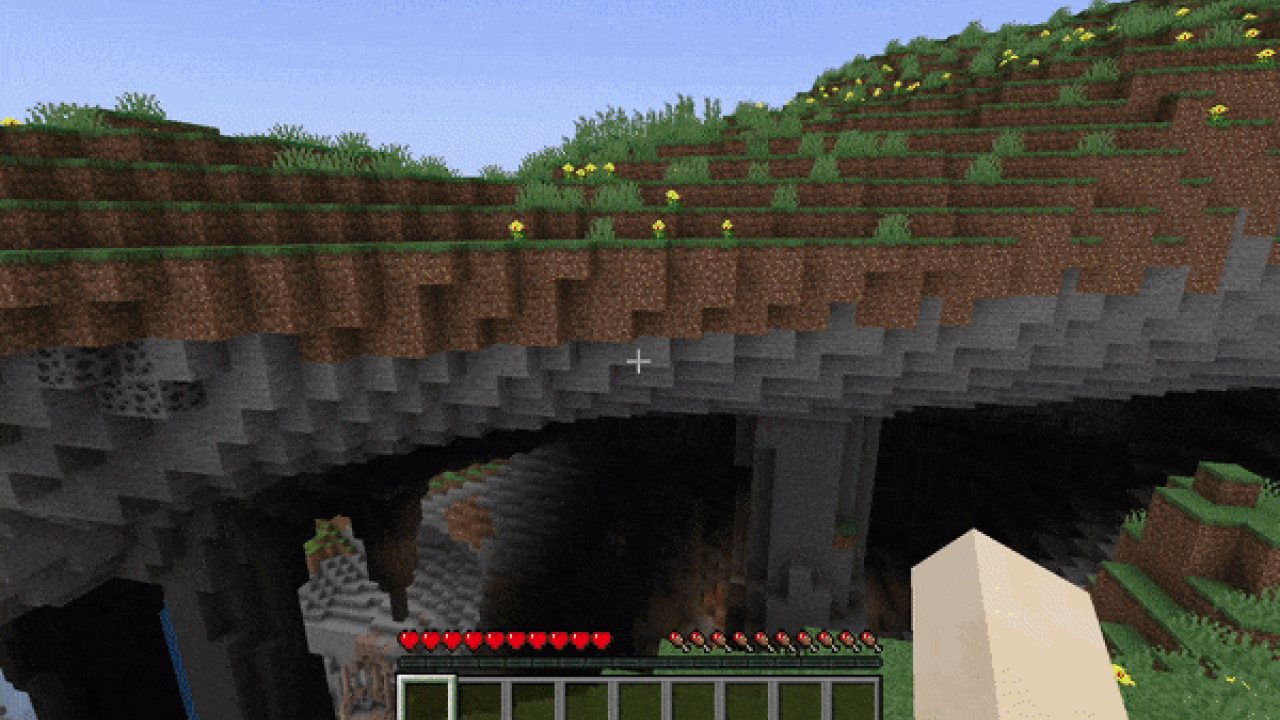
Lets you return to the Title Screen early while your world is still saving in the background!
FastQuit
About this mod
This mod lets you return to the title screen early while your world is still saving in the background.
Don't worry, the mod will wait for the world to finish saving when necessary, no data will be lost!
The world will show up on the world list, and you can even edit, delete or recreate it while it is still saving.
This is done by reusing the info from the still saving world.
In its current state this should be safe to do as measures for thread safety have been taken.
If you do somehow still encounter an issue, the worst thing to happen will be the action failing and Minecraft showing you a toast informing you of it.
If that happens, please open an issue with your .minecraft/logs/latest.log file attached!
Join the Discord!
If you are interested in my mods or have any questions, you can join my Discord!
Configure
To configure the mod, open the config screen from ModMenu or go to .minecraft/config/fastquit-config.txt.
There is currently three options to configure:
Show Toasts:
Determines whether a toast gets shown when a world finishes saving.
Background Thread Priority:
Sets the thread priority of the server when saving worlds in the background.
This is done to improve client performance while saving, but will make the saving take longer over all.
Value has to be between 0 and 10, setting it to 0 will disable changing thread priority.
Render "Saving world" Screen:
When playing on high render distance, quitting the world can still take a bit because the client-side chunk storage has to be cleared.
By enabling this setting the "Saving world" screen will be rendered.
Show Saving Time
Determines whether the time it took to save the world gets displayed on toasts and the world list.
Value has to be between 0 and 2, with 0 never showing the time, 1 only on the toast and 2 also on the world list. In ModMenu these are accordingly labelled.
How does this mod work?
At it's core, this mod is quite simple:
Normally, when quitting a singleplayer world, the client will wait until the server thread has finished saving the world before going to the Title Screen.
This mod skips this waiting period and lets the server continue saving in the background.
PLEASE NOTE this does not always make quitting a world instant, as the client can still take a bit of time to unload rendered chunks etc. However, even in that case you will see a speedup as clientside unloading and serverside saving now perform simultaneously instead of one after the other.
Of course in practice this is not quite that easy:
When working with multiple threads like this, many problems arise.
For example, when going to the world list, Minecraft will try to read its level data but fails because the background saving still locks the world file.
Instead, we now access the information through the still saving server.
Similarly, when trying to edit, delete or recreate the world, we have to use the existing session.
To keep these processes thread safe, a lot of synchronization has to be done to ensure the saving server and the client don't get in each other's way.
For some things, like rejoining the still saving world or making a backup, we just wait for the server to finish saving completely.
We also wait for the worlds to finish saving when quitting the game to ensure no data is lost.
With the help of MixinExtras and a custom Mixin Config Plugin, the mixins have been designed to be very non-intrusive while also being very effective.
Fast Backups:
- (FIXED in FastQuit v3.1.0+) crash on world exit when "Allow multiple running Worlds" is ON
- (FIXED in Fast Backups v0.17+) crash when quitting Minecraft immediately after world exit, fixed in newer versions of Fast Backup
Wakes:
- (FIXED in Wakes v0.4.0+) crash on world exit with Wakes 0.3.0
If you suspect an incompatibility with another mod, please open an issue!
Problems?
If you are experiencing any problems, please open an issue on the issue tracker!
Make sure to attach important info like other mods you were using, log- or crash-files and if possible steps to reproduce.
Before uploading any files make sure to get rid of personal data! (For example your computers username in logged directories)
ABOUT THIS LISTING
This page describes FastQuit by contaria. The description and screenshots are the author's own, imported from their listing on Modrinth on 24 October 2026: https://modrinth.com/mod/fastquit
Mythiq.net hosts no files for it. The download button goes straight to the release file on cdn.modrinth.com, so you are downloading from the author's own host, not from a copy of ours.
The download count, rating and comments on this page start at zero and count Mythiq.net only. The source's own figures are not copied here — they measure a different site, and a number that cannot be checked against our own ledger is not worth printing.
Requirements
Game versions
26.3
26.2
MOD LOADER
This release is built for Fabric. A mod built for one loader will not load under another — Fabric mods do not run on Forge, and vice versa.
GAME VERSION
Built for Minecraft 26.3, 26.2. Minecraft mods are tied to an exact version: a 1.21.4 build will refuse to load on 1.21.5.
DEPENDENCIES
Check the author's listing for required libraries before you start the game — a missing dependency shows up as a crash on launch, not as a warning.
Installation
1. Install Fabric for the Minecraft version you play, if you have not already.
2. Download the .jar with the button on this page. Do not unzip it — a mod jar is installed as it is.
4. Launch the game with the Fabric profile selected.
ON A SERVER
Anything that changes world generation or gameplay has to be installed on the server as well as on every client. Client-side visual and interface mods do not.
UPDATING
Replace the old .jar rather than adding the new one beside it. Two versions of the same mod in the folder is a crash on launch.
This release downloads from cdn.modrinth.com, not from us, so
there is no checksum to compare against. Scan the archive before you unpack it.
Tell us if something is wrong — a file that will not work, content taken from
someone else, or anything that looks unsafe. Reports go to our review team, not
to the author.
We use cookies to ensure that we give you the best experience on our website and improve your experience. By continuing to use this site you consent to such use of cookies.