Config API with automatic GUIs, powerful validation options, server-client sync, and more!
Fzzy Config is a powerful multi-loader configuration engine for Minecraft Mods that meets you where you want to be. Quick and dirty or detailed and featureful, Fzzy Config will work with you. It provides a wide array of features above and beyond what you can find in other libraries.
The Basics
Automatic serialization to TOML.
Minimal API with lightweight integration requirements
GUIs
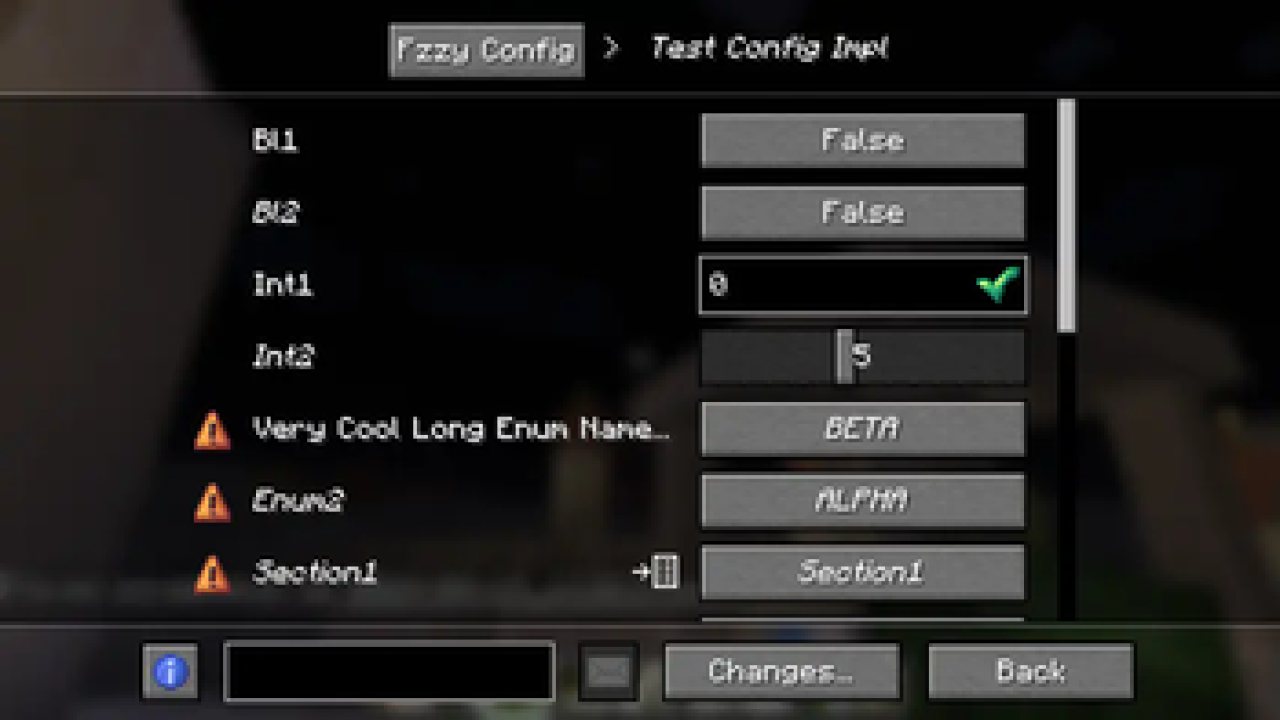
Automatic GUI generation based on the layout and content of your config files.
Screens are fully keyboard-navigable and narratable out of the box.
Fully vetted and tested by a visually impaired member of the modding community.
No need for screen builders or registration.
ModMenu and Catalogue automatically integrated.
Synchronization
Automatic server-client sync.
Push live updates to a server from a client.
Forward client settings to other users who want your setup.
Validation
Validation and Correction built into everything, beyond just primitive types.
Tightly control what values a player can choose from and how they choose them.
Automatic suggestions for settings like tags and identifiers.
Updates
Versioned updates supported with one simple method implementation.
Scrape previous configs to easily update from another config library.
Flexibility
Implement a config with as little or much effort as you want.
Plain java/kotlin object, or Minecraft GameOptions-like carefully crafted settings.
Seamless multi-loader support. Use the same API on Fabric and Forge; including a lightweight mutli-loader Networking API!
ABOUT THIS LISTING
This page describes Fzzy Config by fzzyhmstrs. The description and screenshots are the author's own, imported from their listing on Modrinth on 3 October 2026: https://modrinth.com/mod/fzzy-config
Mythiq.net hosts no files for it. The download button goes straight to the release file on cdn.modrinth.com, so you are downloading from the author's own host, not from a copy of ours.
The download count, rating and comments on this page start at zero and count Mythiq.net only. The source's own figures are not copied here — they measure a different site, and a number that cannot be checked against our own ledger is not worth printing.
Media
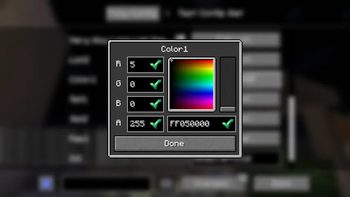
Powerful Widgets
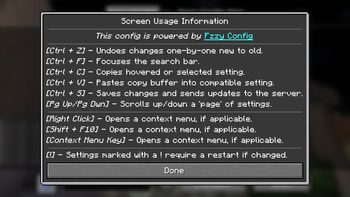
Hotkey Information
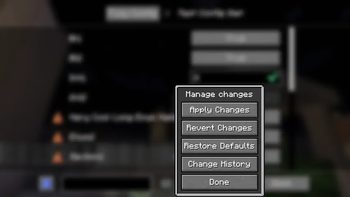
Change Manager
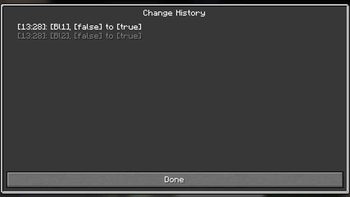
Change History
Config Command
Requirements
Game version
26.3
MOD LOADER
This release is built for Neoforge. A mod built for one loader will not load under another — Fabric mods do not run on Forge, and vice versa.
GAME VERSION
Built for Minecraft 26.3. Minecraft mods are tied to an exact version: a 1.21.4 build will refuse to load on 1.21.5.
THIS IS A LIBRARY
On its own it adds nothing you can see. It is here because other mods require it, and installing it is usually something another mod asked you to do.
DEPENDENCIES
Check the author's listing for required libraries before you start the game — a missing dependency shows up as a crash on launch, not as a warning.
Installation
1. Install Neoforge for the Minecraft version you play, if you have not already.
2. Download the .jar with the button on this page. Do not unzip it — a mod jar is installed as it is.
4. Launch the game with the Neoforge profile selected.
ON A SERVER
Anything that changes world generation or gameplay has to be installed on the server as well as on every client. Client-side visual and interface mods do not.
UPDATING
Replace the old .jar rather than adding the new one beside it. Two versions of the same mod in the folder is a crash on launch.
This release downloads from cdn.modrinth.com, not from us, so
there is no checksum to compare against. Scan the archive before you unpack it.
Breaking changes in 0.7.x
ValidatedEnumMap is removed
Removed all methods and properties marked as Deprecated and for removal 0.7.0
SmallSpriteDecoration#
SpriteDecorated#textureSet & textures is now a required override
SpriteDecoration#
CustomButtonWidget# & builder is now only non-override method for adding custom button
Removed ActiveButtonWidget
Removed TextlessActionWidget
DynamicListWidget.EntryPos and implementations made internal
PopupWidget position elements; LayoutWidget no longer inherits from the PopupWidget variant
Removed deprecated overrides of PopupController from PopupParentElement
SuggestionWindowListener and SuggestionWindowProvider moved out of internal sub-package
Removed ImmutableRelPos
RenderUtil#renderBlur
Throughout FzzyConfig Translatable.Result has been replaced with Translatable.ResultProvider. This affects EntrySearcher as well as Searcher.SearchContent
Fixed semantic versioning mishaps
Off-site on cdn.modrinth.com —
no checksum, because we never held this file.
Link checked by our review team on 3 Oct 2026.
Tell us if something is wrong — a file that will not work, content taken from
someone else, or anything that looks unsafe. Reports go to our review team, not
to the author.
We use cookies to ensure that we give you the best experience on our website and improve your experience. By continuing to use this site you consent to such use of cookies.