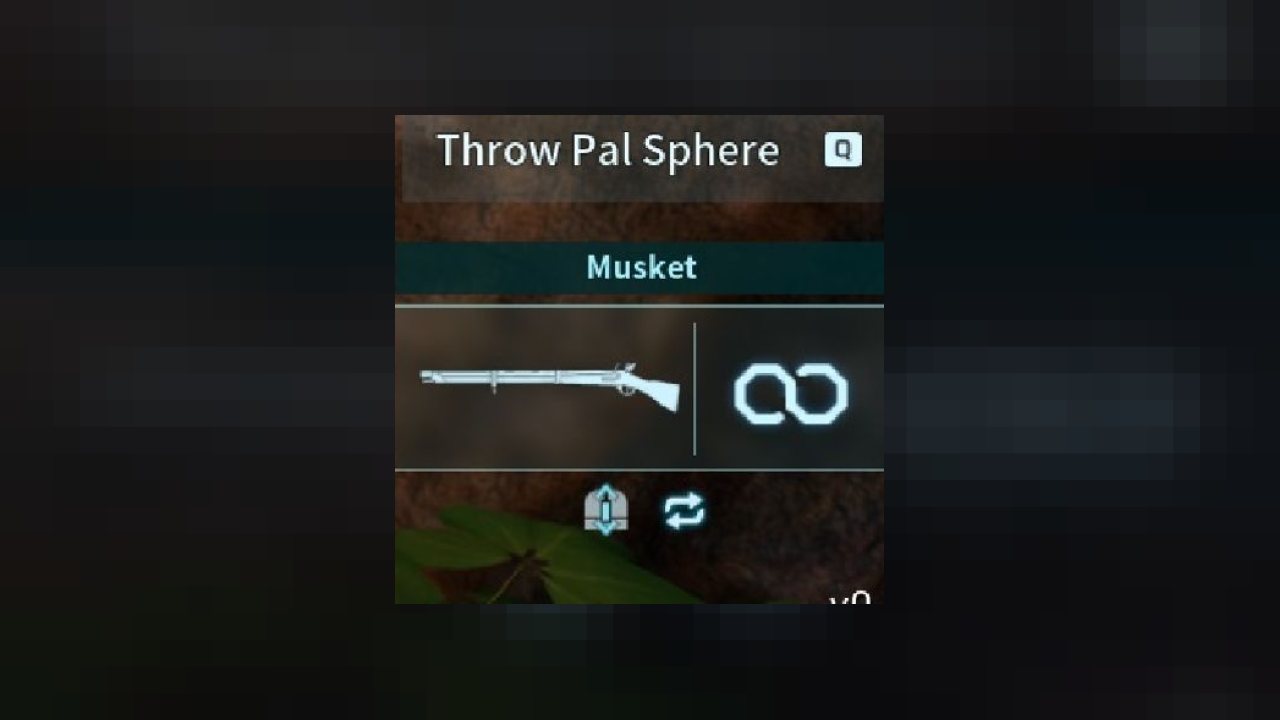
Download the zip and extract it in Palworld/Pal/Binaries/Win64/Mods.
Requirements
This mod utilizes UE4SS xinput and has only been tested on the Steam version of Palworld.
UE4SS xinput installation steps
Steam
- Download UE4SS_Xinput_v2.5.2.zip
- Extract to Palworld\Pal\Binaries\Win64
- In the UE4SS-settings.ini file, set bUseUObjectArrayCache to false.
Gamepass
- Download UE4SS_Xinput_v2.5.2.zip
- Extract to C:\Users\"UserName"\AppData\Local\Pal\Saved\Config\WinGDK\
- Alternatively, some users are reporting UE4SS should be installed in the following location: (C:\XboxGames\Palworld\Content\Pal\Binaries\WinGDK\)
- Rename xinput1_3 to xinput1_4
- In the UE4SS-settings.ini file, set bUseUObjectArrayCache to false.
Troubleshooting
If you are experiencing crashes
- In the UE4SS-settings.ini file, set bUseUObjectArrayCache to false.
If the mod doesn't seem to be loading, try these steps:
- In the UE4SS-settings.ini file, scroll down to the [Debug] heading and enable the consoles by changing their values from '0' to '1'
- Boot the game and check that the mod is correct loading in the console, towards the end it should say something like "Starting Lua mod 'modName" (modName is a placeholder, it should be the name of the folder)
- If the console isn't opening at all, try renaming the xinput file back to xinput1_3
For Steam users - if you have tried both of the above, watch the 'How To EASILY Install Mods - Palworld' video and make sure everything is correct.
Multiplayer
This mod has been tested on Steam, both single player and dedicated, and works provided both the client and the server have the mod installed, and the server has been setup following the steps at https://forums.nexusmods.com/topic/13466573-how-to-install-and-run-mods-lua-pak-on-a-steam-client-and-dedicated-server-as-well-as-injectedit-current-characters-local-singlecoop-dedicated/
Incompatibilities
This mod will most likely be incompatible with any other mod that changes the same values
ABOUT THIS LISTING
This page describes Vux's ammo tweaks by vuxacha. The description and screenshots are the author's own, imported from their listing on CurseForge on 25 October 2026: https://www.curseforge.com/palworld/lua-code-mods/vuxs-ammo-tweaks
Mythiq.net hosts no files for it. The download button goes straight to the release file on edge.forgecdn.net, so you are downloading from the author's own host, not from a copy of ours.
The download count, rating and comments on this page start at zero and count Mythiq.net only. The source's own figures are not copied here — they measure a different site, and a number that cannot be checked against our own ledger is not worth printing.
Requirements
Game version
0.1.2.0
GAME VERSION
Listed against Palworld 0.1.2.0. Palworld updates frequently, and a pak built for an earlier build is the first thing to suspect after a patch.
CLIENT VS SERVER
Some of these mods are server-side — they are installed on the machine running the dedicated server (or the host's copy in co-op), not on every player's game. A server mod installed client-side does nothing, and vice versa; the author's page says which it is.
Installation
1. Download the archive with the button on this page and unzip it.
2. For a client pak mod, create the folder if needed and put the .pak in it:
steamapps\common\Palworld\Pal\Content\Paks\~mods
The tilde in ~mods is deliberate — it makes the engine load the folder last so the mod wins.
3. For a server mod, unzip it into the dedicated server's Pal folder and restart the server; players do not install anything.
4. UE4SS-based mods additionally need UE4SS installed into the game folder first — the author's page linked from here carries the current steps.
UPDATING
Delete the old .pak before adding the new one. Two builds of one mod loaded together is the usual cause of crashes at launch after an update.
This release downloads from edge.forgecdn.net, not from us, so
there is no checksum to compare against. Scan the archive before you unpack it.
Version history
Vux's Infinite AmmoLatest
30 Jan 2024 · 861 B via edge.forgecdn.net · 0 downloads Download
Off-site on edge.forgecdn.net —
no checksum, because we never held this file.
Link checked by our review team on 26 Oct 2026.
Tell us if something is wrong — a file that will not work, content taken from
someone else, or anything that looks unsafe. Reports go to our review team, not
to the author.
We use cookies to ensure that we give you the best experience on our website and improve your experience. By continuing to use this site you consent to such use of cookies.