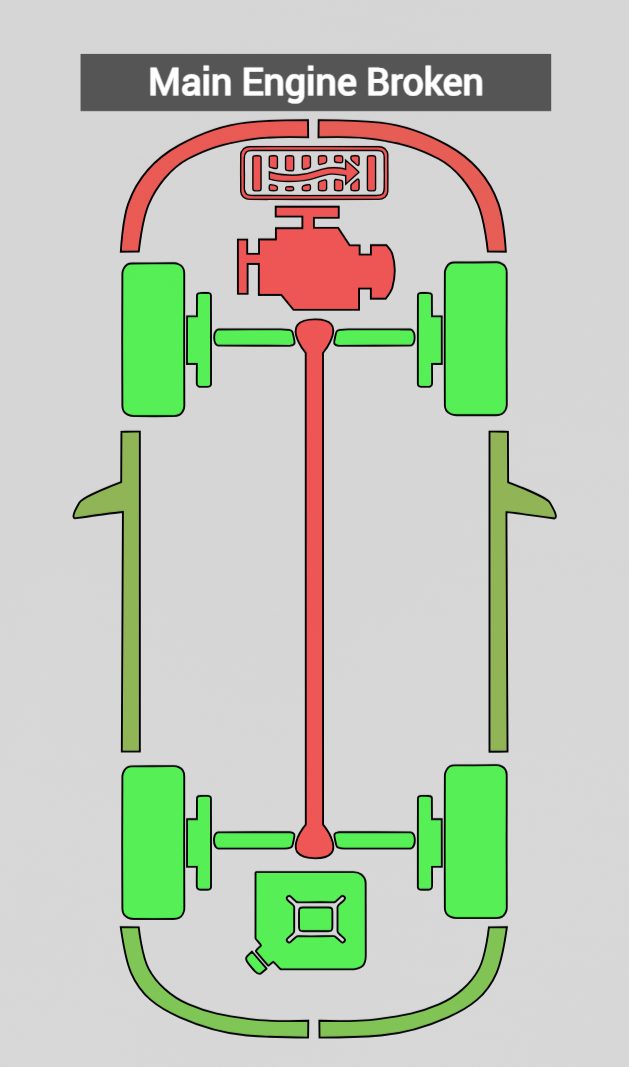
This mod completely revamps BeamNG's Vehicle Damage App
The current damage indicator has always bugged me ever since its revamp in 0.11. There has always been several issues with it and honestly, it has received more bugs than fixes over time with the newer damage types and updates. Since the damage app has been part of the default UI for over 10 years, I decided to fix it myself. This mod started off with a few simple fixes, which then turned into a much bigger project including many new features and changes to make it much more useful then the current one.
Enjoy!
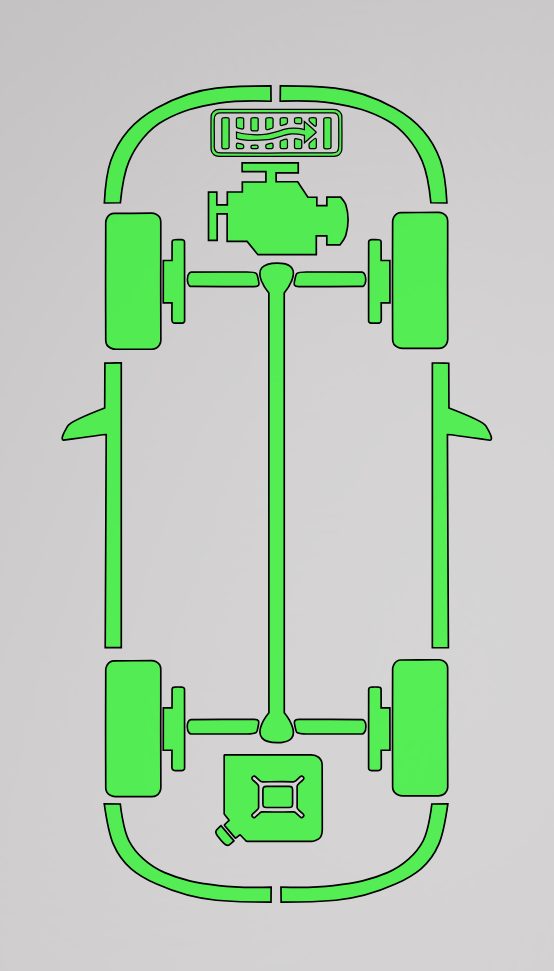
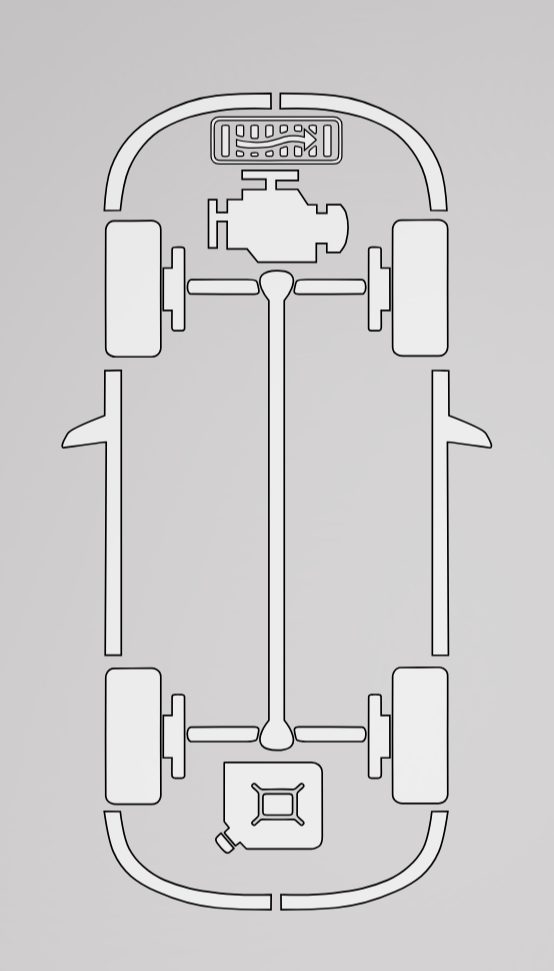
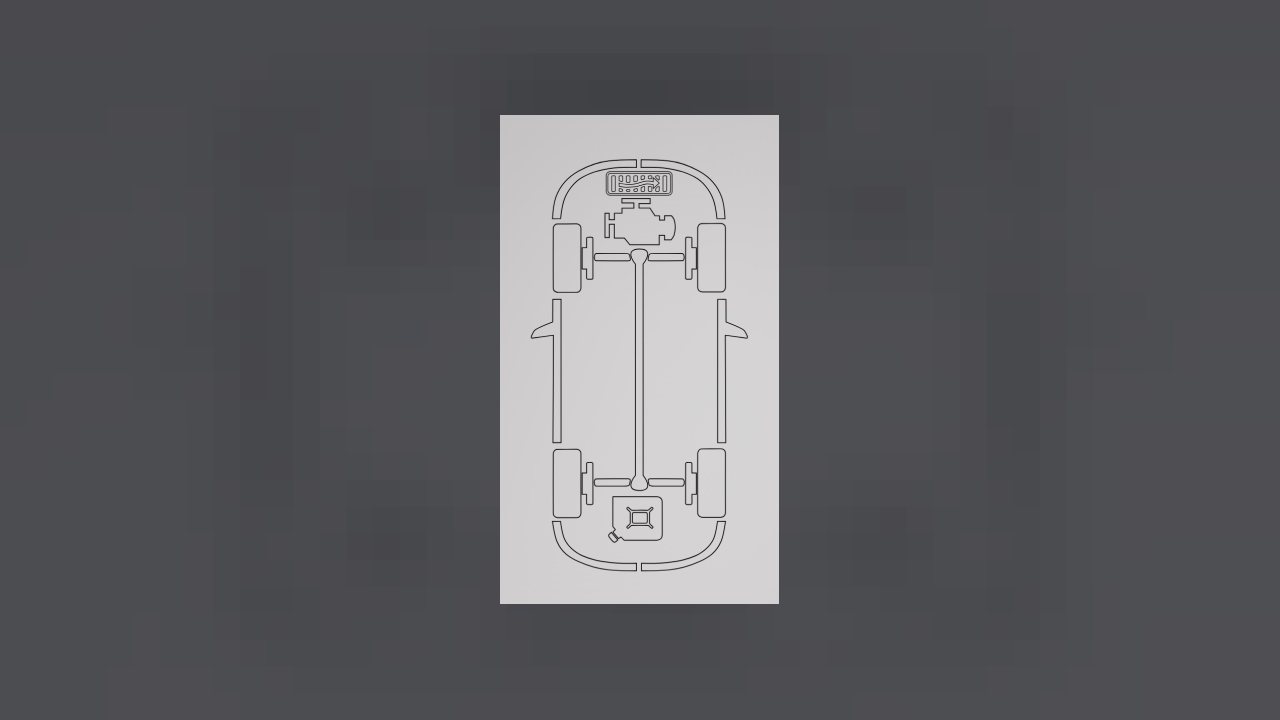
3 Different App Styles:
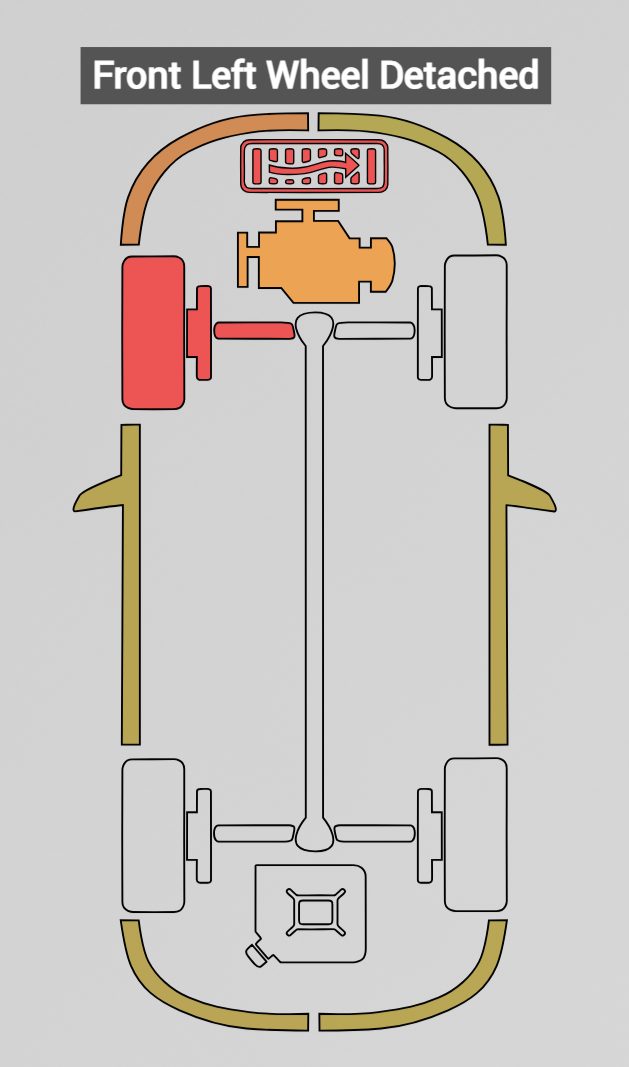
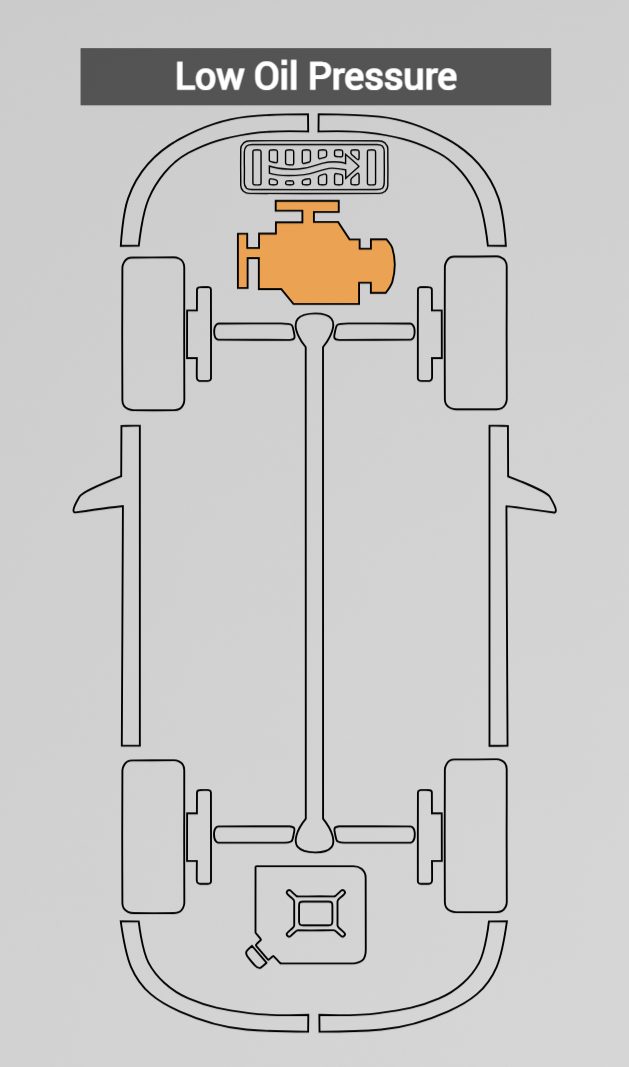
Updated Damage Messages:
New Settings Menu:
Interactive Feature Showcase:
Main Features and Improvements:
- Updated damage message visual appearance and repositioned several icons to be much more even
- Added a settings menu to adjust different settings, including disabling auto-hide and damage messages
- Three different app styles available (clear, green and white)
- Added the ability to click on the damaged icons to refresh the app and re-display any messages
- Added priority tracking so once an icon turns red, any subsequent damage will never turn the icon orange
- Overhauled temporary damage logic by making it never overwrite any previous damage, and many more improvements
- Included several new damage messages and vehicle specific damage messages
- Changed several outdated damage messages
- Full translation support for all official supported languages
- Many bug fixes and quality of life improvements
Read the update changelog tab for a detailed list of changes.
How to use:
Go to HUD Apps (Shift + Alt + U)
Click Edit layout, then Add app
Either find or search for "Improved Vehicle Damage App" and add it to your screen
Adjust any settings to your liking from the settings menu
Click any damaged icons to refresh the app
Use the setting menu in the mods tab to change any settings to your liking
Notes:
- Do not expect this to look drastically different from the current damage app. There are a lot of minor changes and improvements underneath in the code. This is also my first mod and it's still WIP.
- Feel free to leave any feedback, suggestions, or bug reports in the discussion thread!
Credits:
BeamNG - For the original code
Me - For everything else
Troubleshooting:
Delete the old version of the mod when updating the mod manually.
If you get a fatal LUA error or the HUD apps don't show up, then reinstall the mod and clear the cache.
Known Issues:
Switching between vehicles sometimes doesn't display the damage right away.
ABOUT THIS LISTING
This page describes Improved Vehicle Damage App by SpaceGood. The description and screenshots are the author's own, imported from their listing on the BeamNG.drive repository on 24 October 2026: https://www.beamng.com/resources/improved-vehicle-damage-app.36692/
Mythiq.net hosts no files for it. The download button goes straight to the release file on beamng.com, so you are downloading from the author's own host, not from a copy of ours.
The download count, rating and comments on this page start at zero and count Mythiq.net only. The source's own figures are not copied here — they measure a different site, and a number that cannot be checked against our own ledger is not worth printing.
Media
Requirements
BeamNG.drive on a current build. The repository lists a mod as outdated once it stops loading, but a mod written for an older release can still misbehave quietly rather than fail outright — check the resource page for the author's own compatibility note before reporting a fault.
Nothing else is required unless the author says so above. BeamNG mods are self-contained zip archives; there is no loader or framework to install first.
Installation
1. Download the archive with the button on this page. Do NOT unzip it — BeamNG loads mods as zips.
2. Put the zip in your mods folder:
Windows — Documents\BeamNG.drive\\mods
Linux — ~/.local/share/BeamNG.drive//mods
3. Start the game and open the Mod Manager from the main menu to confirm it is listed and active.
4. Vehicles appear in the vehicle selector; maps appear under Freeroam.
UPDATING
Delete the old zip before adding the new one. Two versions of the same mod in the folder is the usual cause of a vehicle appearing twice, or of parts that will not fit together.
IF SOMETHING LOOKS WRONG
Clear the cache: in the Mod Manager, use "Clear cache and restart". Most oddities after an update — missing textures, parts that vanish — are a stale cache rather than a broken mod.
This release downloads from beamng.com, not from us, so
there is no checksum to compare against. Scan the archive before you unpack it.
Tell us if something is wrong — a file that will not work, content taken from
someone else, or anything that looks unsafe. Reports go to our review team, not
to the author.
We use cookies to ensure that we give you the best experience on our website and improve your experience. By continuing to use this site you consent to such use of cookies.