Build your own combat display — track anything, show anything, share it as a string. Still going on Classic.
WeakAuras is a framework for building your own on-screen displays: track a buff, a cooldown, a resource, a debuff on your target, an aura on someone else, and show it however you want. Rather than shipping a fixed interface, it ships the means to make one, and the community shares finished setups as import strings.
WHAT IT DOES
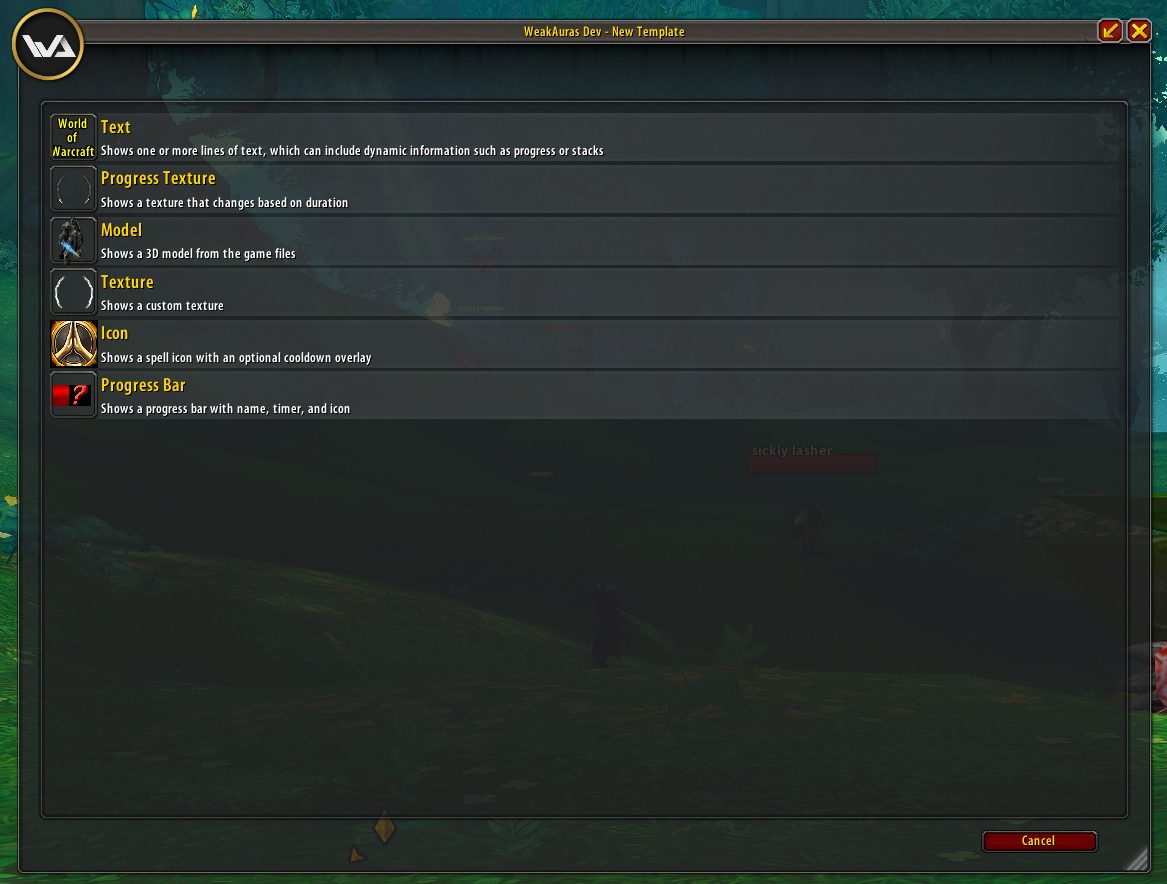
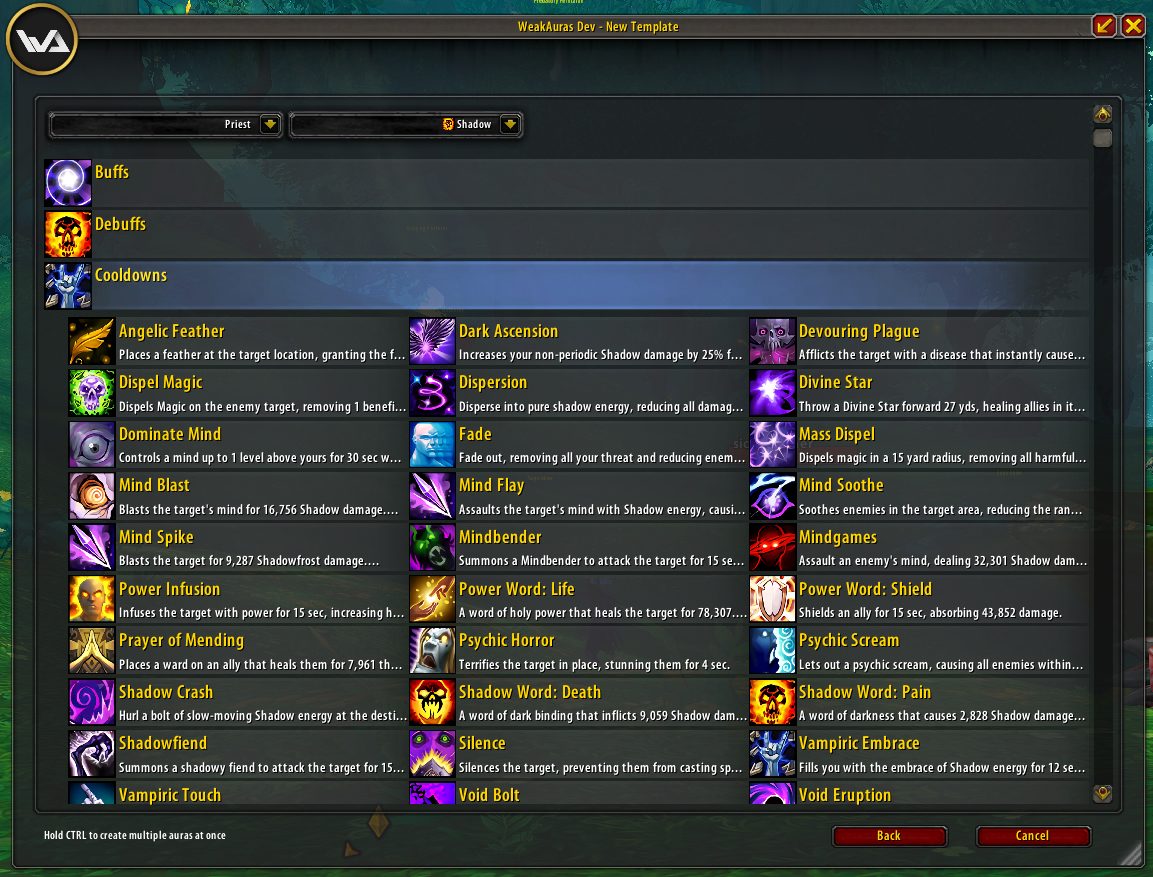
Triggers on essentially any game state, attached to displays — icons, progress bars, text, models, groups — with conditions and animations layered on top. Class and specialisation packages published by the community cover most rotations, so most people never build one from scratch.
ITS POSITION HAS CHANGED. WeakAuras' model depends on reading real-time combat state, and retail World of Warcraft's Midnight expansion (patch 12.0, January 2026) restricted exactly that through its Secret Values API. The WeakAuras team announced it would not ship a version for Midnight, saying anything they could build under the new restrictions would not be worthy of the name.
ON CLASSIC IT IS UNAFFECTED and remains one of the most-installed addons there is: the Classic clients did not receive the retail API changes, and the addon continues to be updated for them.
Over 253 million downloads on CurseForge as of August 2026.
Media
Templates 2
Templates
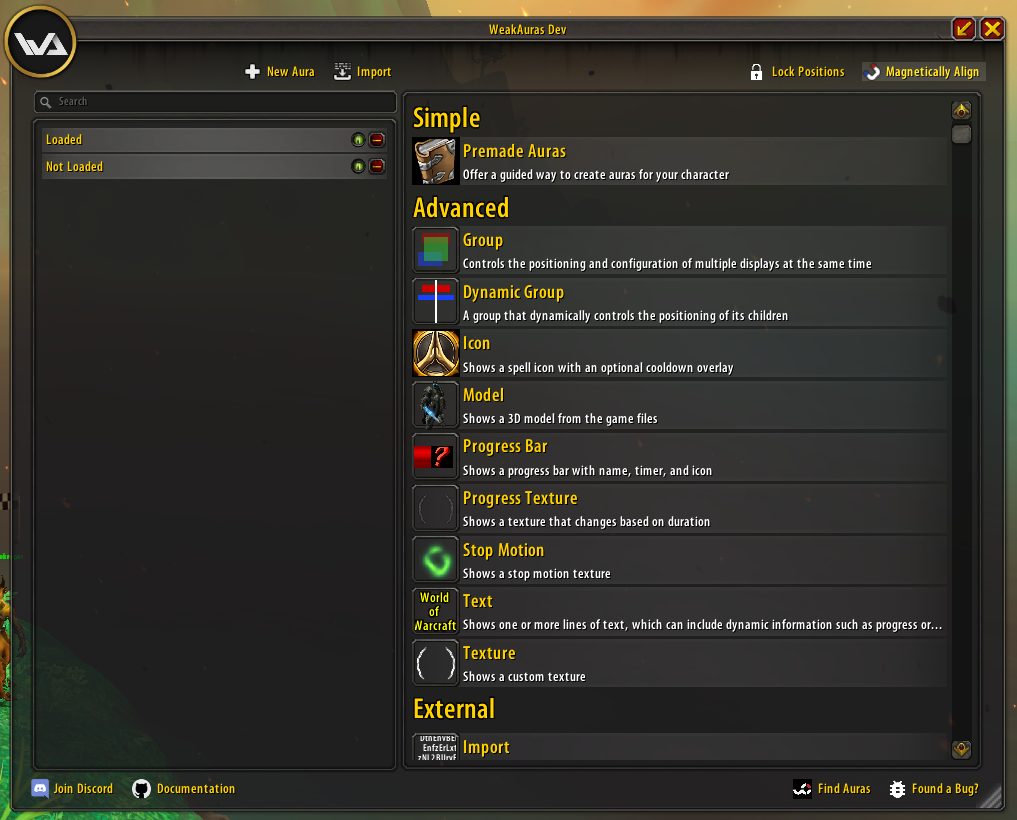
Default Window
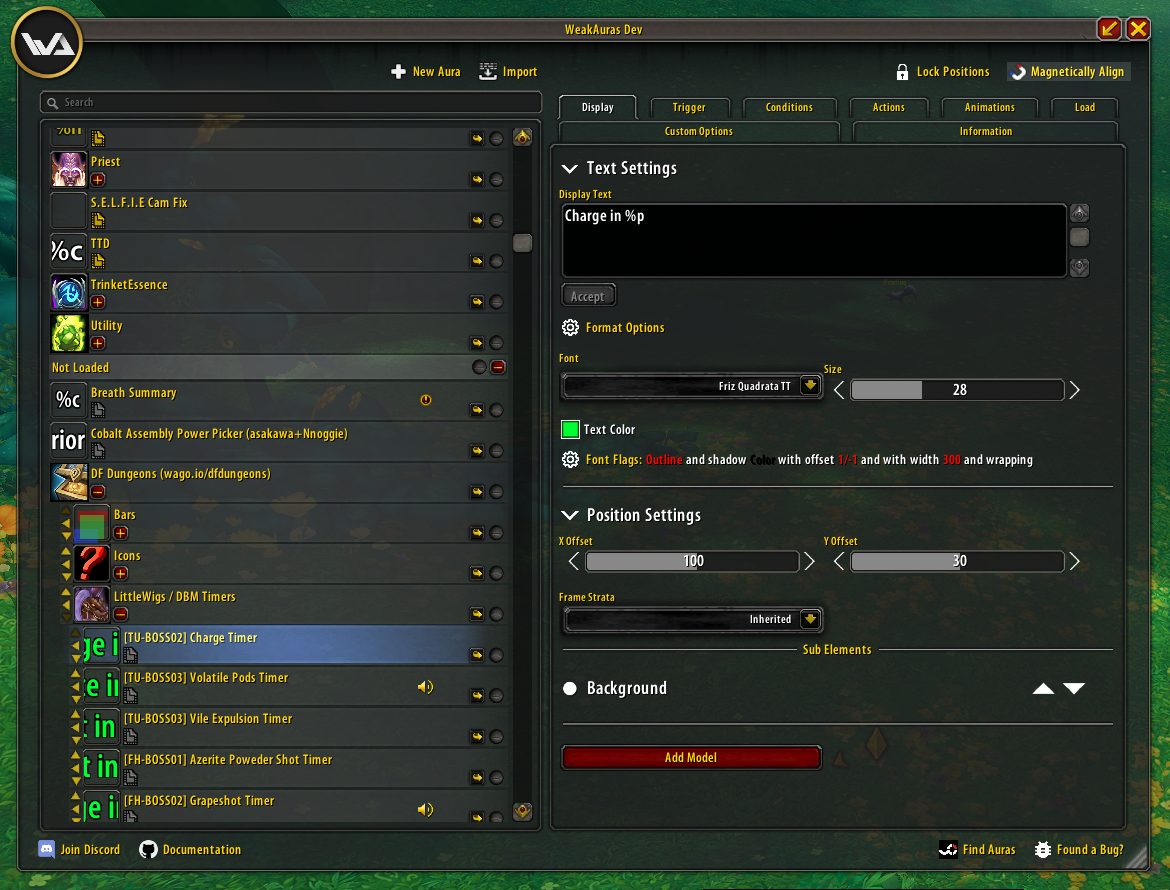
Display Tab
Avatar
Requirements
Game versions
1.15.9
3.4.x
2.5.x
CLASSIC FLAVOURS ONLY GOING FORWARD
This is the important one. Retail WoW from Midnight (12.0) onwards restricts the combat state access WeakAuras is built on, and there is no Midnight build. If you play retail, this addon is not for you and no version of it will be.
REQUIRES
Nothing else, though many published packages depend on companion addons and will tell you so on import.
IMPORT STRINGS RUN CODE
A WeakAuras import can contain custom Lua. Import from sources you trust — wago.io and the class Discords are the usual ones — exactly as you would with any addon.
PERFORMANCE
A large collection of auras with custom triggers has real cost. If your frame rate drops in raid, this is a reasonable first place to look.
Installation
THROUGH THE CURSEFORGE APP (recommended)
Install and update from the app.
MANUAL
1. Download the build for your Classic flavour from CurseForge.
2. Extract into the AddOns folder for that client.
3. Restart the game.
4. Type /wa to open WeakAuras.
GETTING A SETUP
Find a package for your class and spec on wago.io, copy the import string, and paste it into WeakAuras → Import. Building from scratch is a rabbit hole; almost nobody starts there.
This release downloads from curseforge.com, not from us, so
there is no checksum to compare against. Scan the archive before you unpack it.
Version history
v5.21.9Latest
17 May 2022 · via curseforge.com · 14 downloads Download
Continued development for the Classic flavours.
Trigger and condition fixes.
No Midnight (retail 12.0) build — see the requirements.
Off-site on curseforge.com —
no checksum, because we never held this file.
Link checked by our review team on 14 Aug 2026.
Tell us if something is wrong — a file that will not work, content taken from
someone else, or anything that looks unsafe. Reports go to our review team, not
to the author.
We use cookies to ensure that we give you the best experience on our website and improve your experience. By continuing to use this site you consent to such use of cookies.