The encounter helper: timers, warnings and positional callouts for raid and dungeon bosses, tuned to tell you what YOU have to do.
Deadly Boss Mods is the most-downloaded addon World of Warcraft has ever had. It watches a boss encounter and tells you what is about to happen and what you personally need to do about it — a timer bar for the next mechanic, a large warning when you are the target, a sound when you have to move.
WHAT IT DOES
Per-encounter timers for every boss ability. Special warnings that are loud and unmistakable when a mechanic is on you specifically. Range checking, positional arrows for mechanics that need you somewhere, pull timers, and a raid-wide announcement system for assignments.
DBM is modular: the core handles the framework and separate packs cover raids, dungeons, delves, world bosses and older expansions, so you only load the content you play.
ITS RIVAL IS BIGWIGS, which does the same job with a lighter footprint and quieter defaults. DBM's reputation is for being loud and working out of the box, which is exactly what most people want.
Over 627 million downloads on CurseForge as of August 2026.
Media
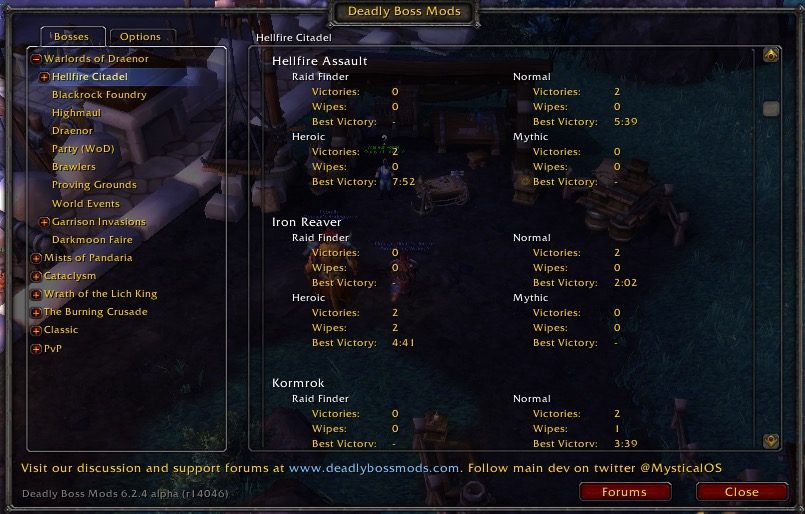
Screen Shot 2015 07 06 at 7.10.03 AM
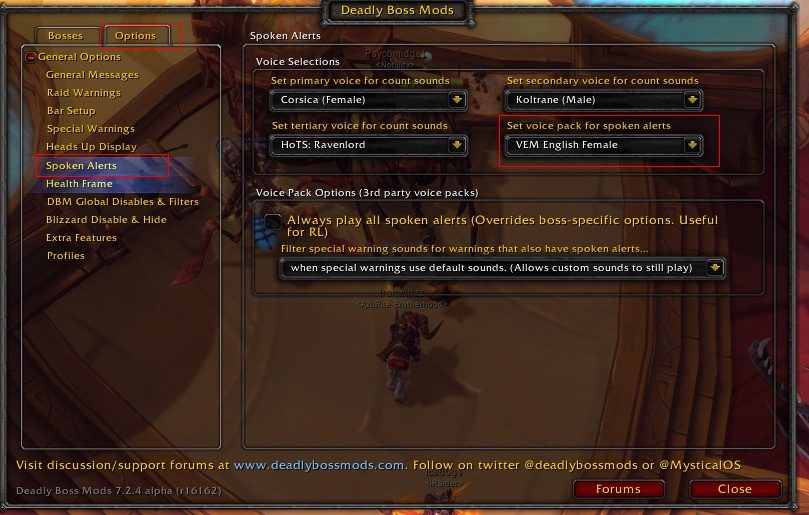
Screen Shot 2015 07 06 at 7.08.19 AM
Voice Pack Settings
Support Image
Requirements
Game versions
12.1.0
12.0.7
REQUIRES
Nothing else. The core is standalone; the content packs require the core.
CONTENT PACKS
Install the packs for the content you actually run. The core alone gives you the framework and very little else.
CONFLICTS WITH
BigWigs. Both will function simultaneously but you will get every warning twice. Pick one.
AFTER A PATCH
Boss mods are the addons most likely to break on a content patch. Update before raid night, not during it.
Installation
THROUGH THE CURSEFORGE APP (recommended)
Install DBM-Core and it will offer the content packs alongside it. The app keeps everything current, which matters more for this addon than most.
MANUAL
1. Download DBM-Core and the packs you want from CurseForge.
2. Extract each into your AddOns folder:
Retail — World of Warcraft\_retail_\Interface\AddOns
3. Restart the game completely. Reloading the UI does not pick up newly added addons.
4. Type /dbm to open the options and set your warning style, sounds and which packs are active.
FIRST TIME
The defaults are deliberately loud. If they are too much, the options let you scale every warning category separately rather than turning the addon down as a whole.
This release downloads from curseforge.com, not from us, so
there is no checksum to compare against. Scan the archive before you unpack it.
Version history
v12.1.1Latest
28 Mar 2022 · via curseforge.com · 14 downloads Download
Encounter support for current raid and dungeon content.
Timer accuracy fixes across recent bosses.
Ongoing updates through the patch cycle.
Off-site on curseforge.com —
no checksum, because we never held this file.
Link checked by our review team on 14 Aug 2026.
Tell us if something is wrong — a file that will not work, content taken from
someone else, or anything that looks unsafe. Reports go to our review team, not
to the author.
We use cookies to ensure that we give you the best experience on our website and improve your experience. By continuing to use this site you consent to such use of cookies.