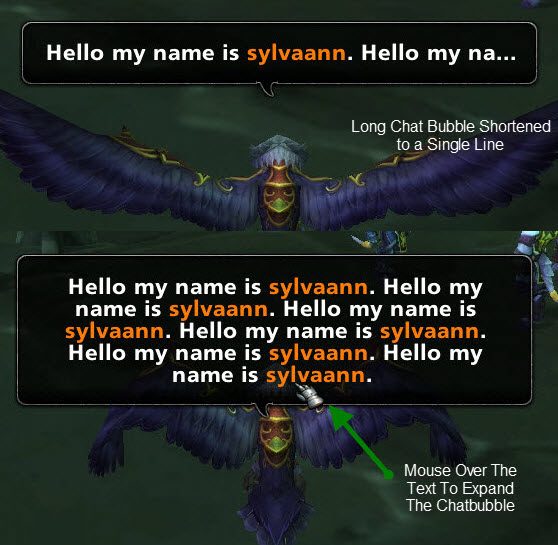
Hello WoW community, I'm LuciferCatnip, Sylvanaar was my coworker and my mentor. It goes without saying that Jon was an amazingly talented individual. He always seemed to know everything… but he once said to me "It's not about knowing the answers, it's about asking the right questions", he always challenged me to ask me the right questions until I would arrive at the answer on my own terms. Jon was also a champion of the open source movement, and so with special thanks to Gil from Curseforge as well as Sylvanaar's family, there's no better way to honor Sylvanaar's legacy than to keep his project going strong in the community.
If you'd like to help maintain Prat, please reach out to MysticalOS or LuciferCatnip directly. Thank you so much.
About
Prat-3.0 is a chat enhancement addon for World of Warcraft.
It is made up of 30+ smaller "modules" which each provide additional functionality, and can be enabled or disabled individually.
In game, type /prat for a menu. Or use the icon on one of the many data broker hosts.
Prat has just about every feature you can think of, and then some. Really. When I get some more time, I'll try and put together a full list (Even I have lost count)
(Thanks to Dreamsight for this partial list)
- Sync your chat settings across your account (Beta)
- you can add player color per channel, color per level, color per class
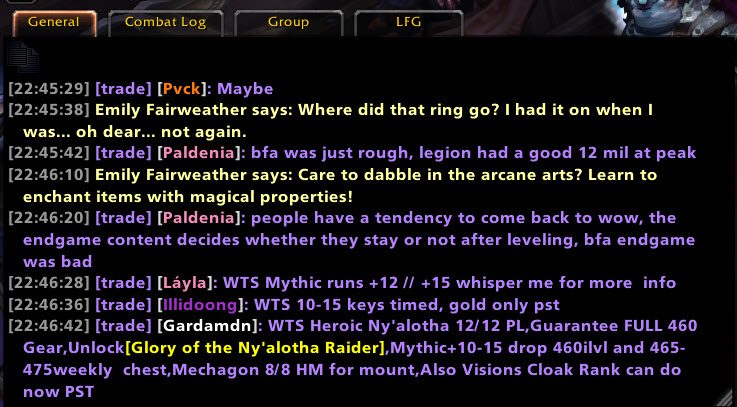
- timestamps (styled)
- Whether to show timestamp (what format the timestamp should be in)
- Whether to show players level
- You can select the option for channel "stickys" (last channel you used you auto use when hitting enter, that sort of thing – or last thing someone said)
- Change the looks of the chat's editbox - as well as where it appears (you can even undock it and move it to where you'd like it to be)
- Chat fading, fading delay
- You can change the font to a list of fonts, add an outline to it, monochrome it (if you don’t mind messing with files a bit you could probably even add other fonts to that list)
- Change the chat frame/chat box appearance
- Keep chat history between game sessions
- Set channel abbreviations
- Set brackets and color(or something instead of brackets)round player/lvl
- Alt invite option (press keyboard “alt” button and click on the player’s name to auto inv them)
- Raid icon
- Invite links - click them to invite the person
- URL copying
- Full chat copying + copy button
- Click timestamp to copy line
- Configurable alerts when your name or other word is mentioned
- Enables tell target /tt which whispers your target
- Alias options - make macros into short commands
- See names of players Alt characters
- Change chat sounds (incoming and outgoing as well as per channel)
- Achievements info and grats
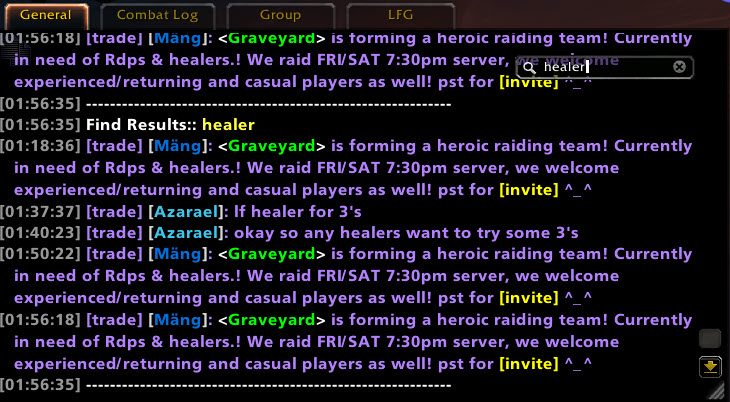
- Full chat search and search box
- Customizable filters for advanced users
- Show item icon next to item links and player class icon next to player names
- Icon-only options for newcomers chat
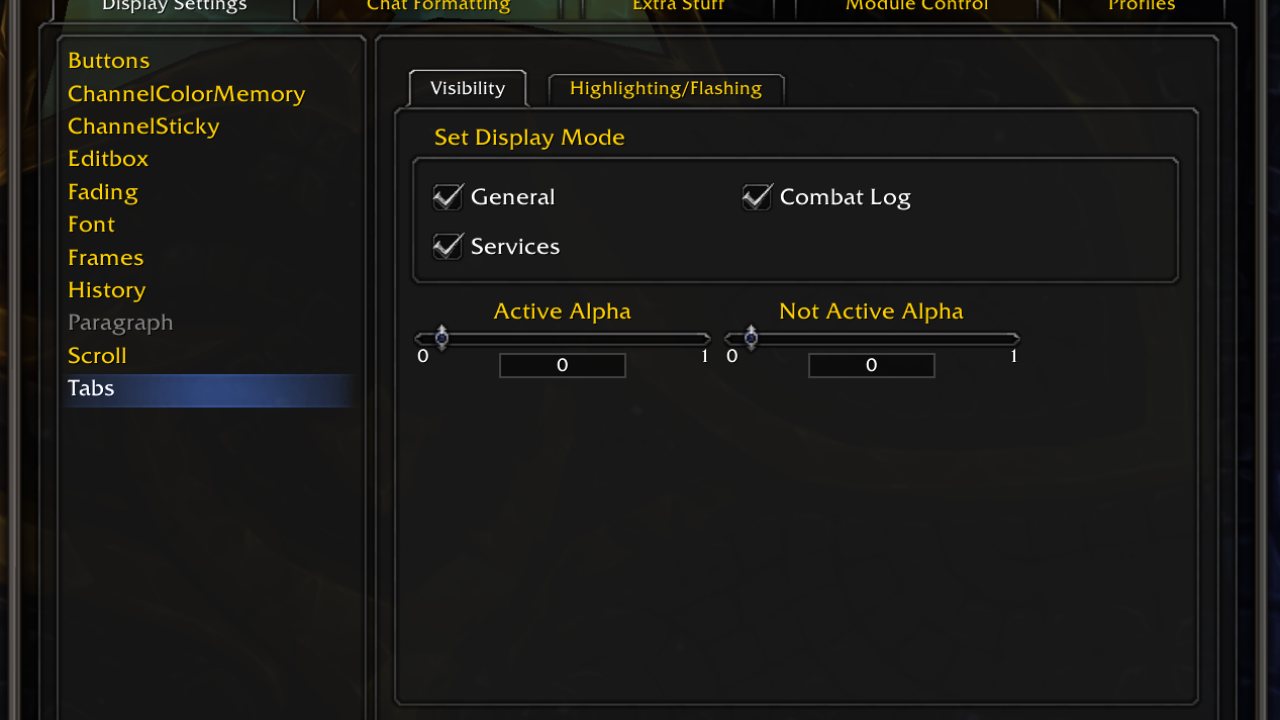
- Optional flashing or font color change for chat tabs when a new message comes in.
You can enable/disable all Prat modules - don't have to have the ones you don't use running
While trying to reduce resource utilization, it is also important to note that some people prefer the features, and don't care that an addon uses 500k more.
ABOUT THIS LISTING
This page describes Prat 3.0 by QTartemis. The description and screenshots are the author's own, imported from their listing on CurseForge on 14 August 2026: https://www.curseforge.com/wow/addons/prat-3-0
Mythiq hosts no files for it. The download button goes straight to the release file on edge.forgecdn.net, so you are downloading from the author's own host, not from a copy of ours.
The download count, rating and comments on this page start at zero and count Mythiq only. The source's own figures are not copied here — they measure a different site, and a number that cannot be checked against our own ledger is not worth printing.
Media
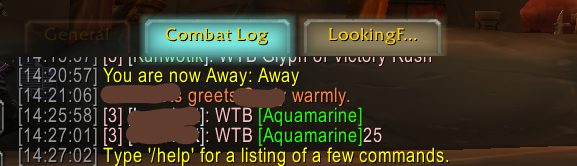
Optional flashing chat tabs on new messages
Chat Search
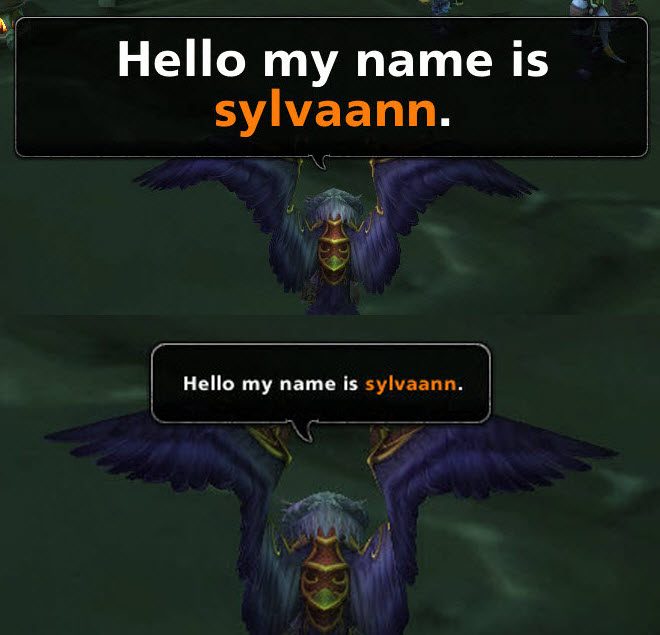
Change Spacing Of Chat Lines
WoWScrnShot_091610_185523.jpg
WoWScrnShot_091610_190228.jpg
Requirements
Game versions
3.4.5
3.80.1
5.5.4
12.0.7
12.1.0
2.5.6
1.15.9
GAME FLAVOUR
This is a retail (modern World of Warcraft) build. It will not work in the Classic clients, which run a different interface API.
INTERFACE VERSION
Built against game version 3.4.5, 3.80.1, 5.5.4, 12.0.7, 12.1.0, 2.5.6. After a patch, an addon that has not been updated is flagged out of date; most keep working, and the "Load out of date AddOns" checkbox on the character screen lets you try.
DEPENDENCIES
Some addons need a separate library addon (Ace3, LibStub and friends) that is not bundled. If the addon does not appear in the list in game, a missing dependency is the usual reason.
Installation
1. Quit World of Warcraft completely. The game reads the AddOns folder at launch and will overwrite settings for an addon added while it is running.
2. Download the archive with the button on this page and unzip it.
3. Move the folder — the one with the .toc file in it, not the zip's wrapper folder — into:
World of Warcraft\_retail_\Interface\AddOns
4. Start the game. On the character selection screen, click AddOns and check that it is listed and enabled.
IF IT DOES NOT APPEAR
Nine times out of ten the folder is nested one level too deep. Interface/AddOns/Thing/Thing/Thing.toc will not load; Interface/AddOns/Thing/Thing.toc will.
UPDATING
Delete the old folder before unzipping the new one. Unzipping over the top leaves files behind that the new version no longer expects.
This release downloads from edge.forgecdn.net, not from us, so
there is no checksum to compare against. Scan the archive before you unpack it.
Version history
v3.9.104Latest
4 Aug 2026 · 1.5 MB via edge.forgecdn.net · 12 downloads Download
Off-site on edge.forgecdn.net —
no checksum, because we never held this file.
Link checked by our review team on 14 Aug 2026.
Tell us if something is wrong — a file that will not work, content taken from
someone else, or anything that looks unsafe. Reports go to our review team, not
to the author.
We use cookies to ensure that we give you the best experience on our website and improve your experience. By continuing to use this site you consent to such use of cookies.