- This MOD is available only in Freeroam mode. (NOT Scenarios and Careers)
- The mission marker will not be displayed if you disable the challenge marker option. See [Options] -> [GAMEPLAY] -> [Freeroam Gameplay Markers].
I added a little flavor to the original AI Race mission.
Introduction video
Overview
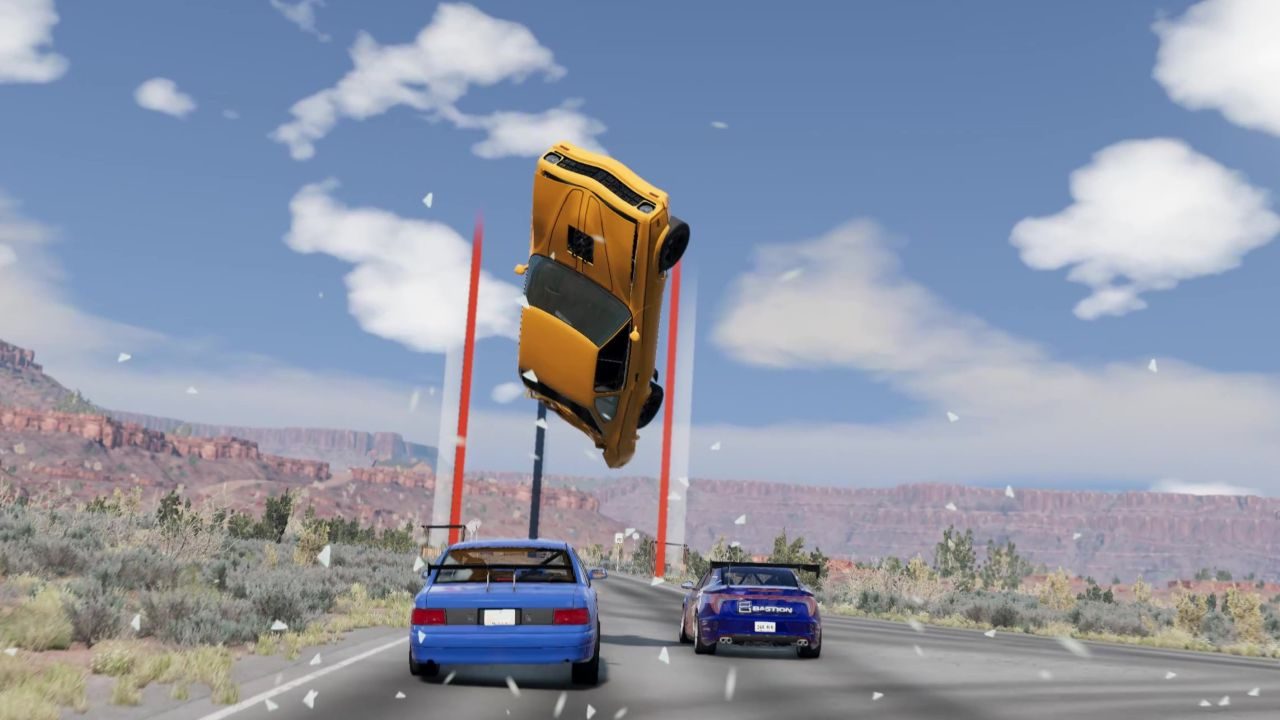
Extra AI Race Mission extends the official AI Race mission with arcade racing game style gameplay, inspired by Thrill Drive and Burnout 3.
Six race modes, an arcade style HUD and a restart system that brings you and the AI racers back to the last checkpoint. Takedown your rivals in Road Rage, survive the Eliminator, or weave through traffic in Thrill Drive!
How to Use
- Start Freeroam on a supported map.
- Find the mission of the race mode you want to play on the big map and start it.
- Adjust the mission settings before starting:
- Course: Only the courses that support the race mode of the mission are listed.
- Laps / Reverse: Available on courses that support them.
- Rival Count / Rival Car Group: Number of rivals and their vehicle group. A custom group can include vehicles from other mods.
- Traffic Count / Traffic Type: Amount of traffic and its vehicle mix (Default / Simple / Police / User Custom / Reuse Freeroam Traffic).
- Watching AI Mode: Sit back and watch the AI race.
- Time Of Day: Time of day during the race.
- Race!
Tips
- Crashed or stuck? Recover your vehicle to restart from the last checkpoint. The AI racers do the same. In Thrill Drive you restart right where you crashed.
- Recover again during the countdown after a restart to retry the whole challenge. In Time Attack, this ends the run with your best lap so far instead.
- The Extra AI Race: Settings app (Utility category) lets you toggle HUD elements, tune the rival AI and edit custom rival / traffic vehicle groups.
- Recommended for Thrill Drive and Road Rage with traffic: Explosive Tanker Mod
Features
— Race Modes —
- Race — A regular race against AI rivals.
- Time Attack — Drive the course alone and chase your best lap.
- Eliminator — The last place racer explodes at regular intervals. Survive to the end to win.
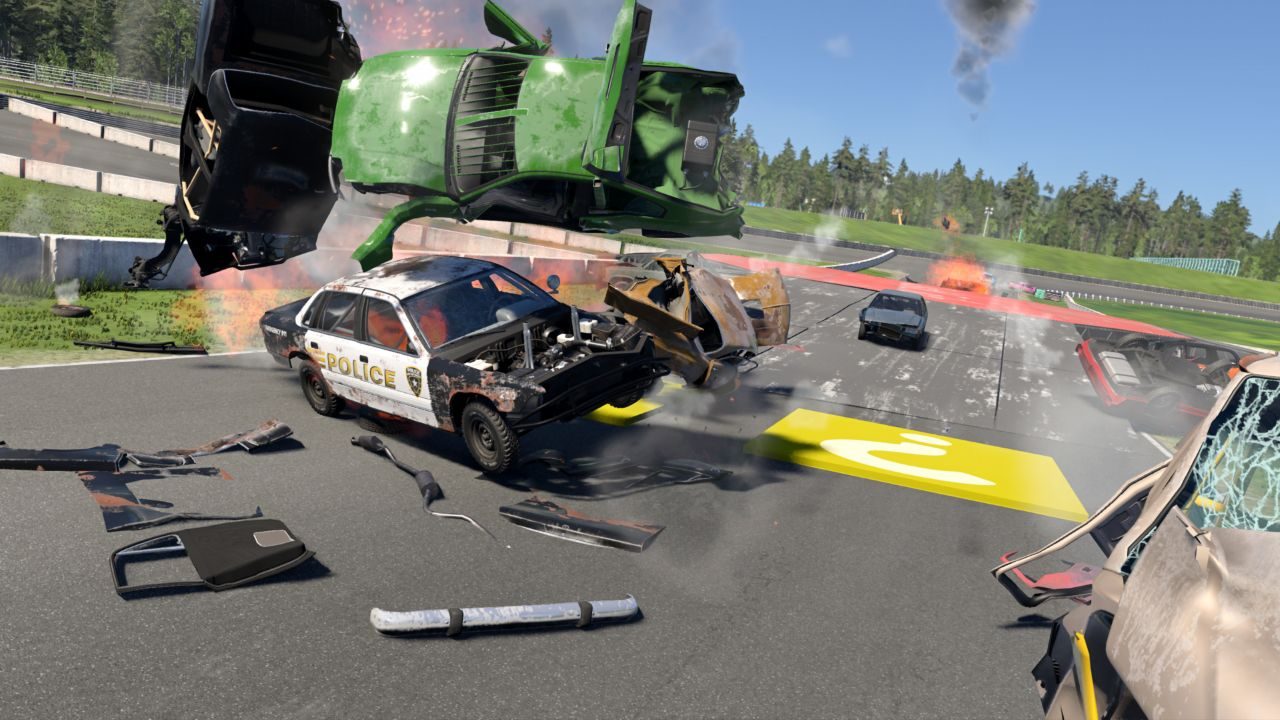
- Road Rage — Takedown your rivals to score, inspired by Burnout 3. Use boost, aftertouch and payback to wreck as many rivals as you can.
- Gimmick Race — A kart racing game style race with Gimmick Pads placed on the course.
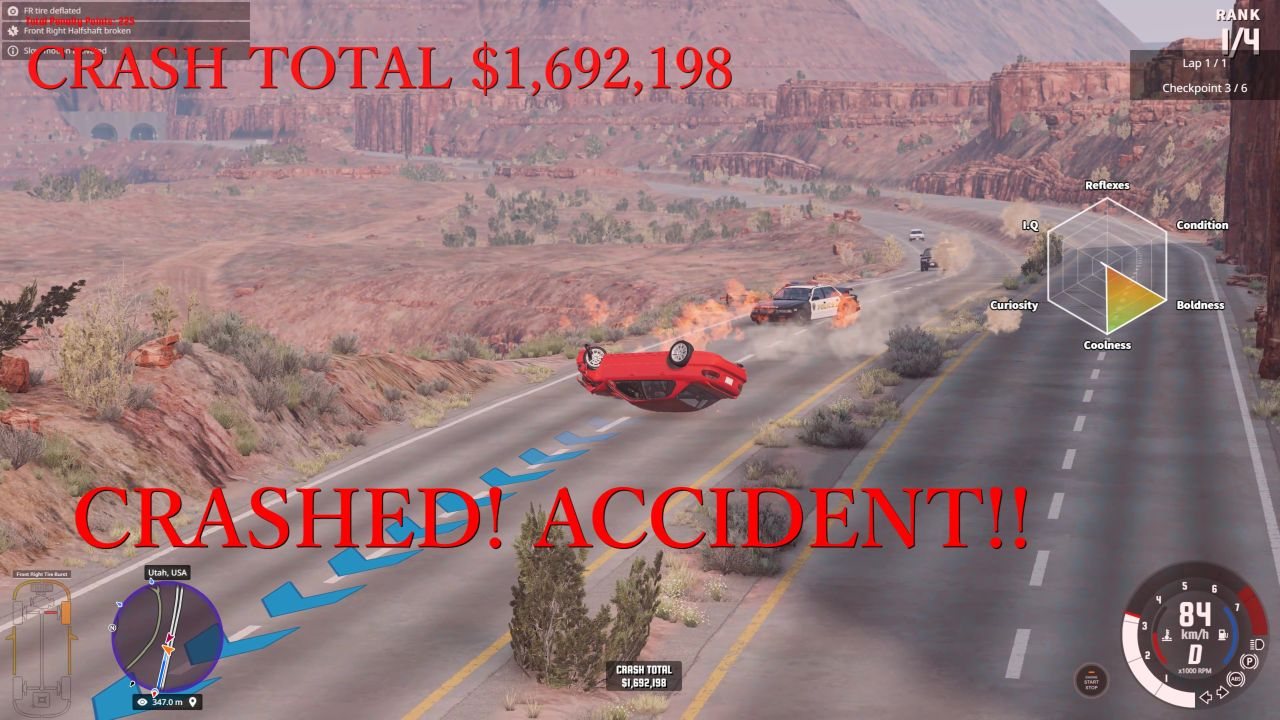
- Thrill Drive — Race through public roads full of traffic. A result screen shows your driver stats and offenses.
— Road Rage Controls —
These keys are added only during Road Rage and removed when the mission ends.
- Boost: Space (keyboard) / RB (Xbox controller)
- Aftertouch (after your vehicle is wrecked): steer with the arrow keys or the left stick, hold Space / RB to fire the thruster.
- Payback (during aftertouch): B (keyboard) / A (Xbox controller)
— Supported Maps —
- West Coast USA: all six modes
- East Coast USA / Italy / Utah: Race, Time Attack, Eliminator, Road Rage, Thrill Drive
- Industrial: Race, Time Attack, Eliminator, Road Rage
- Automation Test Track: Race, Time Attack, Eliminator, Thrill Drive
- Johnson Valley / Jungle Rock Island / Small Island: Race, Time Attack, Eliminator
— UI Apps —
Find these apps in the Apps menu:
- Extra AI Race: Race HUD — Race position, lap and time. Add it in freeroam to use the restart system outside the missions too.
- Extra AI Race: Speedometer — A Burnout style speed readout.
- Extra AI Race: Settings — HUD toggles, rival AI parameters and custom vehicle groups.
The other HUD apps are placed automatically by the missions.
— Languages —
English and Japanese.
Support me and get access to early versions of the mods here
https://ko-fi.com/mathkuro
ABOUT THIS LISTING
This page describes Extra AI Race Mission by the BeamNG author. The description and screenshots are the author's own, imported from their listing on the BeamNG.drive repository on 24 October 2026: https://www.beamng.com/resources/extra-ai-race-mission.24348/
Mythiq.net hosts no files for it. The download button goes straight to the release file on beamng.com, so you are downloading from the author's own host, not from a copy of ours.
The download count, rating and comments on this page start at zero and count Mythiq.net only. The source's own figures are not copied here — they measure a different site, and a number that cannot be checked against our own ledger is not worth printing.
Media
Requirements
BeamNG.drive on a current build. The repository lists a mod as outdated once it stops loading, but a mod written for an older release can still misbehave quietly rather than fail outright — check the resource page for the author's own compatibility note before reporting a fault.
Nothing else is required unless the author says so above. BeamNG mods are self-contained zip archives; there is no loader or framework to install first.
Installation
1. Download the archive with the button on this page. Do NOT unzip it — BeamNG loads mods as zips.
2. Put the zip in your mods folder:
Windows — Documents\BeamNG.drive\\mods
Linux — ~/.local/share/BeamNG.drive//mods
3. Start the game and open the Mod Manager from the main menu to confirm it is listed and active.
4. Vehicles appear in the vehicle selector; maps appear under Freeroam.
UPDATING
Delete the old zip before adding the new one. Two versions of the same mod in the folder is the usual cause of a vehicle appearing twice, or of parts that will not fit together.
IF SOMETHING LOOKS WRONG
Clear the cache: in the Mod Manager, use "Clear cache and restart". Most oddities after an update — missing textures, parts that vanish — are a stale cache rather than a broken mod.
This release downloads from beamng.com, not from us, so
there is no checksum to compare against. Scan the archive before you unpack it.
Version history
v0.6.0Latest
15 Oct 2026 · 19 MB via beamng.com · 0 downloads Download
Off-site on beamng.com —
no checksum, because we never held this file.
Link checked by our review team on 25 Oct 2026.
Tell us if something is wrong — a file that will not work, content taken from
someone else, or anything that looks unsafe. Reports go to our review team, not
to the author.
We use cookies to ensure that we give you the best experience on our website and improve your experience. By continuing to use this site you consent to such use of cookies.