A modern shader loader that runs OptiFine shader packs on top of Sodium, so you can have shaders and performance at once.
Iris is a shader pack loader built to be compatible with existing OptiFine shader packs while running on top of Sodium. For most of Minecraft's history you had to choose between shaders and frame rate; Iris is the reason you no longer do.
WHAT IT DOES
Loads the shader packs people already have — BSL, Complementary, SEUS and the rest — with a shader selection screen built into the video settings, live reloading while you tune, and per-pack settings. Because it sits on Sodium's renderer rather than vanilla's, shaders run substantially faster than they do under OptiFine.
It also supports features OptiFine never did, and the project is open source with an active development pace, which matters for a component that has to keep up with each Minecraft release.
CLIENT-SIDE ONLY, so it works on any server.
Over 159 million downloads on Modrinth as of August 2026.
Media
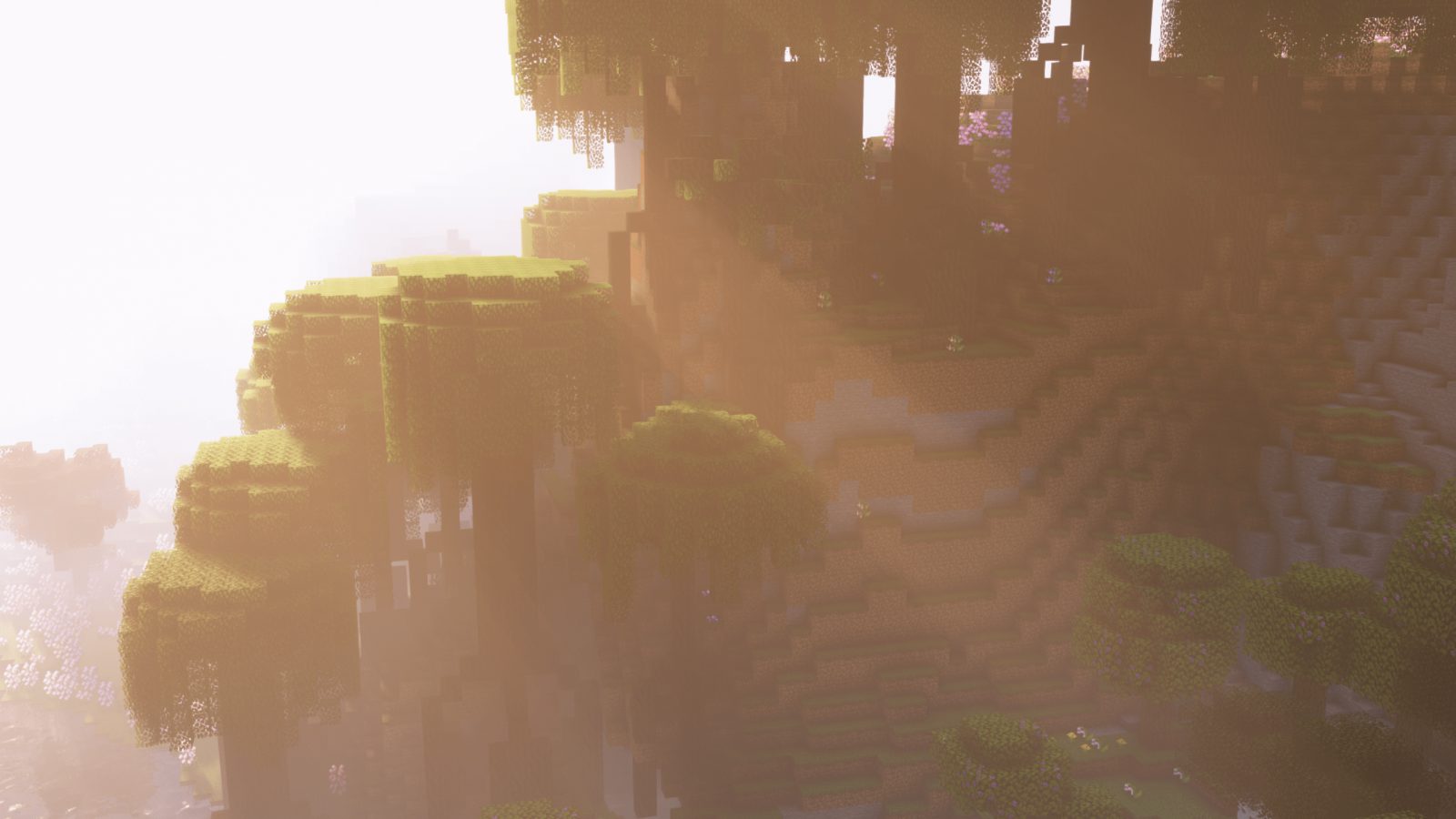
A nice sunset
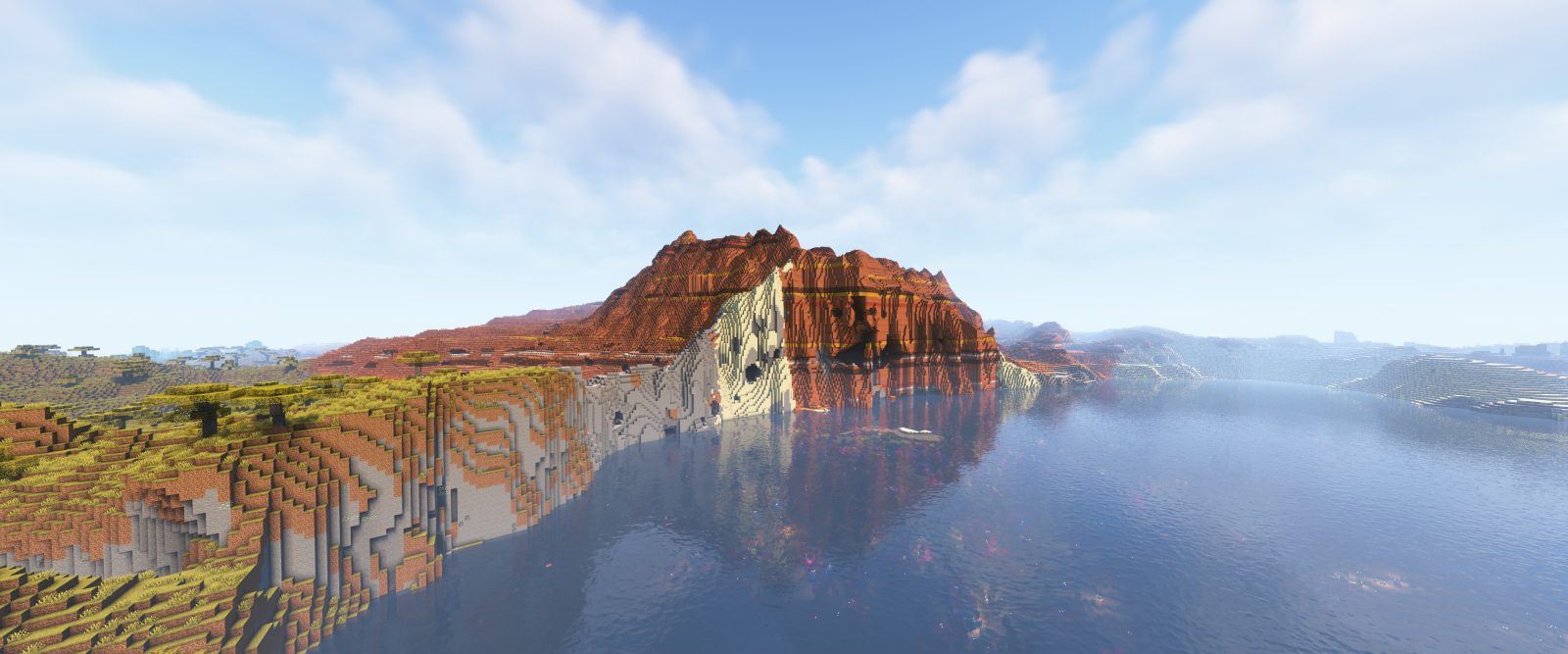
Wide Mountain
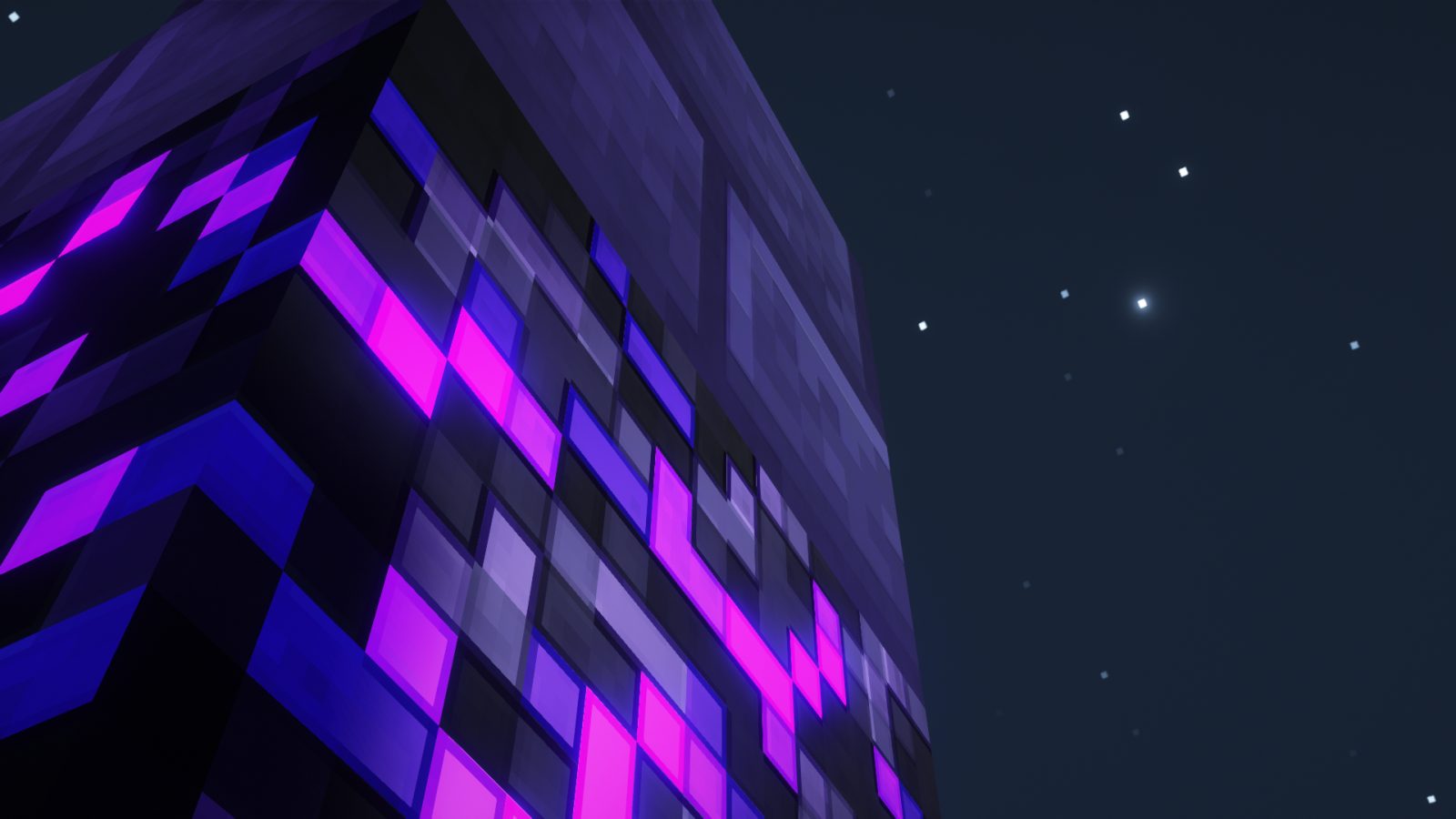
Crying Obsidian Sky
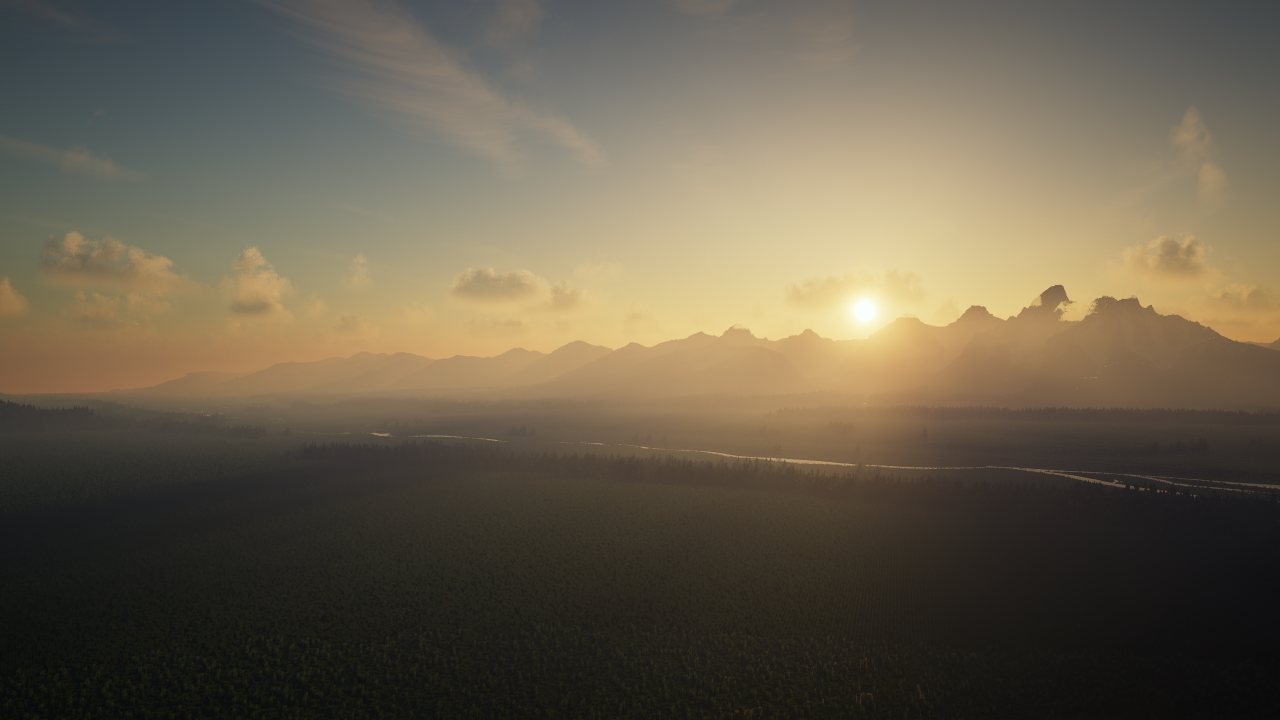
Grand Teton National Park
Requirements
Game versions
26.2
26.1.2
1.21.1
REQUIRES
Sodium, plus the Fabric loader and Fabric API (or NeoForge for the NeoForge build). Iris ships bundled with Sodium in some distributions — check before installing both.
GPU
Shaders are demanding regardless of loader. A pack that runs at 30fps under OptiFine will run faster under Iris, but it is still a shader pack.
CONFLICTS WITH
OptiFine. Iris exists to replace it.
SHADER PACKS
Most OptiFine packs work unmodified. A pack that uses OptiFine-specific extensions may not — the Iris page tracks known compatibility.
Installation
1. Install Fabric loader, Fabric API and Sodium.
2. Download Iris for the same Minecraft version and drop it in your mods folder.
3. Download a shader pack — .zip files, do not unpack them.
4. Put the pack in %appdata%\.minecraft\shaderpacks (create the folder if it is not there).
5. In game, open Video Settings → Shader Packs, pick your pack and apply.
TUNING
Most packs have their own settings under the same screen. Shadow distance and volumetric lighting are usually the two most expensive options.
This release downloads from cdn.modrinth.com, not from us, so
there is no checksum to compare against. Scan the archive before you unpack it.
Version history
v1.11.3+mc26.1.2Latest
22 Dec 2024 · 2.7 MB via cdn.modrinth.com · 17 downloads Download
Tracking current Minecraft releases.
Improved compatibility with recent shader packs.
Continued work on shader pipeline features.
Off-site on cdn.modrinth.com —
no checksum, because we never held this file.
Link checked by our review team on 14 Aug 2026.
Tell us if something is wrong — a file that will not work, content taken from
someone else, or anything that looks unsafe. Reports go to our review team, not
to the author.
We use cookies to ensure that we give you the best experience on our website and improve your experience. By continuing to use this site you consent to such use of cookies.