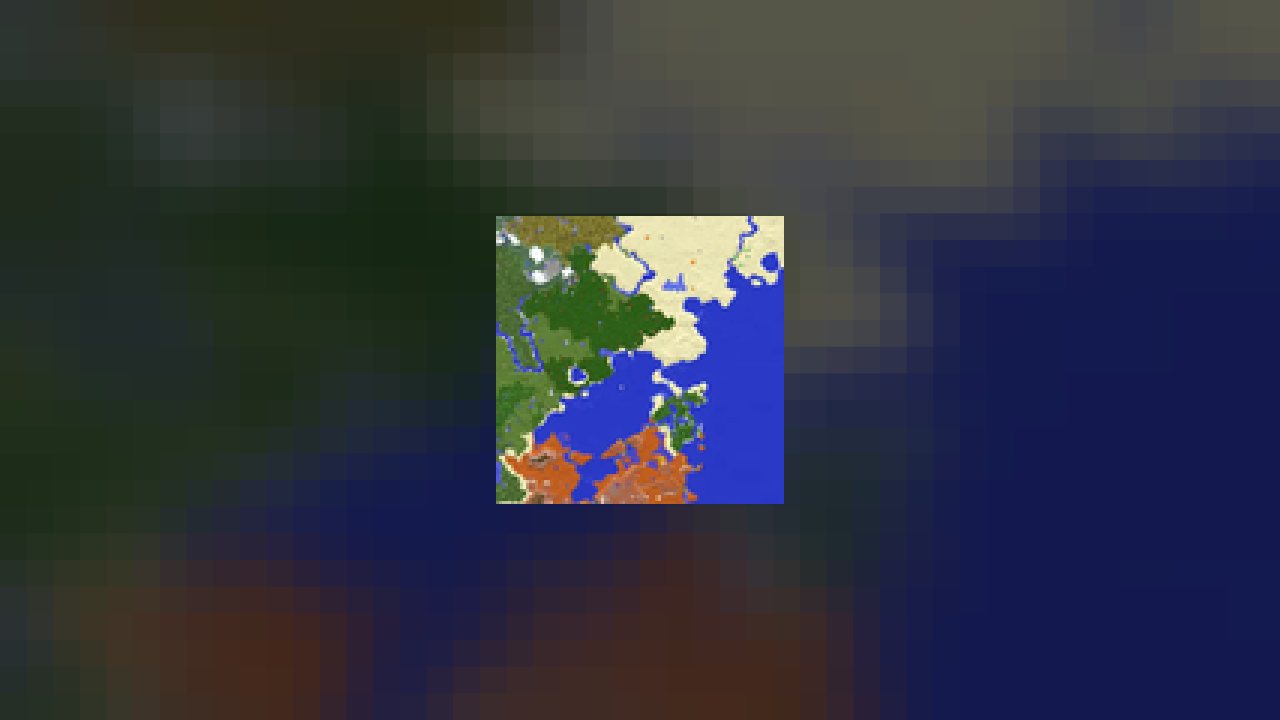
A minimap with waypoints, entity radar and a look that fits the game rather than fighting it.
Xaero's Minimap puts a map of the terrain around you in the corner of the screen, with players, mobs and entities on it and a waypoint system for everywhere you need to find again.
WHAT IT DOES
A rotating or fixed minimap with configurable size, shape and zoom. Waypoints you can create, name, colour and group by dimension, with distance and an on-screen beacon. Entity radar with per-category filtering. Cave mode for underground navigation, where a surface map is useless.
It is designed to look like part of Minecraft rather than an overlay bolted onto it, which is a large part of why it has stayed the default choice for so long. Nearly every option can be turned off, including the ones some servers object to.
PAIRS WITH XAERO'S WORLD MAP, the same author's full-screen map. They share waypoints and are normally installed together — the minimap is what you look at while moving, the world map is what you look at when planning.
Around 101 million downloads on Modrinth as of August 2026.
Requirements
Game versions
26.2
26.1.2
1.21.1
REQUIRES
Fabric loader with Fabric API, or Forge / NeoForge. Published for all of them.
CLIENT-SIDE
No server install needed.
SERVER RULES
Some servers disallow entity radar and cave mode. The mod has a fair-play mode and respects server-side restriction plugins — check the rules before assuming radar is allowed.
PAIRS WITH
Xaero's World Map. Install both and they share the same waypoint set.
Installation
1. Install your loader — Fabric with Fabric API, or Forge / NeoForge.
2. Download the build for your Minecraft version.
3. Drop the .jar into your mods folder.
4. Launch. The minimap appears in the top-left by default.
WAYPOINTS
Press the waypoint key (B by default) to drop one where you stand. Y opens the waypoint list, where they can be grouped, coloured and shared.
SETTINGS
The minimap's own settings are reachable from the in-game options menu or by right-clicking the map itself.
This release downloads from cdn.modrinth.com, not from us, so
there is no checksum to compare against. Scan the archive before you unpack it.
Tell us if something is wrong — a file that will not work, content taken from
someone else, or anything that looks unsafe. Reports go to our review team, not
to the author.
We use cookies to ensure that we give you the best experience on our website and improve your experience. By continuing to use this site you consent to such use of cookies.