Unique and upgradeable backpacks with customisation, Curios API/Trinkets integration and more!
Traveler's Backpack
...is a Minecraft mod, which adds unique backpacks. The mod is a successor of JavierDarkona's Adventure Backpack and since 1.16 all textures have been completely remade to fit the new style. Furthermore, functionality of backpack has been expanded by various new features. Traveler's Backpack is the official port.
How to use Backpack
- Can be accessed by holding it in the Main hand and right-clicking
- Equippable on the back by clicking the "Equip" button in the backpack GUI, located on the right side just above the player's inventory slots
- Can be accessed when equipped by pressing a key (by default B)
- Curios/Trinkets/Accessories compatibility makes the backpack equippable only by placing it in the "Back" slot
- Can be placed in the world as a block, making its storage accessible via hoppers/pipes
- Renders on the player's back when equipped
Tier Upgrades
- Offers 5 tiers: Leather, Iron, Gold, Diamond, Netherite
- Each of tiers adds more storage, upgrade slots, and tool slots (Configurable for each tier)
- Upgrading is done at a Smithing Table: Leather + Backpack + Tier Upgrade Item
Functionality Upgrades
- Equippable with 11 different upgrades: Tanks, Crafting, Feeding, Magnet, Pickup, Void, Furnace and more! (See descriptions)
- Use the sleeping bag without resetting the spawn point
- Take advantage of handy tool slots (How to swap tools?)
- Hose Item - a useful gadget for managing fluids in your backpack (How to use Hose)
Organizing Storage
- Offers special functions, such as marking slots as unsortable or memorizing the stack in a slot, ensuring that your storage stays organized
- Provides Sort, Quick Stack, and Transfer buttons to seamlessly manage items
Customization that you have never seen!
- Choose your personal style from over 45 custom backpacks, inspired by different creatures and blocks
- The Standard backpack can be combined with any dyes you choose in crafting to create a unique look
Special Abilities
- Some custom backpacks provide special abilities (See descriptions)
- Can be toggled on/off using the ability switch in the backpack GUI or by pressing a key (unbound by default)
- If any ability doesn't suit your needs/modpack theme, it can easily be disabled in the config
Configuration
A few things that can be changed through the mod's config
- Storage, upgrade, or tool slot count
- Enabled functionality upgrades
- Integration with Curios/Trinkets/Accessories
- Backpack abilities
- Backpack loot from mobs/chests (See loot from chests)
- and more!
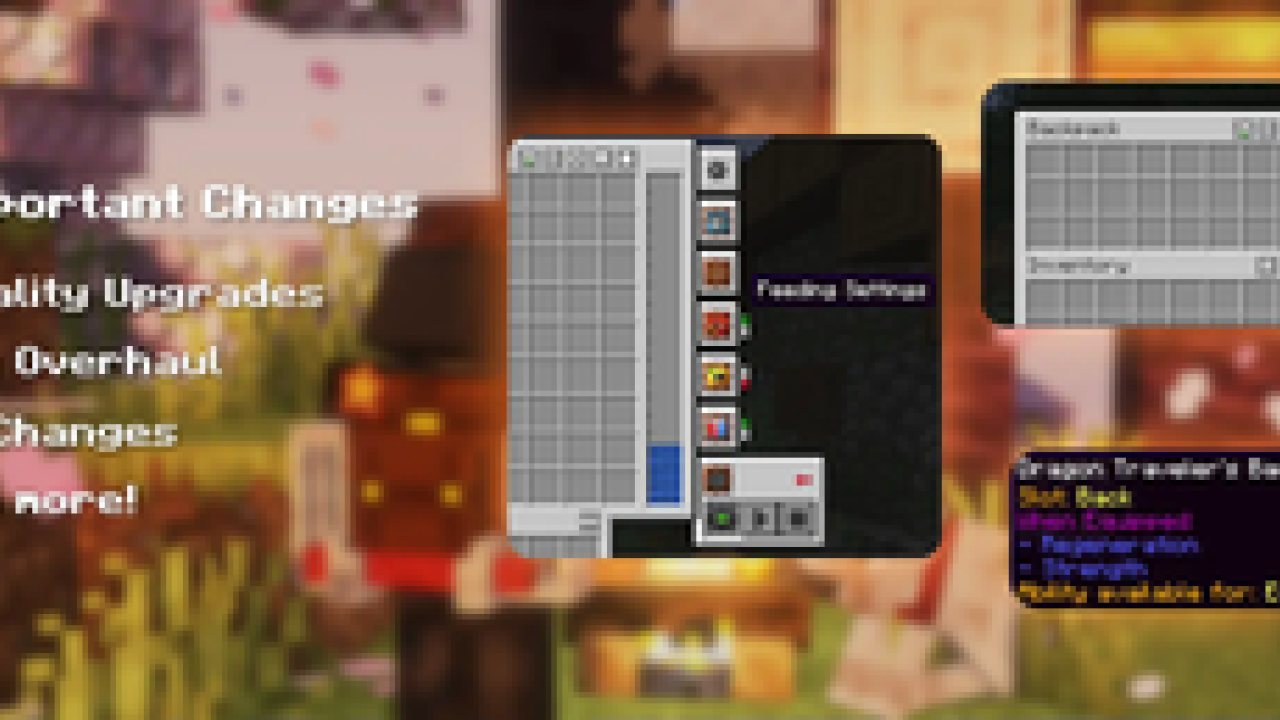
Backpacks and Inventory Preview
Click
Get Supporter Star Badge for a Lifetime!
A New special perk available to my Ko-fi supporters - the Special Star Badge, which appears on the Backpack! If you're playing on a server, it will be visible to all other players too. Can be hidden/shown at any time using button in the Backpack Settings Screen. There are plenty more perks waiting - visit my Ko‑fi to see them all! :) - Ko-Fi Link
Modpacks
You are allowed to use this mod in public/private modpacks. I do not allow anyone to repost mod on other sites without my permission or link to this Modrinth page.
Localization
If you want to help translate Traveler's Backpack to other languages, you can do it here: Submit Translation!
Translated in the following languages:
Arabic | Czech | German | British English | Spanish | Mexican Spanish | Finnish | French | Italian | Japanese | Korean | Dutch | Polish | Brazilian Portuguese | Romanian | Russian | Swedish | Turkish | Ukrainian | Vietnamese | Simplified Chinese | Traditional Chinese
Click here to check my other mods!
ABOUT THIS LISTING
This page describes Traveler's Backpack by Tiviacz1337. The description and screenshots are the author's own, imported from their listing on Modrinth on 24 October 2026: https://modrinth.com/mod/travelersbackpack
Mythiq.net hosts no files for it. The download button goes straight to the release file on cdn.modrinth.com, so you are downloading from the author's own host, not from a copy of ours.
The download count, rating and comments on this page start at zero and count Mythiq.net only. The source's own figures are not copied here — they measure a different site, and a number that cannot be checked against our own ledger is not worth printing.
Media
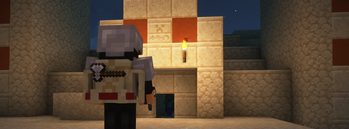
Sandstone backpack
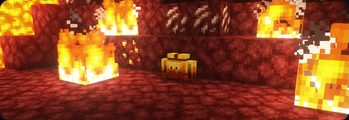
Blaze Backpack
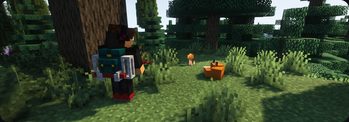
Fox Backpack
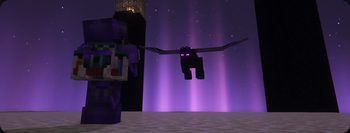
End Backpack
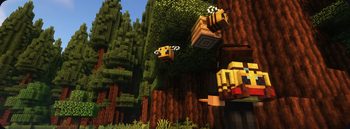
Bee Backpack
Requirements
Game version
26.2
MOD LOADER
This release is built for Neoforge. A mod built for one loader will not load under another — Fabric mods do not run on Forge, and vice versa.
GAME VERSION
Built for Minecraft 26.2. Minecraft mods are tied to an exact version: a 1.21.4 build will refuse to load on 1.21.5.
DEPENDENCIES
Check the author's listing for required libraries before you start the game — a missing dependency shows up as a crash on launch, not as a warning.
Installation
1. Install Neoforge for the Minecraft version you play, if you have not already.
2. Download the .jar with the button on this page. Do not unzip it — a mod jar is installed as it is.
4. Launch the game with the Neoforge profile selected.
ON A SERVER
Anything that changes world generation or gameplay has to be installed on the server as well as on every client. Client-side visual and interface mods do not.
UPDATING
Replace the old .jar rather than adding the new one beside it. Two versions of the same mod in the folder is a crash on launch.
This release downloads from cdn.modrinth.com, not from us, so
there is no checksum to compare against. Scan the archive before you unpack it.
Version history
v26.2-11.3.5Latest
23 Oct 2026 · 1.4 MB via cdn.modrinth.com · 0 downloads Download
🔧 Updated Iron Golem Backpack obtain tips tooltip
🐛 Fixed Backpack Item Capability
🐛 Fixed backpack's rotation if placed on the shelf
⭐ Want to receive Supporter Star Badge for a lifetime? - visit my Ko-Fi page!
Off-site on cdn.modrinth.com —
no checksum, because we never held this file.
Link checked by our review team on 25 Oct 2026.
Tell us if something is wrong — a file that will not work, content taken from
someone else, or anything that looks unsafe. Reports go to our review team, not
to the author.
We use cookies to ensure that we give you the best experience on our website and improve your experience. By continuing to use this site you consent to such use of cookies.