A simple threat meter for WoW Classic (Era, Anniversary, Mists) and WoW Forever.
ThreatClassic2
ThreatClassic2 is a threat meter for WoW Classic (Era, Anniversary, Mists) and WoW Forever.
Features
Core
- Threat list for your target including party/raid members. You're always shown, even outside the top bars.
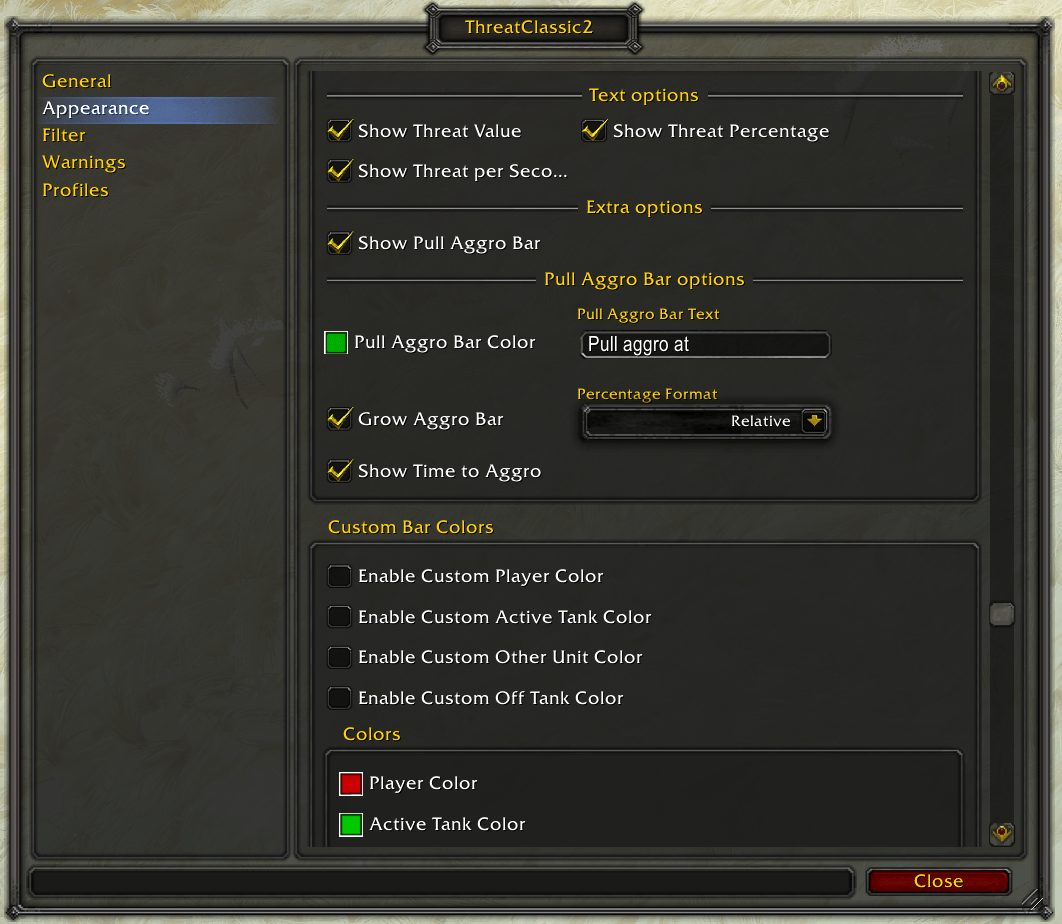
- Pull aggro bar: threat needed to pull from the current tank (110% melee / 130% range), relative or absolute.
- Threat per second option and time to pull aggro estimation
- Healer mode: shows your target's target when you target a friendly unit (Classic only).
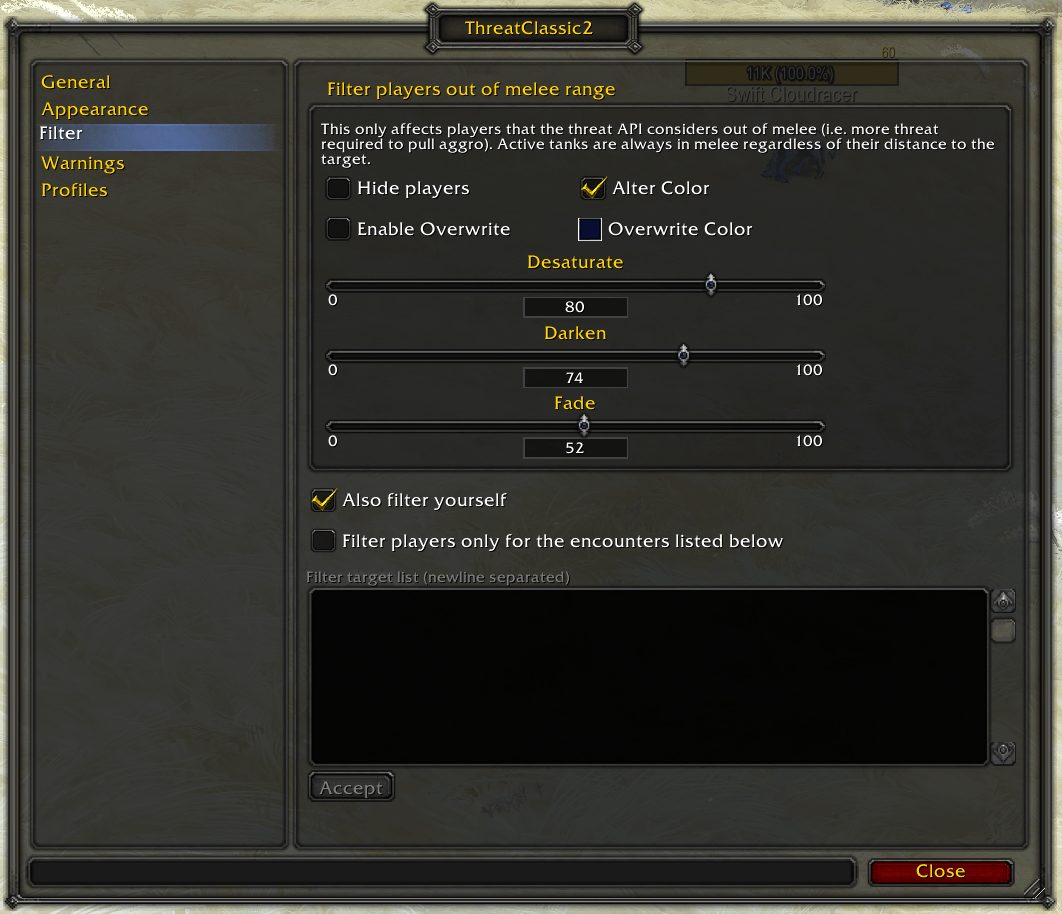
- Out of melee filter: hide or change the style of players the threat API considers out of melee range
- Scaled (100% = aggro) or raw threat percentages (110% melee / 130% range = aggro)
Warnings
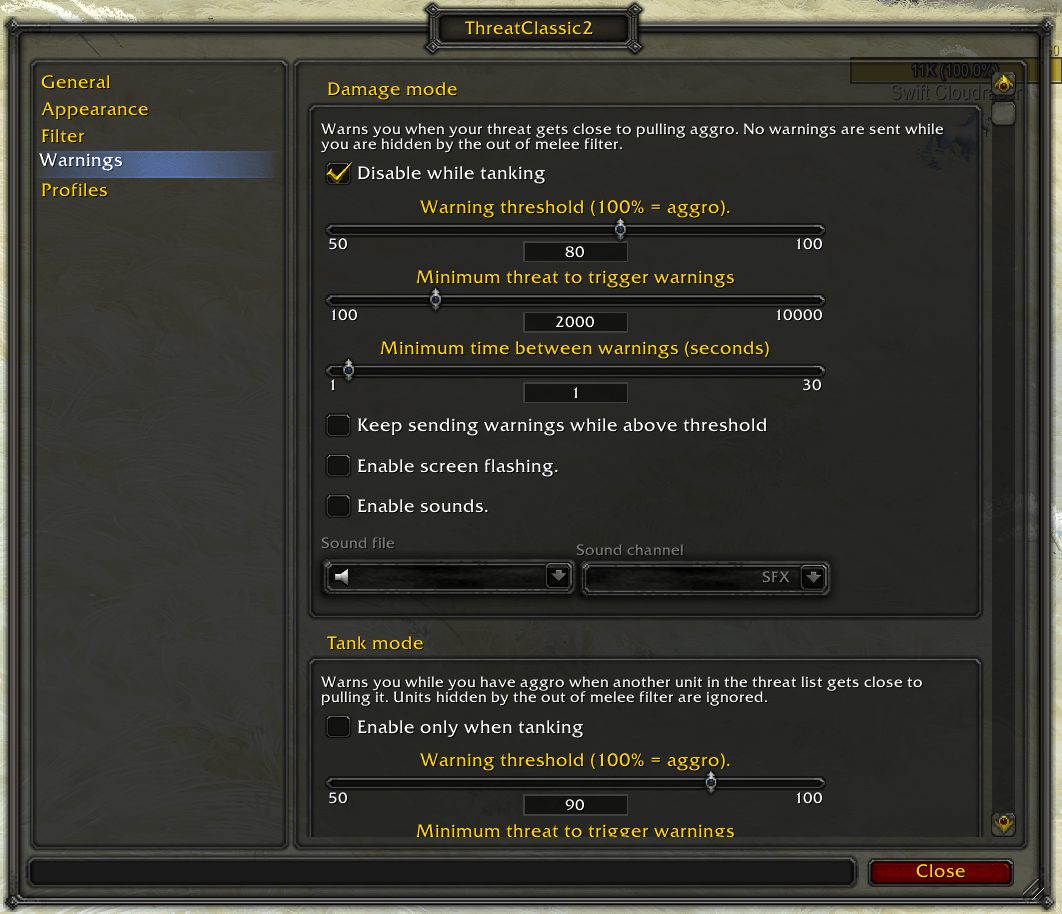
- Sound and/or screen flash when crossing a threat threshold.
- Tank mode: while you have aggro, warn when another unit gets close to pulling it.
- Warning trigger customization (separately for damage and tank mode):
- Minimum threat amount
- mininum time between warnings
- repeated warnings while above threshold
- disabled while tanking (damage mode) / only when tanking (tank mode)
Styling
- Fully customizable appearance via (LibSharedMedia)
- Class colors or custom colors for yourself, the active tank, off-tanks and other units.
- Supports custom class colors from !ClassColors (via CUSTOM_CLASS_COLORS).
- Out of melee coloring: desaturate, darken, fade or overwrite the color.
- Ignite owner indicator (Classic Era only).
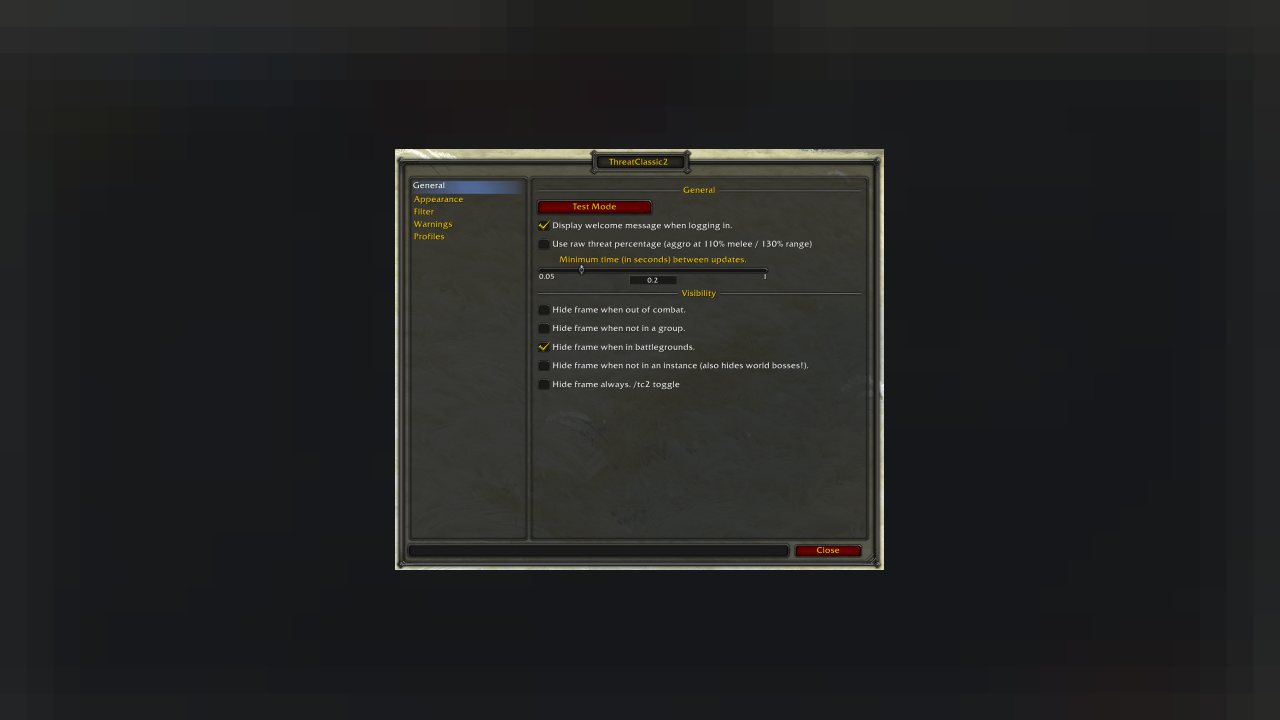
- Visibility: hide out of combat, solo, in PvP, in the open world or always.
Mainline (WoW Forever and Retail) differences
Mainline clients restrict addon access to some combat data, so a few features work differently:
- The target filter list matches boss encounter names instead of unit names and applies to all enemies during that encounter.
- Healer mode (target of target) is not available. Target the enemy directly to see its threat list.
- Tank detection (disable while tanking / only when tanking) uses your specialization role on Retail. WoW Forever uses Defensive Stance, Bear Form and Righteous Fury, but due to API restrictions Righteous Fury can only be checked outside of combat.
Commands
- /tc2 opens the options
- /tc2 toggle shows or hides the frame
- /tc2 version prints the installed version
Bugs and feature requests
Please submit all feature requests and bugs in this projects issue tracker
Please check for bugs and feature requests before submitting the same request and participate in the dicussion. Please do not email me, comment on commits or raise issues in any other channel, so there is a single place for discussions everyone can see and participate. Thank you for your consideration.
Like the project? Add a star on GitHub :)
FAQ
Q: Why use ThreatClassic2 instead of ClassicThreatMeter?
ClassicThreatMeter is outdated and should no longer be used.
Q: Why am I not seeing other players in the beginning of combat?
A: You can not see a monster's threat data before you are on the monster's threat table (i.e. did damage to it or caused any kind of aoe threat like healing or buffing). This is a restriction of the Blizzard API and cannot be changed.
Q: Is this addon under active development and will get more features?
A: Yes! I do accept feature requests and will add new features to the addon. Feel free to open an issue or +1 an existing feature request, so I can see the most sought after features!
License
MIT
Copyright (c) 2019 Dennis-Florian Herr
ABOUT THIS LISTING
This page describes ThreatClassic2 by dfherr. The description and screenshots are the author's own, imported from their listing on CurseForge on 3 October 2026: https://www.curseforge.com/wow/addons/threatclassic2
Mythiq.net hosts no files for it. The download button goes straight to the release file on edge.forgecdn.net, so you are downloading from the author's own host, not from a copy of ours.
The download count, rating and comments on this page start at zero and count Mythiq.net only. The source's own figures are not copied here — they measure a different site, and a number that cannot be checked against our own ledger is not worth printing.
Media
Appearance
Filter
Warnings
Requirements
Game version
12.1.0
GAME FLAVOUR
This is a retail (modern World of Warcraft) build. It will not work in the Classic clients, which run a different interface API.
INTERFACE VERSION
Built against game version 12.1.0. After a patch, an addon that has not been updated is flagged out of date; most keep working, and the "Load out of date AddOns" checkbox on the character screen lets you try.
DEPENDENCIES
Some addons need a separate library addon (Ace3, LibStub and friends) that is not bundled. If the addon does not appear in the list in game, a missing dependency is the usual reason.
Installation
1. Quit World of Warcraft completely. The game reads the AddOns folder at launch and will overwrite settings for an addon added while it is running.
2. Download the archive with the button on this page and unzip it.
3. Move the folder — the one with the .toc file in it, not the zip's wrapper folder — into:
World of Warcraft\_retail_\Interface\AddOns
4. Start the game. On the character selection screen, click AddOns and check that it is listed and enabled.
IF IT DOES NOT APPEAR
Nine times out of ten the folder is nested one level too deep. Interface/AddOns/Thing/Thing/Thing.toc will not load; Interface/AddOns/Thing/Thing.toc will.
UPDATING
Delete the old folder before unzipping the new one. Unzipping over the top leaves files behind that the new version no longer expects.
This release downloads from edge.forgecdn.net, not from us, so
there is no checksum to compare against. Scan the archive before you unpack it.
Tell us if something is wrong — a file that will not work, content taken from
someone else, or anything that looks unsafe. Reports go to our review team, not
to the author.
We use cookies to ensure that we give you the best experience on our website and improve your experience. By continuing to use this site you consent to such use of cookies.