The library "LibAddonMenu" is required to use this add-on.
The library "LibAddonMenu" is required to use this add-on.
For players that only want to use the Open House, Guest Journal, Favorite Homes and Recent Homes features of Essential Housing Tools we now offer the Housing Hub add-on as a light-weight alternative option.
What is Essential Housing Tools? A brief summary of many of its features...
https://www.youtube.com/watch?v=Z4NX-aPgCow
Join the Essential Housing Community to host server-wide Open Houses for your homes. Installing the included Community app takes less than a minute...
https://www.youtube.com/watch?v=1WveCn7E0ZY
https://www.youtube.com/watch?v=hJJdbJB8HVM
Add visual effects (skylines, fog, rain and much more) to your home - no item slots required...
https://www.youtube.com/watch?v=vBOOY59ce1g
https://www.youtube.com/watch?v=ZkqBz3J0HjQ
...and sharing your FX with your friends and guilds has never been easier:
Click the "EHT" button > Click Essential Effects > Click the "Share" tab and choose:
Share with Chat
to share your FX with your current chat channel (say, group, zone, guild, etc.)
or
Share with Email
to share your FX via email messages (ideal for when the recipient is offline)
or
Share with Guilds
to silently share your FX with all online guild members of one or more guilds
Please note that we cannot accept requests for new custom FX at this time.
...and the new Housing Hub (ALT+H by default or the new "House" icon in the game's top menu bar) offers a convenient directory and fast travel to all of your homes, as well as any other players' homes that you have been to or added as Favorites:
Access any home of any player with just their @Player name
(provided that you have permission, of course)
Single-click to visit ...
- Any home that you own
- Any players' home that you have been to recently
- Any players' home that you have added as a Favorite
View a list of homes (yours and other players) that you have visited recently
Order your favorites however you wish or sort them alphabetically
Share Visual FX directly from the Housing Hub, including
- Your homes' FX
- Other players' FX that have been shared with you
Access a convenient and automatic list of participating guild members' homes
for contests and housing tours:
- Just ask your Guild Master to list the participants' @Player names in the guild's
Message of the Day and the Housing Hub will build a click-to-visit list of homes,
making housing tours and contest judging easier and more enjoyable.
What's Essential Housing Tools...?
- Snap furniture items together quickly
- Move and rotate groups of items together and with precision
- Align, center, level and orient groups of items
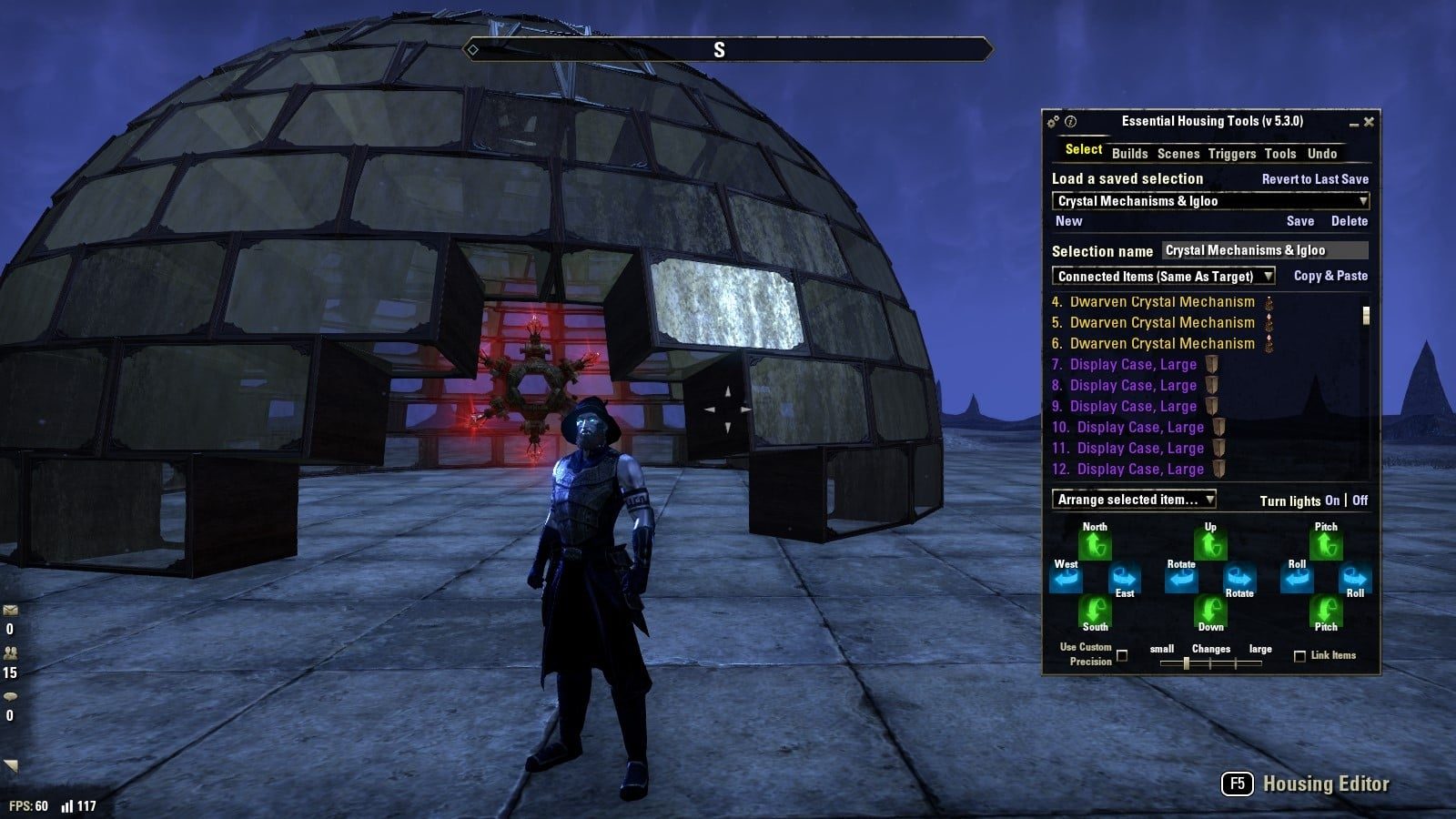
- Save and later restore entire groups of items
- Copy groups of items to clone them or even paste them into a different house
- Share groups of items with friends by importing/exporting Clipboards
- Automatically backup your entire house
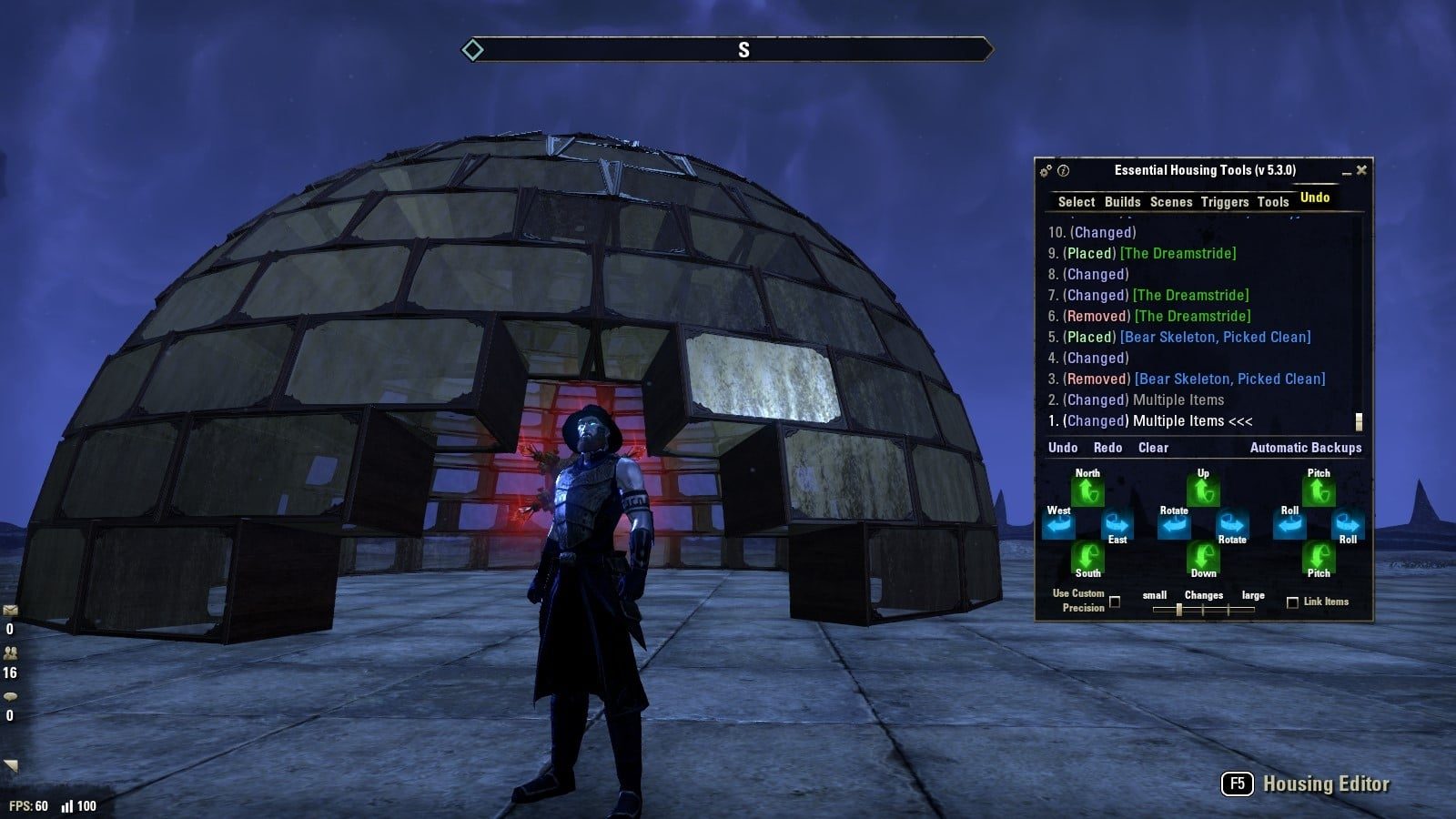
- Undo and redo multiple changes
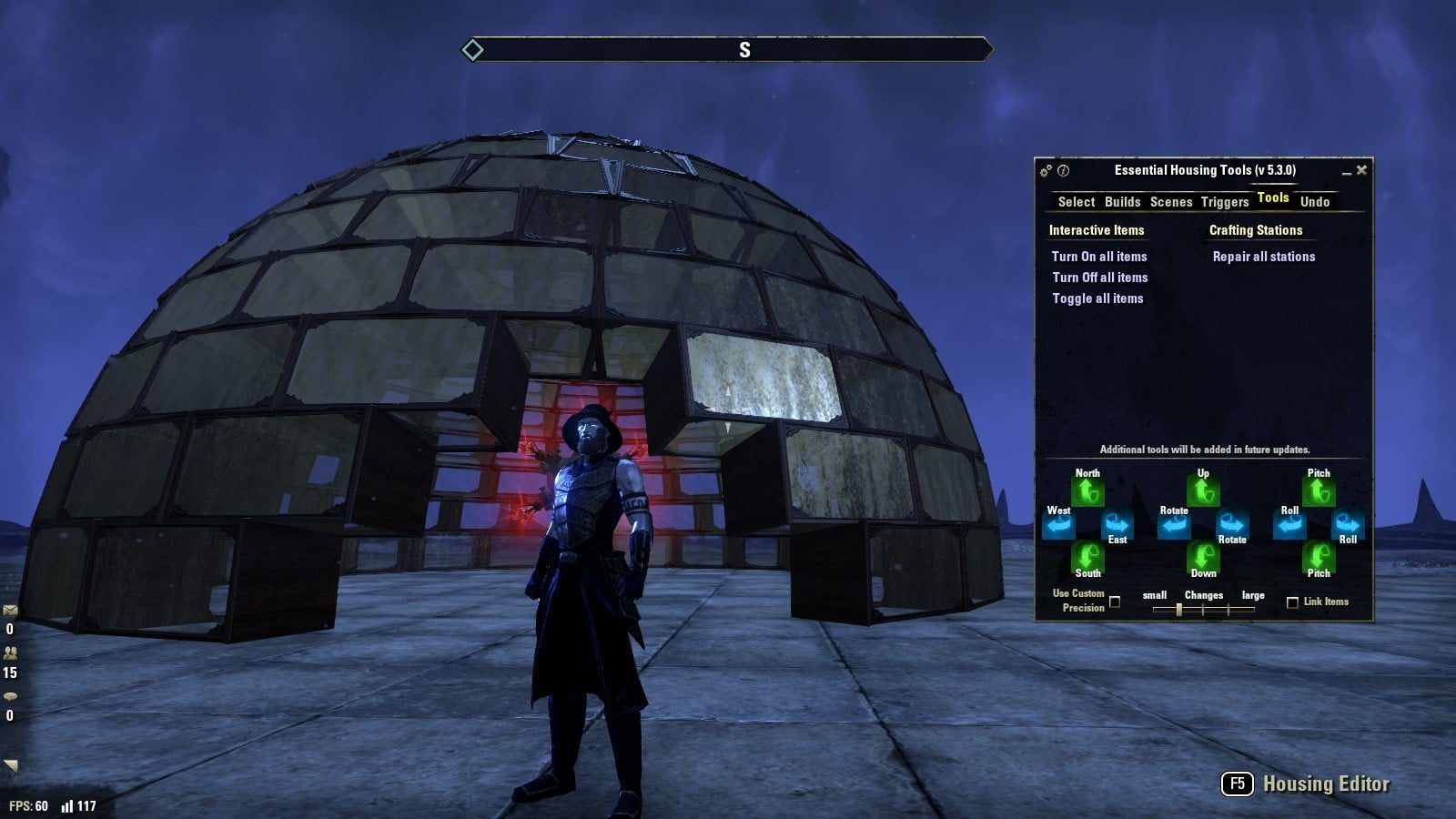
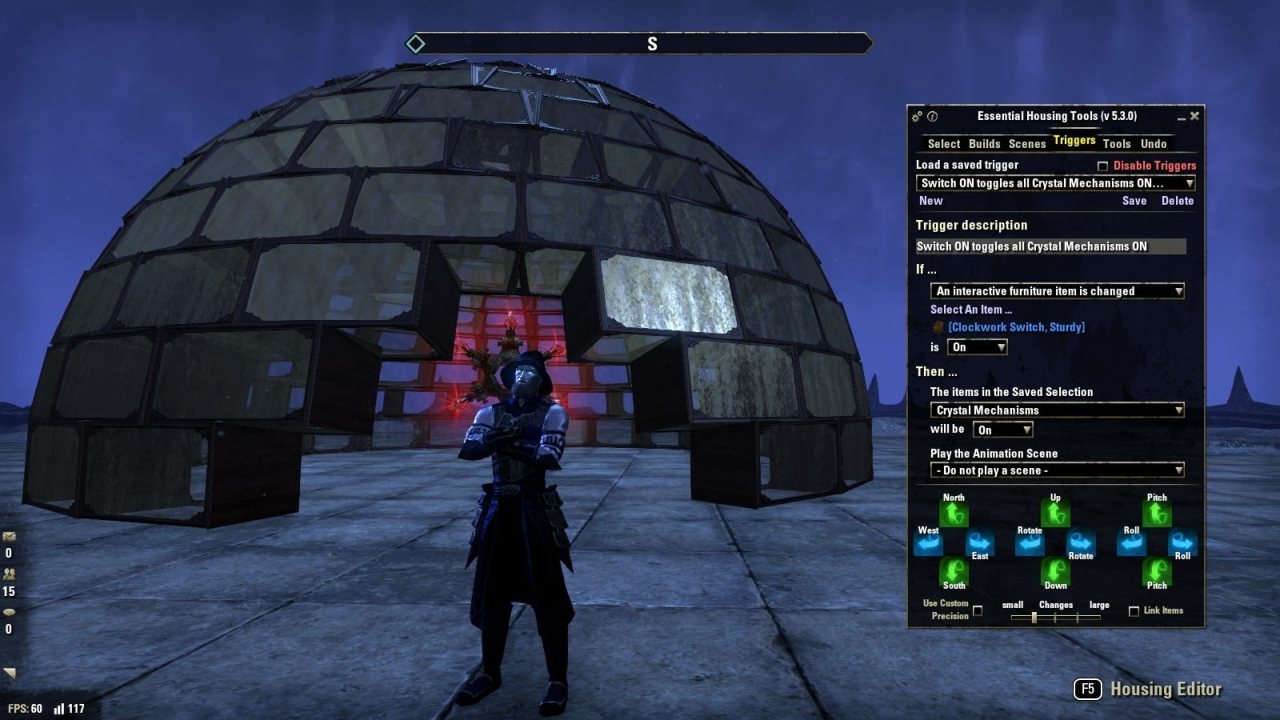
- Toggle groups of Lights ON/OFF with 1-click
- Trigger home automation routines using a variety of conditions
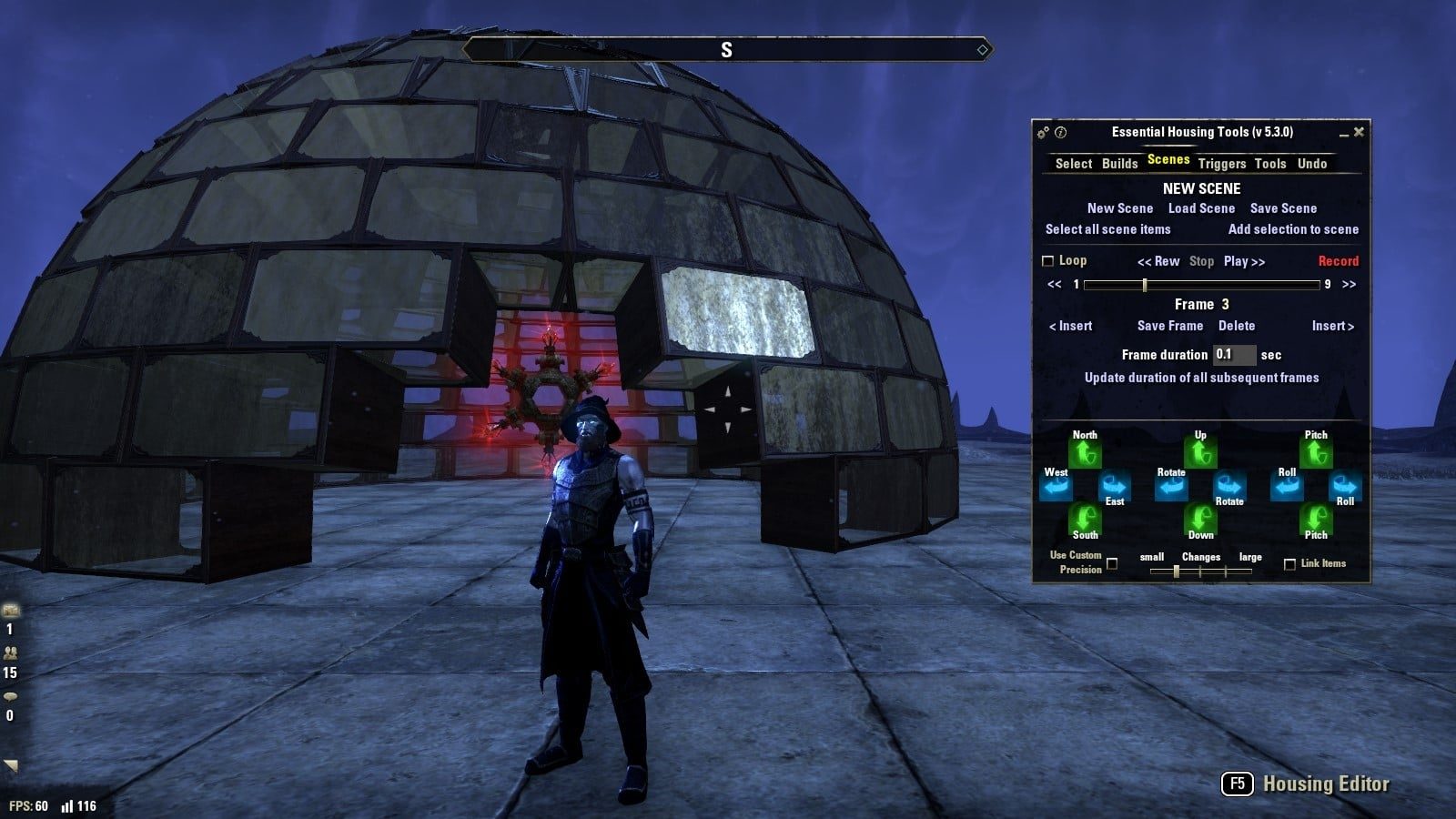
- Animate items or automatically rearrange items with Scenes
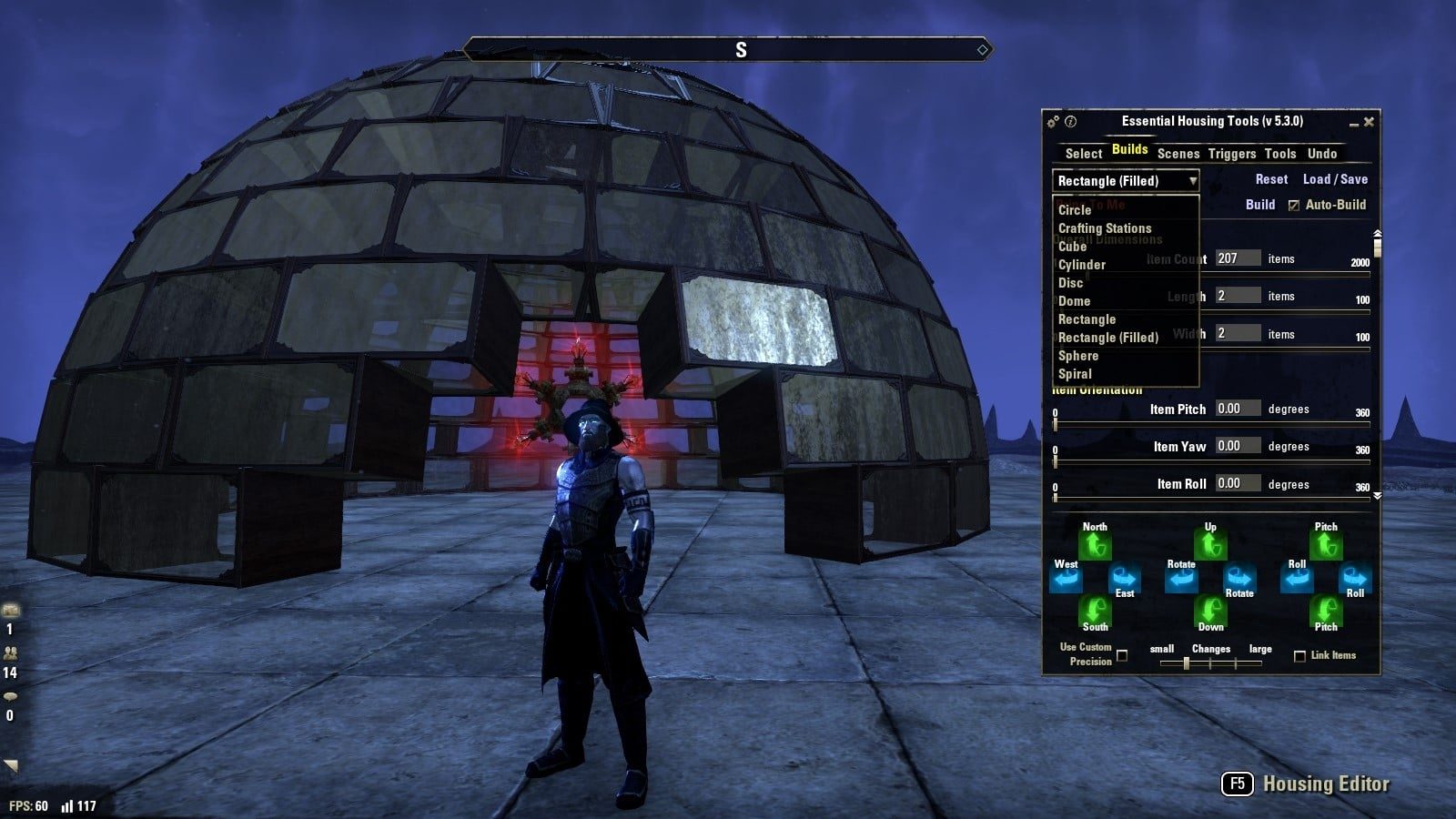
- Build immaculate construction projects using shape templates including Circles, Domes, Spheres, Spirals, Cubes and others.
...and much more - with new features being added constantly. (No, really - check the Change Log tab)
Check out the Essential Housing Tools Tutorial playlist on YouTube for a walk through of how to get started, as well as the basics of each module:
...as well as the Essential Housing Tools Demos playlist for dozens of videos demonstrating what this addon is capable of...
Getting Started...
After downloading and installing Essential Housing Tools, you will first need to set up two key binds under:
(You can key bind the other items later if you choose to, but these two are fairly essential - pun intended.)
Then, just press your key bind for "Show Selection Window".
If its your first time using the add-on, the Tutorial Tips will be shown as you move through each Tab.
You can always click the "Show tutorial tips" button (circled "I" icon) in the top-left of the add-on's window to see these Tips again at any time.
...and if you prefer to use slash commands to manage your favorites:
Set a favorite house and list your favorites using:
/setfavhouse 2 Topal
Sets Favorite number 2 as your Grand Topal Hideaway.
* Note that you may abbreviate any house name
** For your own homes, you may also use your custom house name that you can change via the Collectibles menu
/setfavhouse 11 @Cardinal05 earthtear
Sets Favorite number 11 as @Cardinal05's Earthtear Cavern.
* Note that you may use Favorites number 1 through 20
/listfavhouses
Lists your Favorites.
Travel to any of your houses, including favorites, or anyone else's house using:
/house 2
Travels to Favorite number 2.
/house topal
Travels to your Grand Topal Hideaway.
/house @Cardinal05
Travels to @Cardinal05's primary house.
/house @Cardinal05 linchal
Travels to @Cardinal05's Linchal Grand Manor.
You may also travel to your primary home, as well as establish a specific custom primary home for each character that you have using:
/home
Travels to your primary home or, if assigned, your custom primary home for the current character.
/sethome
Sets your current character's custom primary home to the home you are currently in.
/sethome Snugpod
Sets your current character's custom primary home to the Snugpod.
/resethome
Clears your current character's custom primary home, restoring it to your account-wide primary home.
...and Happy Housing
@Cardinal05 & @Architectura
ABOUT THIS LISTING
This page describes Essential Housing Tools by Cardinal05. The description and screenshots are the author's own, imported from their listing on ESOUI on 3 October 2026: https://www.esoui.com/downloads/info1959-EssentialHousingTools.html
Mythiq.net hosts no files for it. The download button goes straight to the release file on cdn.esoui.com, so you are downloading from the author's own host, not from a copy of ours.
The download count, rating and comments on this page start at zero and count Mythiq.net only. The source's own figures are not copied here — they measure a different site, and a number that cannot be checked against our own ledger is not worth printing.
Media
Requirements
Game version
12.0.0
API VERSION
Built for ESO API version 12.0.0. After a patch the game marks add-ons built for the previous API as out of date; the "Allow out of date add-ons" checkbox in the add-on menu loads them anyway, and most work.
LIBRARIES
Many ESO add-ons depend on a shared library — LibAddonMenu-2.0 above all — which is installed separately, exactly like an add-on. A dependency that is missing shows as the add-on simply not appearing in the list.
CONSOLE
Add-ons are PC and Mac only. There is no way to load them on console.
Installation
1. Download the archive with the button on this page and unzip it.
2. Move the unzipped folder into your add-ons directory:
Windows — Documents\Elder Scrolls Online\live\AddOns
3. Start the game, and at the character select screen click Add-Ons.
4. Tick the add-on. If it is greyed out and marked out of date, tick "Allow out of date add-ons" at the top of the same panel.
5. Log in. Most add-ons need a /reloadui after they are first enabled.
UPDATING
Delete the old folder first. ESO loads everything it finds, and two copies of one add-on is the usual cause of "an add-on has produced an error" on login.
This release downloads from cdn.esoui.com, not from us, so
there is no checksum to compare against. Scan the archive before you unpack it.
Fixed an issue that prevented Triggers from activating when using the primary QuickSlot Wheel.
NOTE: Secondary wheels, such as Allies, Mementos, etc., are not supported yet; however, now you *can* slot any of those collectibles in your primary QuickSlot wheel and use them to activate Triggers.
Version 1775
2025-11-26
Fixed an issue that caused Guest Journals and other book-related FX to appear incorrectly.
Added support for the Furnishing Vault when searching for furnishings via the Housing Hub's "Furniture" tab. (Requires the latest version of the DecoTrack add-on)
API version update.
Version 1774
2024-10-13
Fixed several issues caused by some of our recent changes. Apologies for the inconvenience! <3 :)
PS: Thank you so much for being a part of the most amazing Community that I have ever had the privilege to call my second home. Your passion for building and sharing cool things - and your willingness to help and support each other - keeps me motivated... You are literally -the- reason that I love my job and why I look forward to coming to work each day. <3
Version 1773
2023-03-12
Updated the Item Inspection HUD display to show information about items while using the Housing Editor or Inspection Mode.
Version 1772
2023-03-11
Removed the following features that are now part of the base game for all platforms <3
- Chat Links to Houses
- Guest Arrival and Departure Notifications
- House Name and Owner Notification upon arrival to a house
- Housing Editor "Place" and "Retrieve" list filters
- Identify Furniture
- Reset Target Dummy
- Tab Targeting
Added the "Place All Furniture" keybind to the Controls menu under "User Interface Shortcuts" | "General"
Version 1771
2022-11-13
Fixed an issue that prevented more than 1,000 FX published to the server from being restored properly with the "Preview published version of effects" feature of the FX menu's Share tab.
Version 1770
2022-11-06
Fixed an issue that caused Triggers and some Action FX to fail to work properly.
Fixed several Lua errors.
Version 1769
2022-06-10
Fixed non-interactive Housing Hub entries when using the Rows display style.
Fixed non-interactive slider, text box and check box fields on the Builds tab.
Version 1768
2022-06-09
Fixed dozens of non-functional / unclickable buttons, list items and menus caused by platform compatibility issues introduced with Update 34.
Fixed several Lua errors.
Updated API version.
Version 1767
2021-11-28
Fixed several long-standing Lua errors.
Improved the performance of several FX including Dazzling and Star Cube.
Improved the EHT button | Environment | Night Mode toggle feature.
Version 1766
2021-10-30
Fixed an issue that could have caused a Lua error to appear when attempting to publish homes.
Fixed several FX-related Lua errors.
Version 1765
2021-10-23
The Identify keybind will no longer appear while previewing a home as the feature cannot work in a home preview.
Added a Publish FX option to the EHT button that appears after adding or editing FX in your home to serve as a reminder that FX changes must be published in order to be seen by other players.
Version 1764
2021-10-14
Housing Streamers can now specify approximately how long each Live Stream will run when going live.
Fixed an issue that caused Portals to sometimes stop working if the jump was interrupted.
Version 1763
2021-09-30
Minor bug fixes.
Fixed an issue that caused the "Use Custom Precision" checkbox to work opposite to how it had always worked previously.
Version 1762
2021-09-14
Fixed a Lua error that could result from using Undo/Redo under certain conditions.
Fixed a Lua error that could result from using the Scene tab's "Update Remaining Frames" button while editing an empty scene.
Version 1761
2021-09-12
Off-site on cdn.esoui.com —
no checksum, because we never held this file.
Link checked by our review team on 3 Oct 2026.
Tell us if something is wrong — a file that will not work, content taken from
someone else, or anything that looks unsafe. Reports go to our review team, not
to the author.
We use cookies to ensure that we give you the best experience on our website and improve your experience. By continuing to use this site you consent to such use of cookies.