TTC needs localization help! Current plans is to translate for all official languages (German, French and Japanese). If you are willing to help with the translation please go to google sheet (https://goo.gl/q6xBPq) and fill in the German/French/Japanese Translation Columns as much as you could. Do remember to make a copy in case of conflicts or trolls.. cough cough...
By downloading this addon you agree to the Terms of Service and Privacy Policy
Dependencies:
LibCustomMenu
LibAddonMenu-2.0
3rd party optional plugins (if you need the additional functionality):
KelaPadUI for Gamepad mode
AdvancedFilters for TTC
TamrielTradeCentreCompanion
For Mac users and people whos afraid of exe file. Webclient (beta) is available online. Go to http://tamrieltradecentre.com/ and select your region. Click on Addon -> Webclient and follow the instructions
LuaSerializer is now on GitHub https://github.com/alt22247/LuaSerializer
Global trade search tool needs YOUR help.
By running our addon and client. Your guild listings as well as any item you seen by using guild store search function will be automatically upload to the site for other people to search and browse. The collected data will also be used to generate price info for everyone~
If you want to contribute more to the community or if you wish to help boosting up your guild's sale by uploading an entire guild's listings, you are more than welcome to do so!
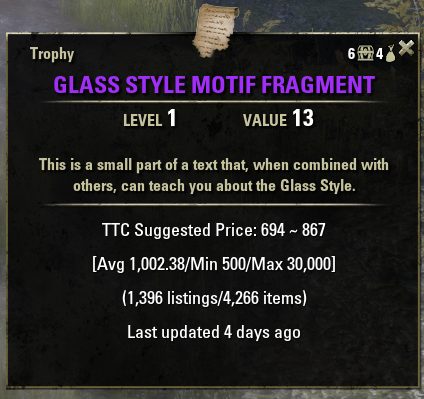
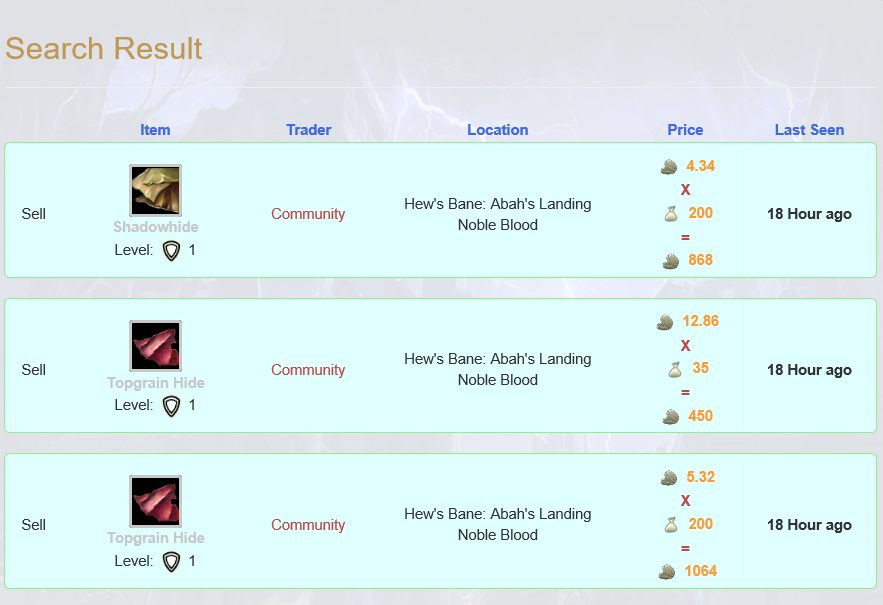
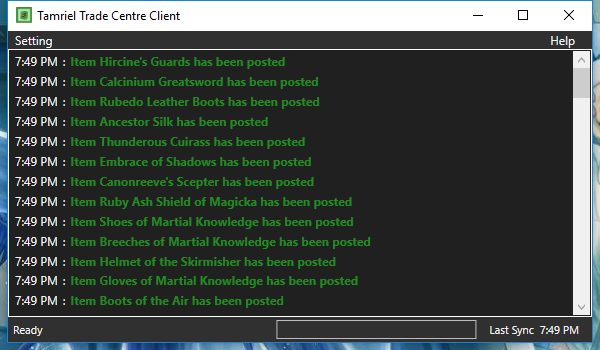
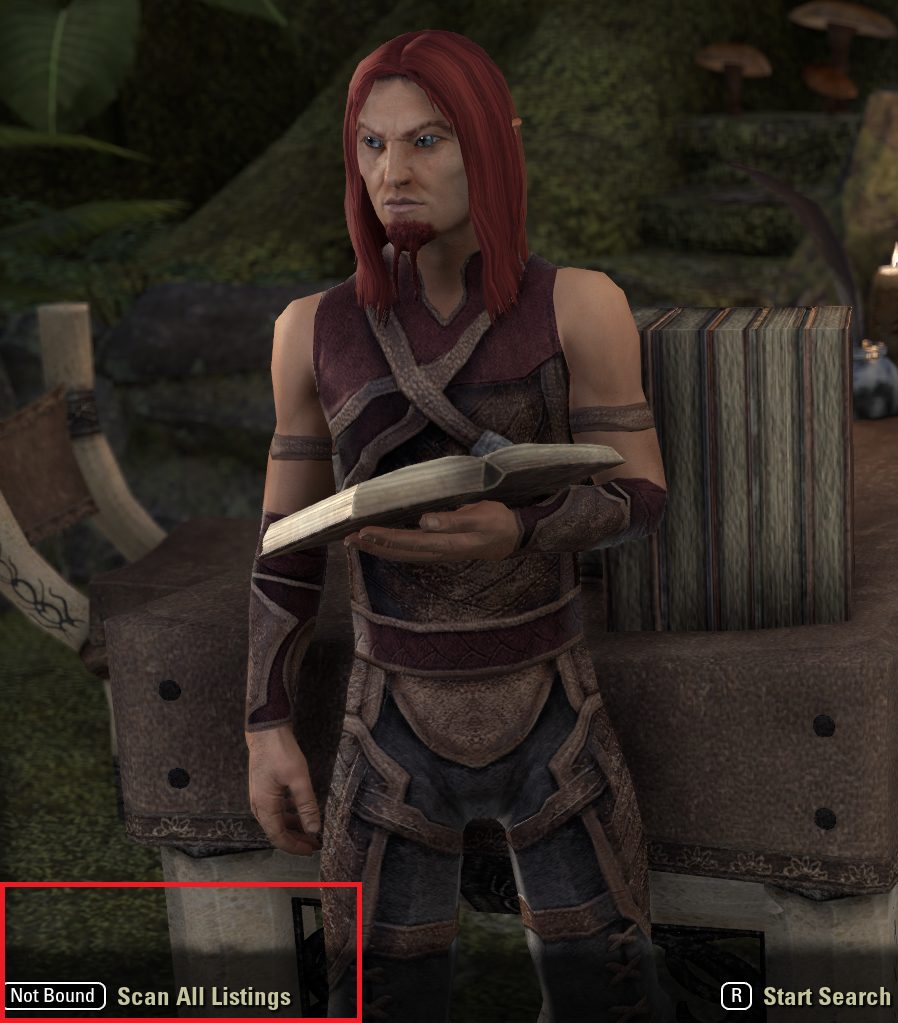
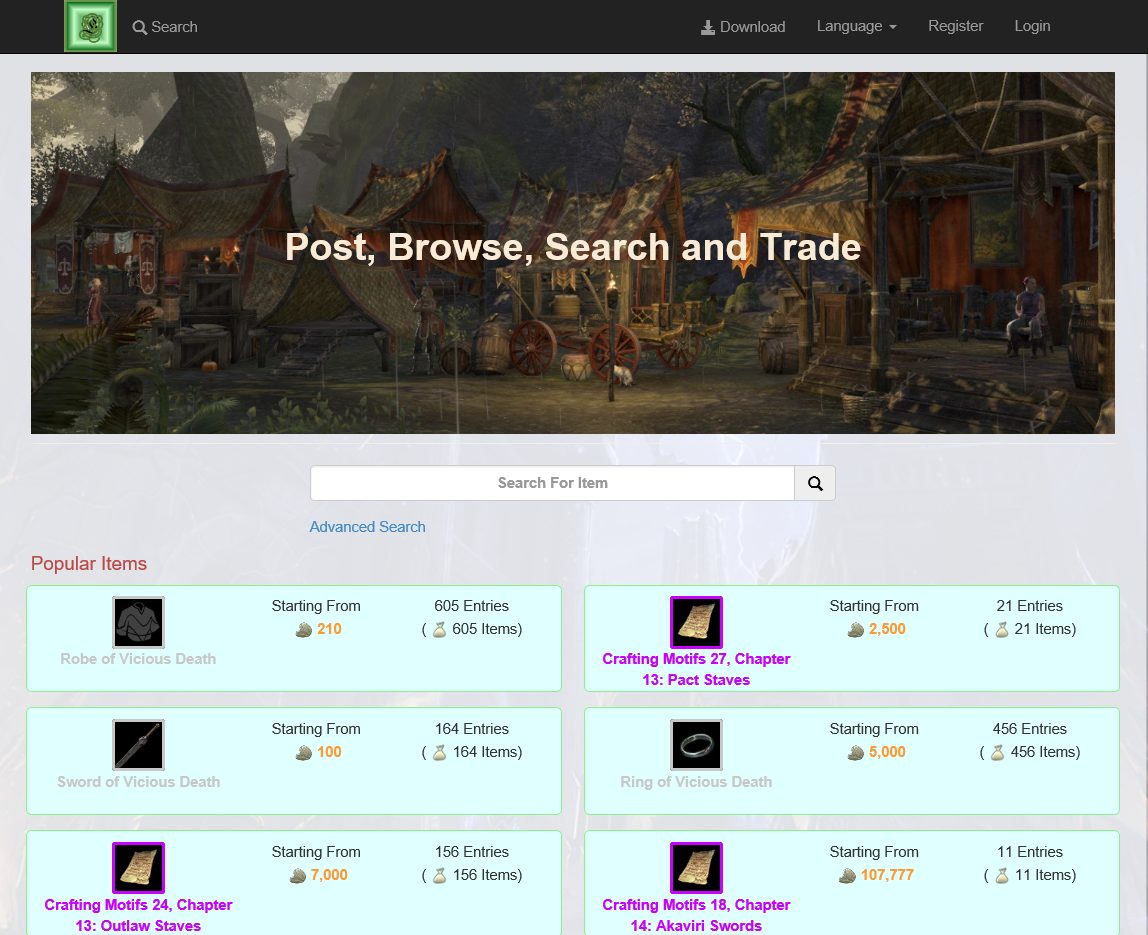
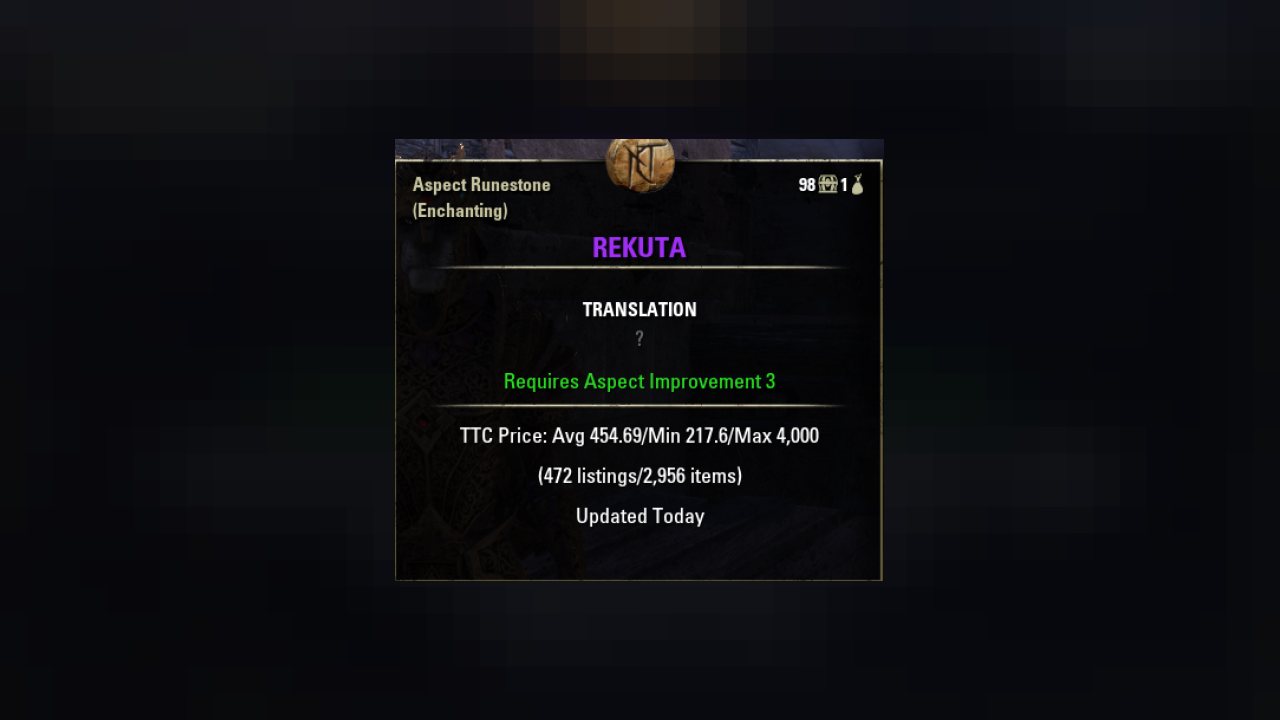
Here are some screen shoots of the site, addon and client
Install Instruction:
1. Download and unzip the files under ESO addon folder (default is Documents\Elder Scrolls Online\live\AddOns) Or you can install it with Minion
2. When you are playing ESO, run the client executable (client.exe) under Client folder
3. Enjoy the game
In game API
1. To get TTC's price info simply do TamrielTradeCentrePrice:GetPriceInfo(itemLink)
This will return a TamrielTradeCentre_PriceInfo Object
2. To get TTC's internal item information (various internal Ids)
TamrielTradeCentre_ItemInfo:New(itemLink)
Q:How does this addon work?
The addon collects all the item listings that you seen in the guild store and uploads them to the site. The site then uses all the data collected by all players to generate price info for everyone.
You can also use the website to search for the location of an item using way better filter than the default Guild store GUI. But it is not guarantee the item is still there since low price items tends to get sold fast. You will have to use your own judgment based on the last seen column to predict whether its still available.
Q:How is the suggested price calculated?
1. Remove outliers
2. AVG(price of the lowest 30% items) * 0.8
Q:Whats the difference between average/suggested price vs sales average?
Average/suggested price are calculated using listing data while sales average is calculated using actual sales data. Both listing and sales data are collected from all TTC users across all guilds.
Q: How fresh is the pricing data?
Very fresh! Naw im kidding, its based on Data from yesterday
Q: How big is TTC
It uses around 6mb of RAM for pricing info and around 20mb at most for entries you have seen.
Detailed Instruction
FAQ
ABOUT THIS LISTING
This page describes Tamriel Trade Centre by cyxui. The description and screenshots are the author's own, imported from their listing on ESOUI on 14 August 2026: https://www.esoui.com/downloads/info1245-TamrielTradeCentre.html
Mythiq hosts no files for it. The download button goes straight to the release file on cdn.esoui.com, so you are downloading from the author's own host, not from a copy of ours.
The download count, rating and comments on this page start at zero and count Mythiq only. The source's own figures are not copied here — they measure a different site, and a number that cannot be checked against our own ledger is not worth printing.
Media
Requirements
Game versions
11.3.0
11.2.0
11.1.0
API VERSION
Built for ESO API version 11.3.0, 11.2.0, 11.1.0. After a patch the game marks add-ons built for the previous API as out of date; the "Allow out of date add-ons" checkbox in the add-on menu loads them anyway, and most work.
LIBRARIES
Many ESO add-ons depend on a shared library — LibAddonMenu-2.0 above all — which is installed separately, exactly like an add-on. A dependency that is missing shows as the add-on simply not appearing in the list.
CONSOLE
Add-ons are PC and Mac only. There is no way to load them on console.
Installation
1. Download the archive with the button on this page and unzip it.
2. Move the unzipped folder into your add-ons directory:
Windows — Documents\Elder Scrolls Online\live\AddOns
3. Start the game, and at the character select screen click Add-Ons.
4. Tick the add-on. If it is greyed out and marked out of date, tick "Allow out of date add-ons" at the top of the same panel.
5. Log in. Most add-ons need a /reloadui after they are first enabled.
UPDATING
Delete the old folder first. ESO loads everything it finds, and two copies of one add-on is the usual cause of "an add-on has produced an error" on login.
This release downloads from cdn.esoui.com, not from us, so
there is no checksum to compare against. Scan the archive before you unpack it.
4.22 Release Log:
1. Update 45
2. Added sub menu option for right click menu
3. Client console message auto scrolling
4.21 Release Log:
1. Fixed an issue with LibCustomMenu
2. Update 44 version bump
3. Minor localization update
4.20 Release Log:
1. Fixed a bug where the price of poison is not separated by different effects
2. Fixed a bug where Spanish client cannot scan one of the trader in Craglorn
3. Localization updates
4.18 Release Log:
1. Added back the price to chat language options
2. Added a steam button in Client's start options
3. Opening a second instance of the client will now bring the running instance to front instead of panic
4.17 Release Log:
1. Fixed an UI error for Spanish client
4.16 Release Log:
1. Adopts to the new guild history API that was introduced in U41
2. Added a slash command /ttc and a button binding to clear data
3. When launch ESO after TTC option is enabled. TTC will now launch ESO and shutdown the current instance if another TTC instance is already running instead of panicking
4. Fixed various NPC names in other locales
5. Localization update
Known issues:
1. Font change that came with U41 broke the unicode encoding. TTC's additional language setting will cause the game to freeze. As a result all language related settings are removed from the settings page until this is fixed.
2. Guild history API is very buggy right now. Sales history data might get impacted because of this.
4.15 Release Log:
1. Temperately disable guild history scanning while I am working on the new API
4.14 Release Log:
1. Fixed an issue causing repeated upload. (Please delete your saved variable file before starting the game if issue persists)
2. Added missing language for client.exe (Spanish + Japanese)
4.13 Release Log:
1. Added sale avg and stats to price info
2. Added Japanese support
3. Removed sold item notification (obsolete 'feature')
4.12 Release Log:
1. Added sale history collection. Data will be used to generate sale average pricing in the future. Size of the data is capped at 1 day or around 10mb whichever is smaller. No calculation or processing is done by the addon. There should be zero performance impact (unless 10mb of RAM is an issue)
2. Optimized guild store history pulling and reading logic
4.11 Release Log:
1. Necrom update
2. Added sorting options for search online
3. NPC name fix for multiple languages
4.10 Release:
1. Fixed wide range of localization issues
2. Added Japanese strings in preparation for JP support
4.9 Release:
1. Added new traders
2. Mass localization update
Website update:
1. Added Spanish localization
2. Chinese item name update
3. Mass localization update
4.8 Release:
1. Added Spanish support
4.7 Release:
1. New traders for High Isle
Client 4.6 Release:
1. Client side change for loading price table based on server region (server side not ready yet)
Client 4.5 Release:
1. Added view price history online button
2. Added Missing NPC names for Russian client
Client 4.4 Release:
1. Deadland update
2. Updated target .net framework to 4.7.2 to prepare for TLS 1.0 deprecation
Client 4.3 Release:
1. Added companion traits
2. Added Blackwood NPC for German, French and Russian client
Client 4.2 Release:
1. Added Blackwood traders
Client 4.1 Release:
Version bump only
Off-site on cdn.esoui.com —
no checksum, because we never held this file.
Link checked by our review team on 14 Aug 2026.
Tell us if something is wrong — a file that will not work, content taken from
someone else, or anything that looks unsafe. Reports go to our review team, not
to the author.
We use cookies to ensure that we give you the best experience on our website and improve your experience. By continuing to use this site you consent to such use of cookies.