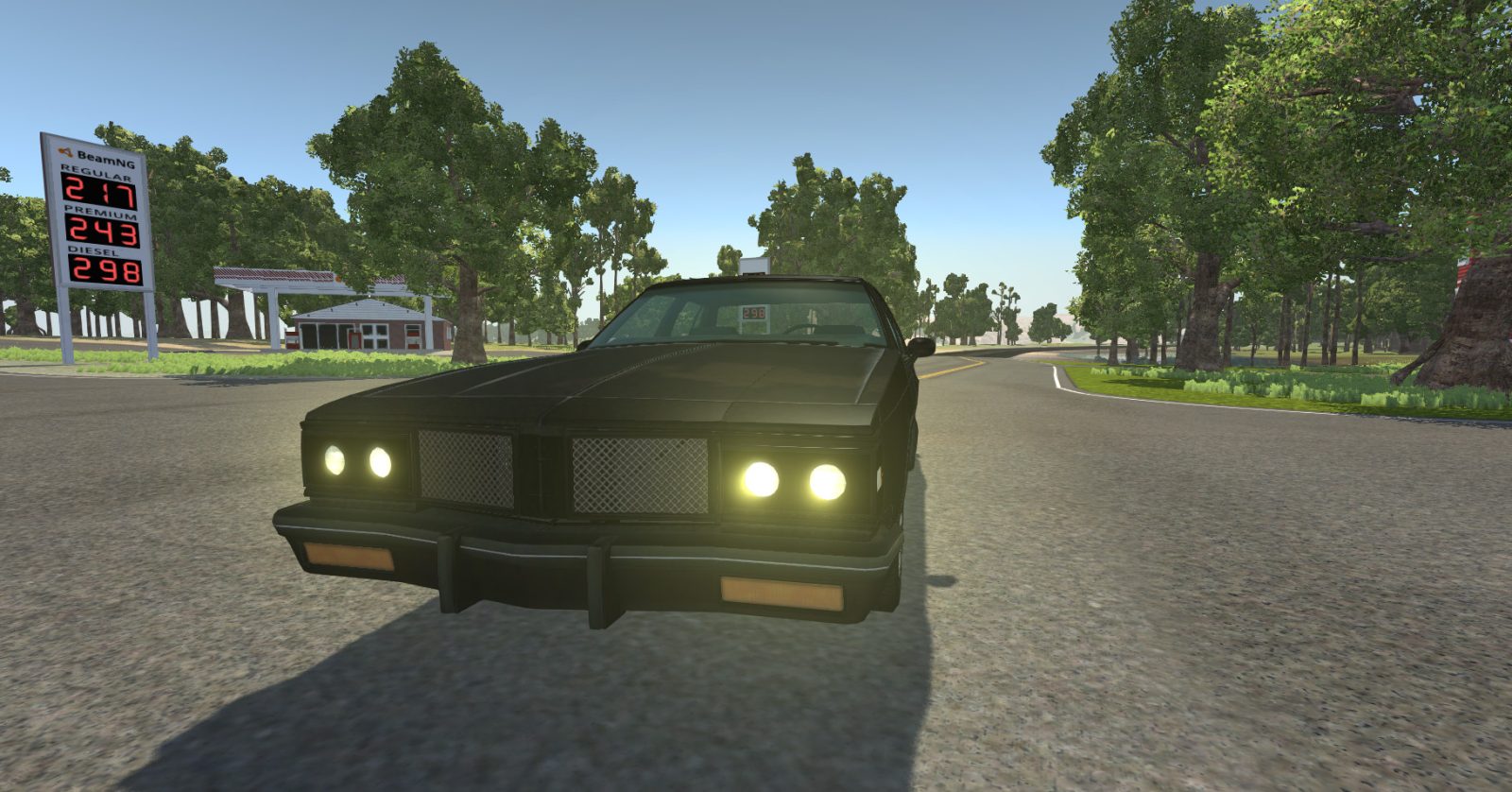
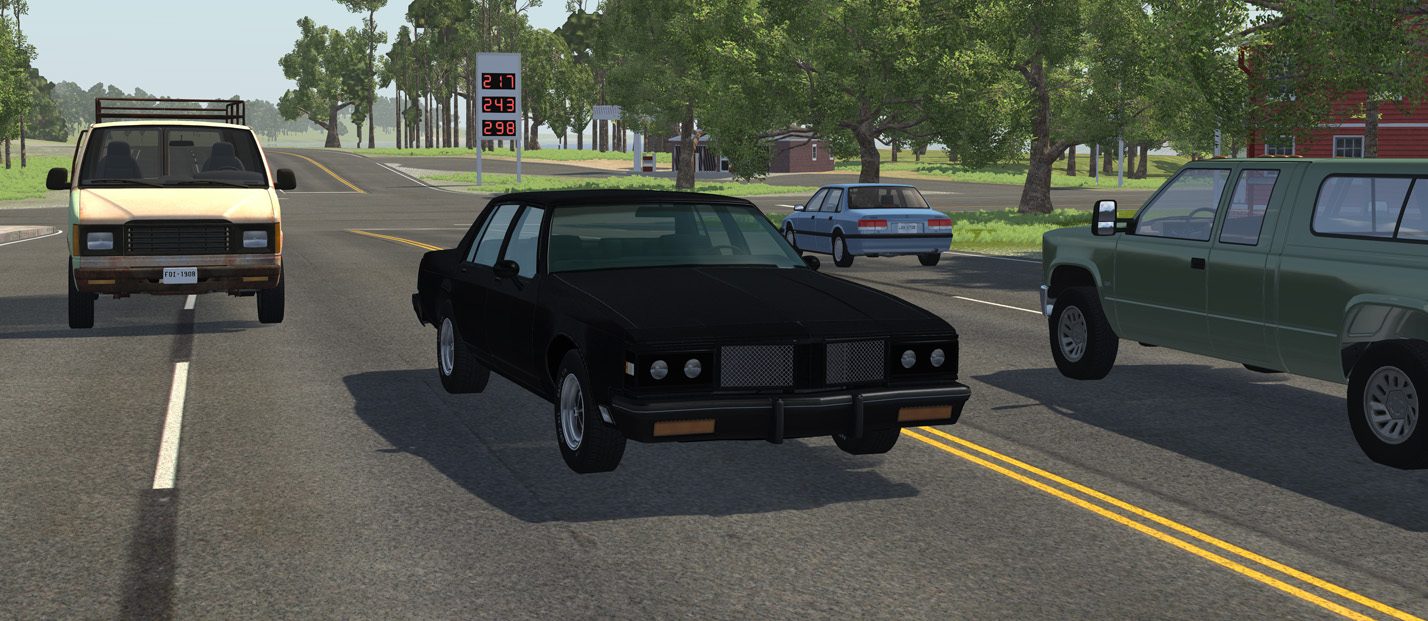
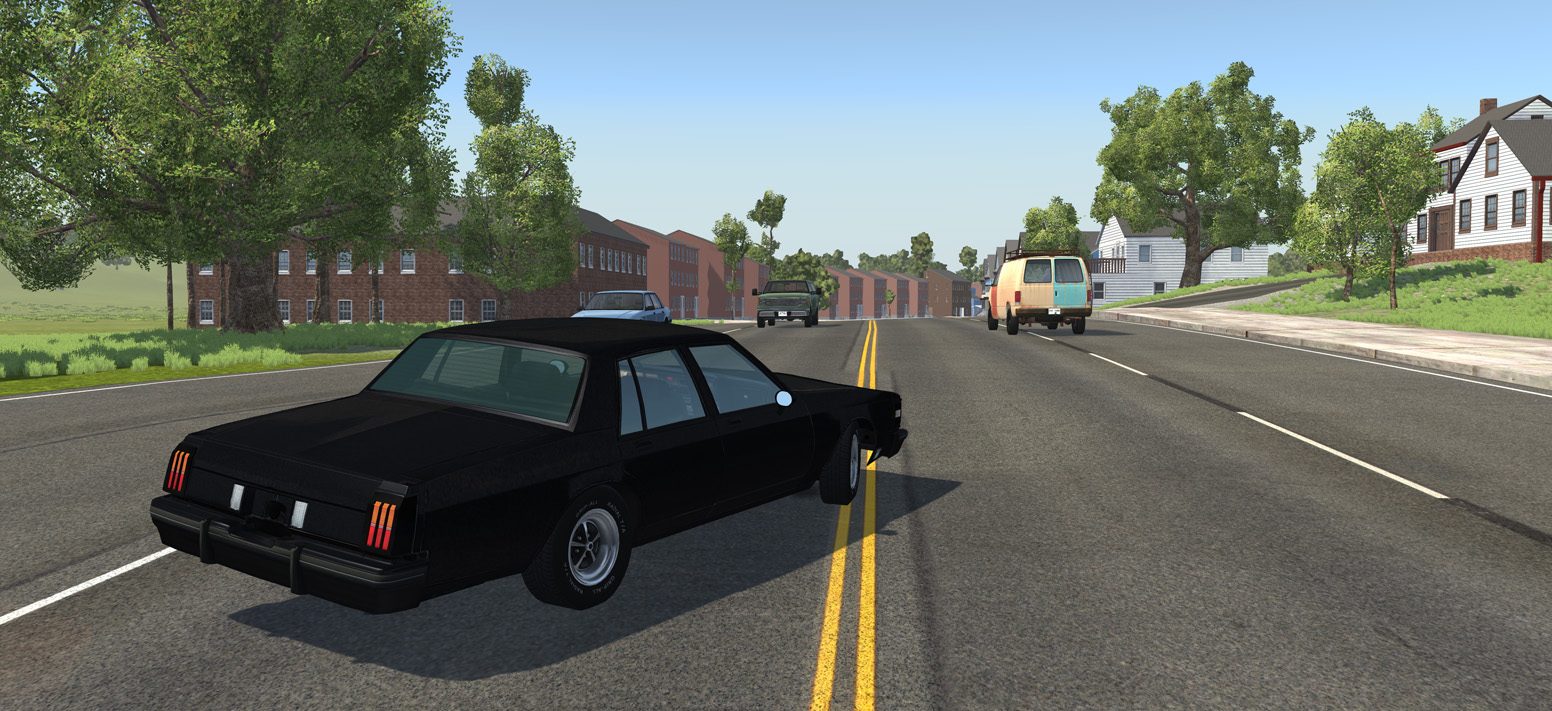
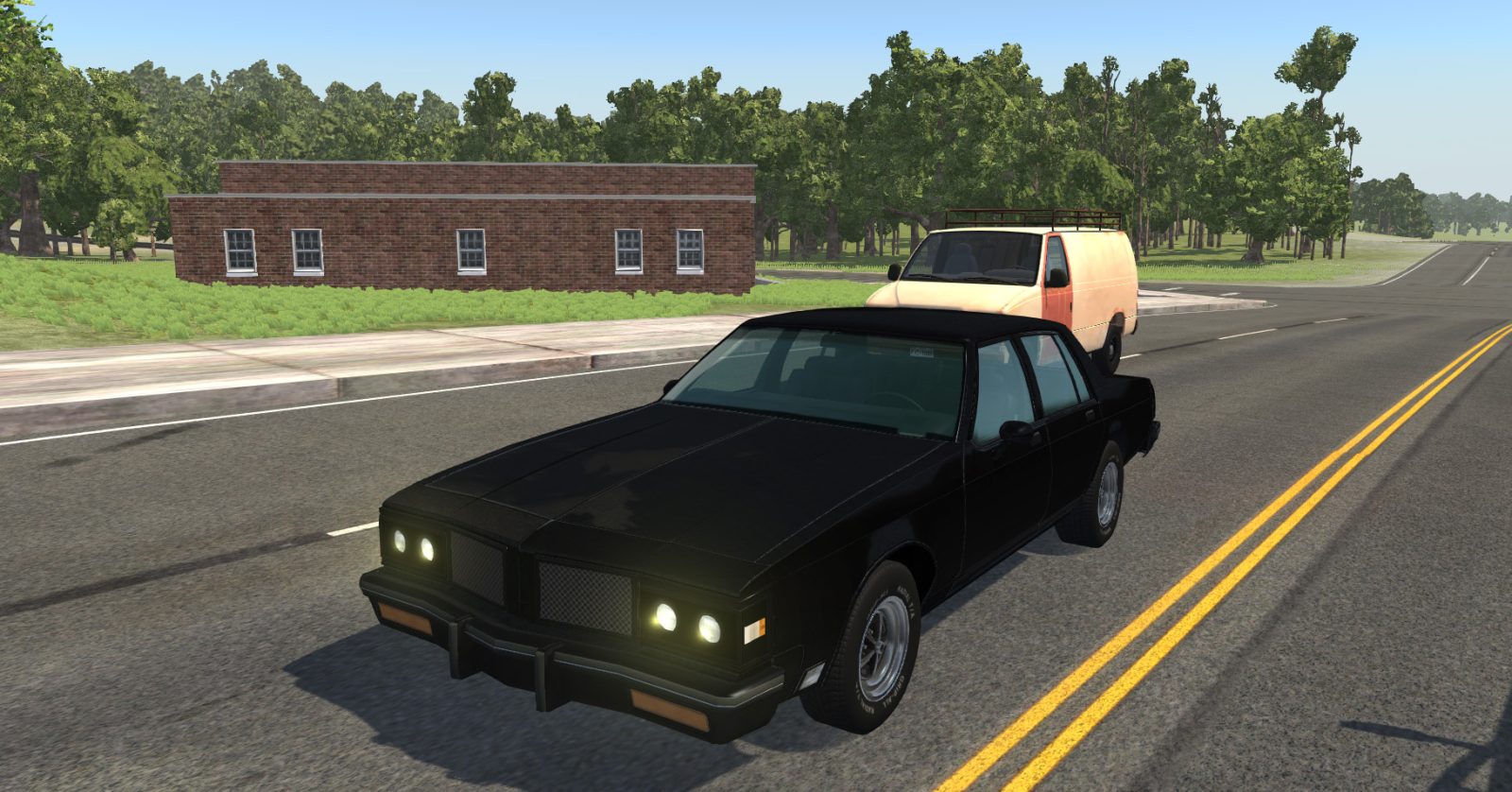
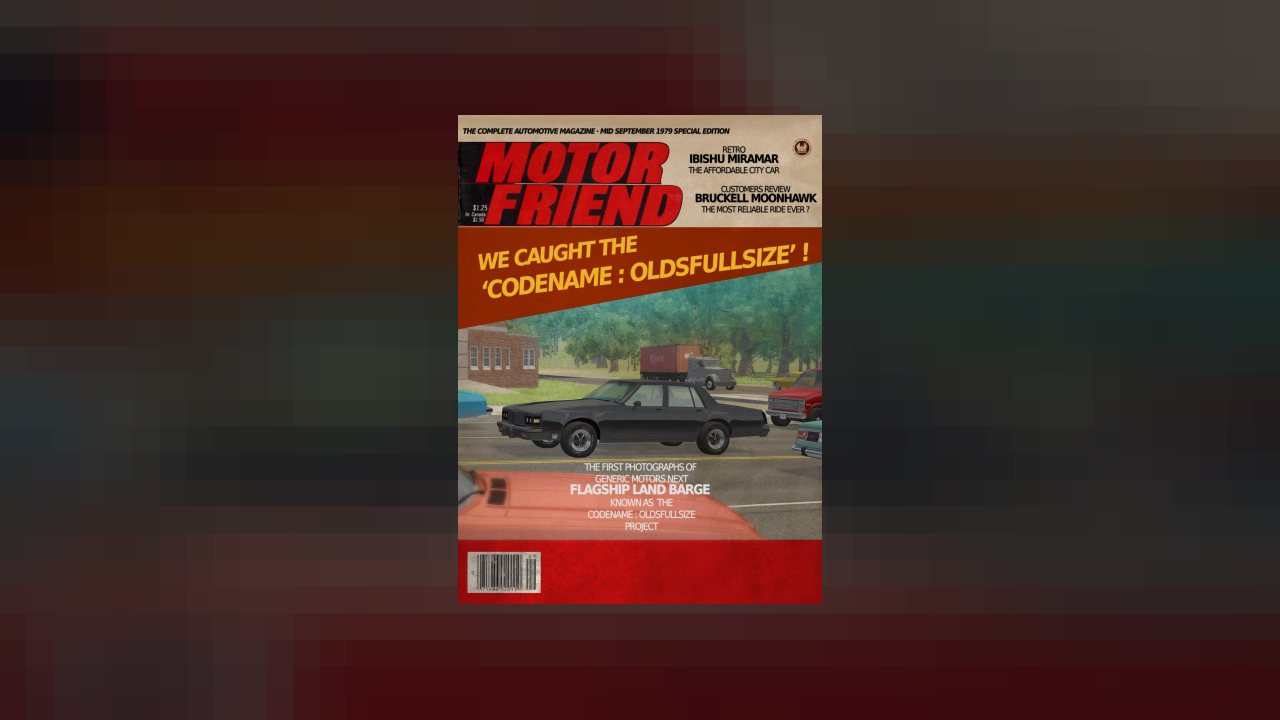
disguised pre-release test car of a famous car brand.
"Codename: Oldsfullsize" Mod V2.1
By SergentFido, Ar162B, and other great fellows.
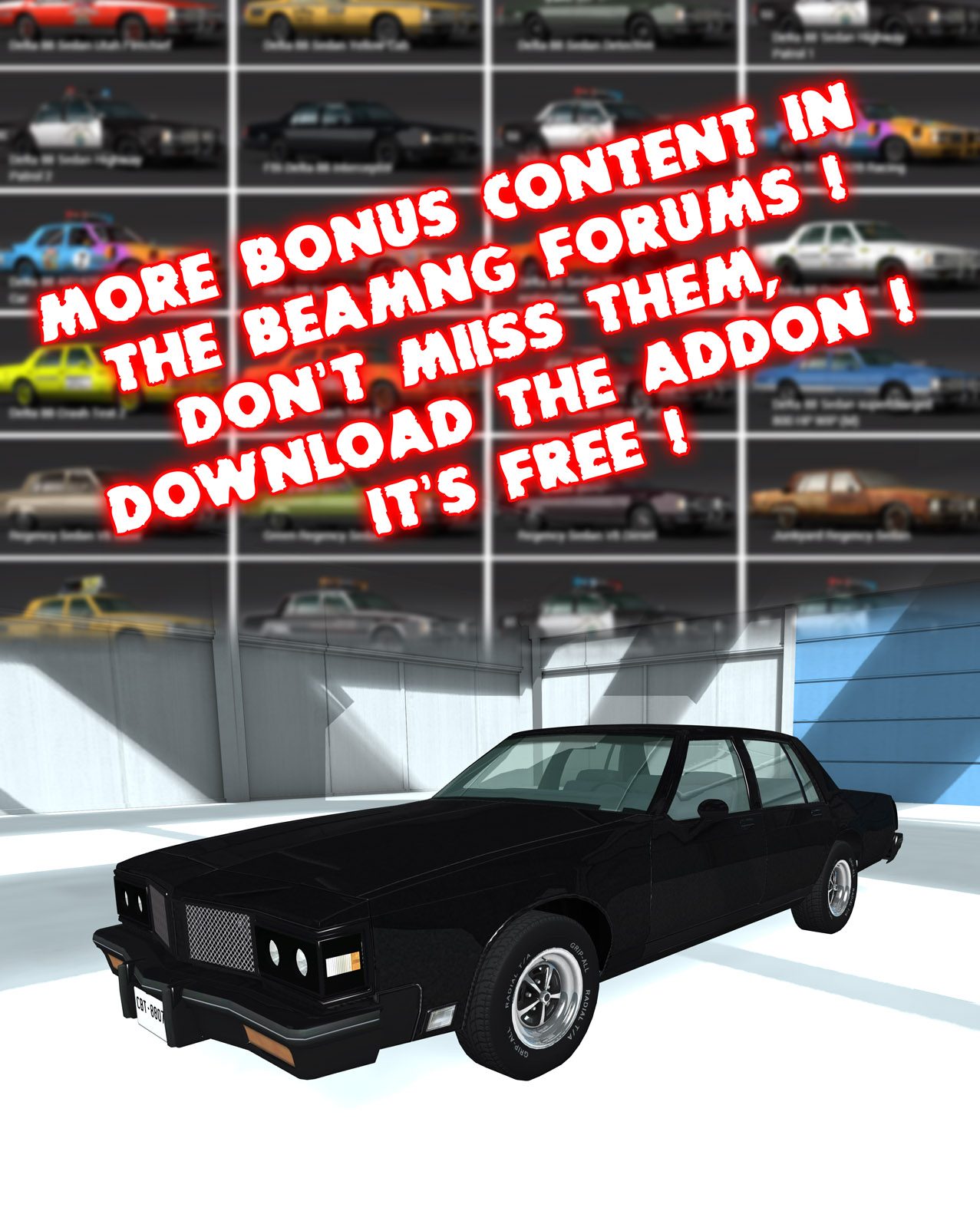
Important Notice : This mod contains one single car but they are a lot of additionnal content in the BeamNG forums.
You can find them here in the first post attachment :
Please note that those addons won't work without this "Codename: Oldsfullsize" mod that contains critical basic files.
That why there are an Addon.
Also the mod is a bit intensive and may be laggy on some pc configs, especially the ones with AMD processor.
Welcome to the "Codename : Oldsfullsize" mod.
This Mod gives you the unique opportunity to drive the 1979 disguised prototype of a soon to be released famous car of the 80'.
Try to escape from Motor Friend magazine photographs, test the car without damage it being chased by cops, make a review report to the factory :
all those thrilling adventures are offered to you with a bit of imagination. And more seriously, a scenario based on this is very very welcome.
Visit the forum to play as an addon to the real car that was released in 1980. Lots of content !
download here !
Screenshot there !
The mod features:
- Only one underpowered engine (while in the addon, they are plenty...)
- a single body style (while in the addon, they are at least two !)
- BeamNG default sound (While in the addon...)
- BeamNG wheels (WITAddon ...)
- color changeable but black fits it the best.
The mod contains lots of BeamNG.drive parts :
- Moonhawk jbeam and the Moonhawk Sedan Mod by Ar162b it's based on. A lot reworked and adapted to the lastest BeamNG.drive features : thermals, brakes, suspensions, etc...
- Modified Moonhawk frame and textures, drivetrain.
Credits :
- SergentFido (Me) : 3D models, textures, initial jbeam tweaking of the jbeam to fit the car shapes, then final shape tweaking to get a front end deforming better.
- Ar162B : Moonhawk Sedan Mod as the base of the project.
then he joined the project to add a lot of features and make the body to get a better deformation, more accurate to the shape.
- Synsol: He finetuned the engine, suspensions, brakes.
DO NOT REDISTRIBUTE (parts of) THIS MOD WITHOUT PERMISSION OF ME, SergenFido!
So don't upload it anywhere without permission! (Courtesy of Ar162B and/or lazyness from me)
This post will be updated with more infos, videos, screenshots.
a (nice) review is always appreciated , please use forum thread for bug report"
Screenshots :
Have fun with the mod !
And the addon !
download here !
psy_lo, Graf LOLtube, nickbaxwar and 52 others like this.
ABOUT THIS LISTING
This page describes Codename : oldsfullsize by SergentFido. The description and screenshots are the author's own, imported from their listing on the BeamNG.drive repository on 24 October 2026: https://www.beamng.com/resources/codename-oldsfullsize.1417/
Mythiq.net hosts no files for it. The download button goes straight to the release file on beamng.com, so you are downloading from the author's own host, not from a copy of ours.
The download count, rating and comments on this page start at zero and count Mythiq.net only. The source's own figures are not copied here — they measure a different site, and a number that cannot be checked against our own ledger is not worth printing.
Media
Requirements
BeamNG.drive on a current build. The repository lists a mod as outdated once it stops loading, but a mod written for an older release can still misbehave quietly rather than fail outright — check the resource page for the author's own compatibility note before reporting a fault.
Nothing else is required unless the author says so above. BeamNG mods are self-contained zip archives; there is no loader or framework to install first.
Installation
1. Download the archive with the button on this page. Do NOT unzip it — BeamNG loads mods as zips.
2. Put the zip in your mods folder:
Windows — Documents\BeamNG.drive\\mods
Linux — ~/.local/share/BeamNG.drive//mods
3. Start the game and open the Mod Manager from the main menu to confirm it is listed and active.
4. Vehicles appear in the vehicle selector; maps appear under Freeroam.
UPDATING
Delete the old zip before adding the new one. Two versions of the same mod in the folder is the usual cause of a vehicle appearing twice, or of parts that will not fit together.
IF SOMETHING LOOKS WRONG
Clear the cache: in the Mod Manager, use "Clear cache and restart". Most oddities after an update — missing textures, parts that vanish — are a stale cache rather than a broken mod.
This release downloads from beamng.com, not from us, so
there is no checksum to compare against. Scan the archive before you unpack it.
Tell us if something is wrong — a file that will not work, content taken from
someone else, or anything that looks unsafe. Reports go to our review team, not
to the author.
We use cookies to ensure that we give you the best experience on our website and improve your experience. By continuing to use this site you consent to such use of cookies.