Reduce resource usage while Minecraft is in the background, idle, or on battery.
Dynamic FPS
Reduce resource usage while Minecraft is in the background, idle, or on battery.
Features
Dynamic FPS will detect whether the Minecraft window is currently active, being hovered over, unfocused, or invisible.
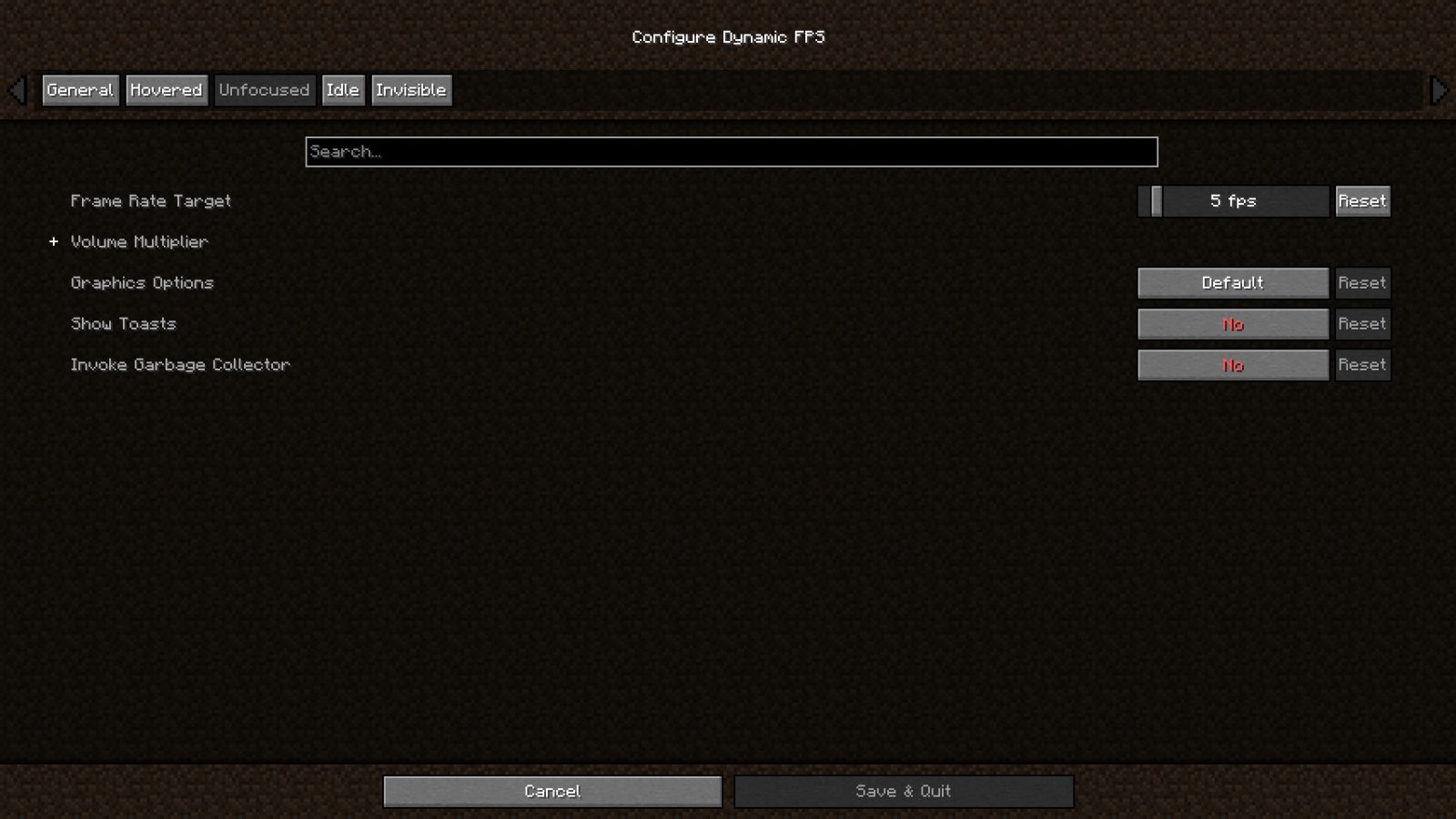
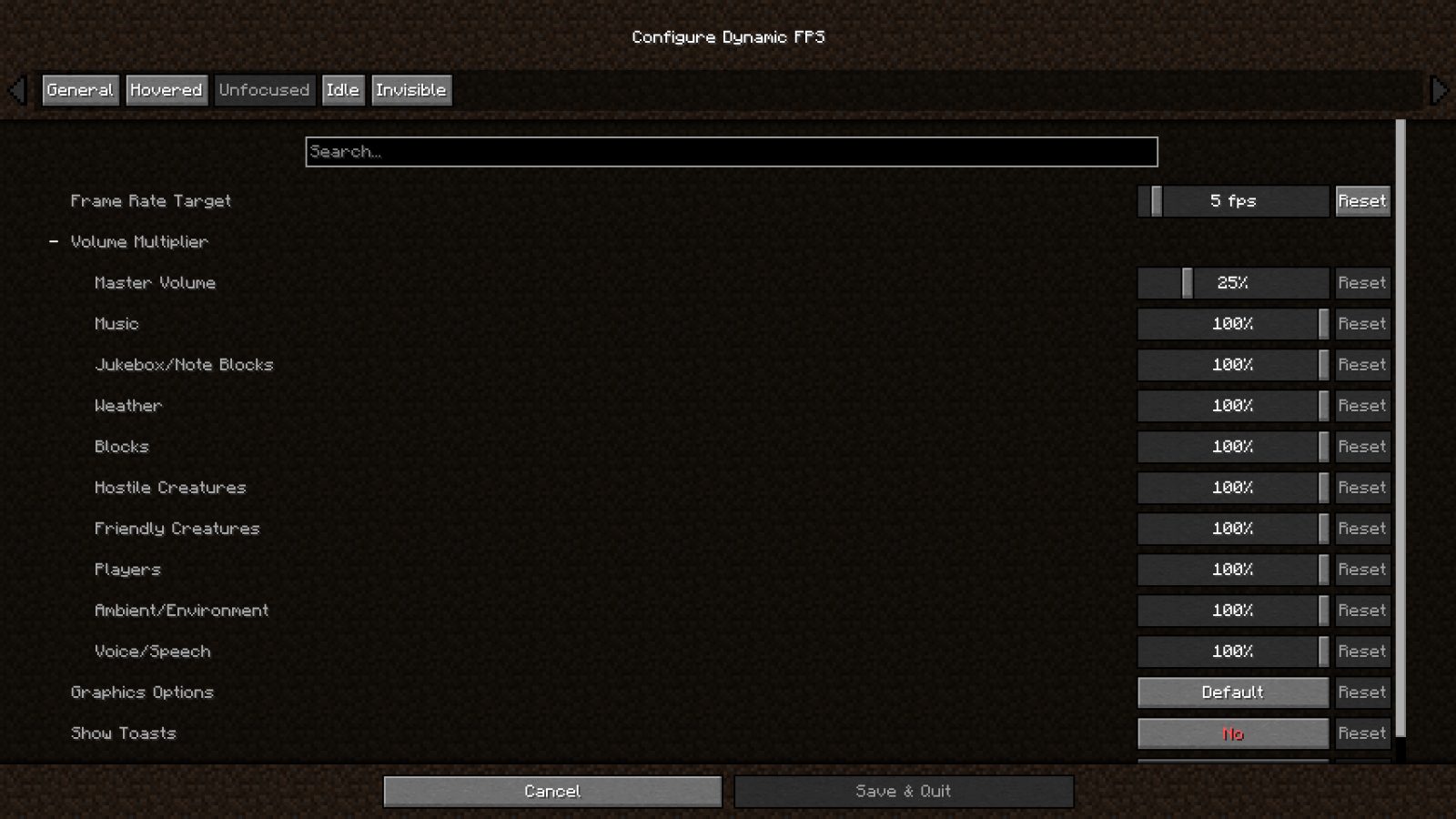
For each of these states you're able to adjust the frame rate, volume, and whether toast notifications are temporarily paused.
You can also configure these settings for when you're idling (with a custom timeout) or while your laptop / handheld is on battery.
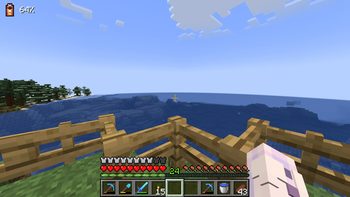
Optionally you may also display the current battery status on the in-game HUD and receive toast notifications about battery activity.
In addition to this Dynamic FPS fixes a vanilla bug causing higher-than-necessary background CPU usage and stops
rendering the world while it's being obscured by resource loading overlay, helping especially on low-end systems.
Installation
Dynamic FPS is available for download on GitHub, Modrinth, and CurseForge.
To access the in-game config screen you'll also need to install Mod Menu and Cloth Config.
Frequently Asked Questions
- Why is Minecraft still running at 15 FPS?
Dynamic FPS will only slow the client render loop to a minimum of 15 cycles per second.
Lower frame rates are achieved by then cancelling the rendering of all superfluous frames, e.g. 14 out of 15 frames are cancelled for 1 FPS.
This lets you resume playing almost instantly after switching back to the game:
Instead of having to wait for up to a second until the next rendered frame comes along, the game checks back within 1/15th of a second.
Disclaimer
Enabling the battery integration requires downloading an additional library at runtime.
The mod contains the hashes for these files ahead of time and will verify them before usage.
You may disable this behavior in the mod's settings, or install the library yourself if you wish.
ABOUT THIS LISTING
This page describes Dynamic FPS by juliand665. The description and screenshots are the author's own, imported from their listing on Modrinth on 14 August 2026: https://modrinth.com/mod/dynamic-fps
Mythiq hosts no files for it. The download button goes straight to the release file on cdn.modrinth.com, so you are downloading from the author's own host, not from a copy of ours.
The download count, rating and comments on this page start at zero and count Mythiq only. The source's own figures are not copied here — they measure a different site, and a number that cannot be checked against our own ledger is not worth printing.
Media
Per Status Config
Sound Categories
Battery Indicator HUD
Requirements
Game version
26.2
MOD LOADER
This release is built for Neoforge. A mod built for one loader will not load under another — Fabric mods do not run on Forge, and vice versa.
GAME VERSION
Built for Minecraft 26.2. Minecraft mods are tied to an exact version: a 1.21.4 build will refuse to load on 1.21.5.
DEPENDENCIES
Check the author's listing for required libraries before you start the game — a missing dependency shows up as a crash on launch, not as a warning.
Installation
1. Install Neoforge for the Minecraft version you play, if you have not already.
2. Download the .jar with the button on this page. Do not unzip it — a mod jar is installed as it is.
4. Launch the game with the Neoforge profile selected.
ON A SERVER
Anything that changes world generation or gameplay has to be installed on the server as well as on every client. Client-side visual and interface mods do not.
UPDATING
Replace the old .jar rather than adding the new one beside it. Two versions of the same mod in the folder is a crash on launch.
This release downloads from cdn.modrinth.com, not from us, so
there is no checksum to compare against. Scan the archive before you unpack it.
Version history
v3.11.9Latest
17 Jun 2026 · 181 KB via cdn.modrinth.com · 12 downloads Download
- Fix background tasks not being shut down, causing the game to crash when quitting
Off-site on cdn.modrinth.com —
no checksum, because we never held this file.
Link checked by our review team on 14 Aug 2026.
Tell us if something is wrong — a file that will not work, content taken from
someone else, or anything that looks unsafe. Reports go to our review team, not
to the author.
We use cookies to ensure that we give you the best experience on our website and improve your experience. By continuing to use this site you consent to such use of cookies.