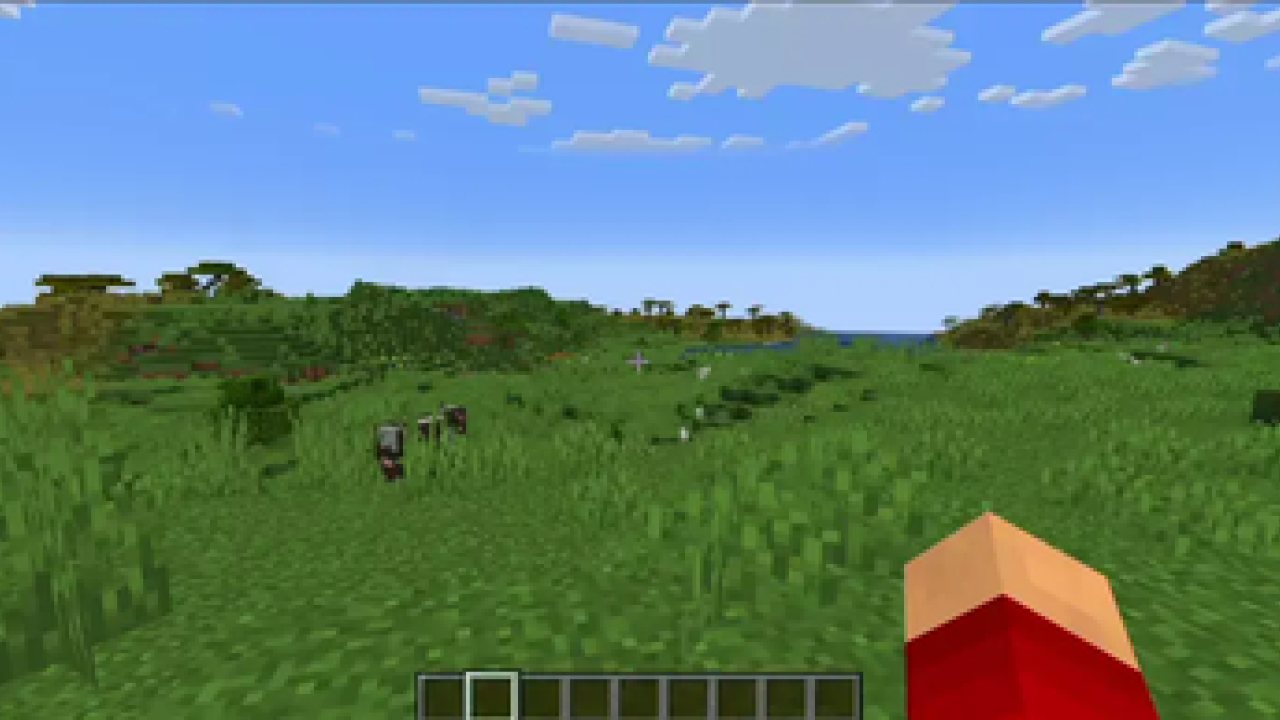
Zoomify aims to provide the easiest, most configurable and most sexy looking zoom mod you will ever find.
How to use
Keybind
Initially, Minecraft has a keybind that overrides Zoomify by default.
Go to the controls menu and make sure the Zoomify keybind (default C)
isn't conflicting (goes red).
Open settings menu
You can access the settings menu with two ways.
- The client command /zoomify
- Mod Menu settings button
Features
Scroll Zoom
You can zoom in further using your scroll wheel.
Spyglass Integration
You can configure Zoomify to only be able to zoom in when you are holding or carrying a spyglass.
Or even just override the spyglass zoom with Zoomify!
Show the spyglass overlay and play spyglass sound effects when using Zoomify.
Transitions
14 different transitions to choose from!
- Instant
- Linear
- Ease in Sine
- Ease out Sine
- Ease in/out Sine
- Ease in Quad
- Ease out Quad
- Ease in/out Quad
- Ease in Cubic
- Ease out Cubic
- Ease in/out Cubic
- Ease in Exponential
- Ease out Exponential
- Ease in/out Exponential
You can even pick what transition you would like for zooming in and out individually!
Relative Sensitivity
Reduce your mouse sensitivity based on the amount of zoom,
so you have fine control over your player.
Relative View Bobbing
Reduce the view bobbing effect based on the amount of zoom,
so you can walk and zoom at the same time!
Cinematic Camera
Make the mouse/camera smooth, like the zoom in OptiFine.
Affect Hand FOV
Turn off this setting to prevent your hand from also being zoomed in!
Secondary Zoom
Completely separate zoom from normal Zoomify.
Aimed for content creators, features Hide HUD While Zooming option and longer zoom in times.
Presets
You can reset to default, make Zoomify behave like OptiFine and others!
Smart Keybinding Detection
On first launch, if a keybinding is conflicting with Zoomify's zoom, a notification will appear notifying them of this.
Highly configurable
Absolutely NO hard-coded values. Everything about your zoom is configurable!
Control the zoom speed with seconds
Instead of some stupid arbitrary value such as zoom speed, you can pick
the exact amount of seconds it will take to zoom in, with a separate setting for zooming out.
Credits
- Xander - Developer
- MoonTidez - Logo designer
Translators
Languages in alphabetical order
- 神枪968 - 简体中文 / Chinese (Simplified)
- Xander - English (United Kingdom)
- Madis0 - eesti keel / Estonian
- co-91 - 日本語 / Japanese
- Rodrigo Appelt - Português / Portuguese
- SyberiaK - Русский / Russian
- Felix14-v2 - Русский / Russian
- Zetsphiron - Español (mexicano) / Spanish (Mexico)
- Zetsphiron - Español (españa) / Spanish (Spain)
- localfossa - Türkçe / Turkish
- Im Vietnam - Tiếng Việt / Vietnamese
ABOUT THIS LISTING
This page describes Zoomify (Zoom) by isxander. The description and screenshots are the author's own, imported from their listing on Modrinth on 14 August 2026: https://modrinth.com/mod/zoomify
Mythiq hosts no files for it. The download button goes straight to the release file on cdn.modrinth.com, so you are downloading from the author's own host, not from a copy of ours.
The download count, rating and comments on this page start at zero and count Mythiq only. The source's own figures are not copied here — they measure a different site, and a number that cannot be checked against our own ledger is not worth printing.
Requirements
Game versions
26.1.2
26.1.1
26.1
MOD LOADER
This release is built for Fabric. A mod built for one loader will not load under another — Fabric mods do not run on Forge, and vice versa.
GAME VERSION
Built for Minecraft 26.1.2, 26.1.1, 26.1. Minecraft mods are tied to an exact version: a 1.21.4 build will refuse to load on 1.21.5.
DEPENDENCIES
Check the author's listing for required libraries before you start the game — a missing dependency shows up as a crash on launch, not as a warning.
Installation
1. Install Fabric for the Minecraft version you play, if you have not already.
2. Download the .jar with the button on this page. Do not unzip it — a mod jar is installed as it is.
4. Launch the game with the Fabric profile selected.
ON A SERVER
Anything that changes world generation or gameplay has to be installed on the server as well as on every client. Client-side visual and interface mods do not.
UPDATING
Replace the old .jar rather than adding the new one beside it. Two versions of the same mod in the folder is a crash on launch.
This release downloads from cdn.modrinth.com, not from us, so
there is no checksum to compare against. Scan the archive before you unpack it.
Version history
v2.16.1+26.1Latest
17 Jun 2026 · 549 KB via cdn.modrinth.com · 9 downloads Download
Zoomify 2.16.1
Changes
- Port to 26.2
Off-site on cdn.modrinth.com —
no checksum, because we never held this file.
Link checked by our review team on 14 Aug 2026.
Tell us if something is wrong — a file that will not work, content taken from
someone else, or anything that looks unsafe. Reports go to our review team, not
to the author.
We use cookies to ensure that we give you the best experience on our website and improve your experience. By continuing to use this site you consent to such use of cookies.