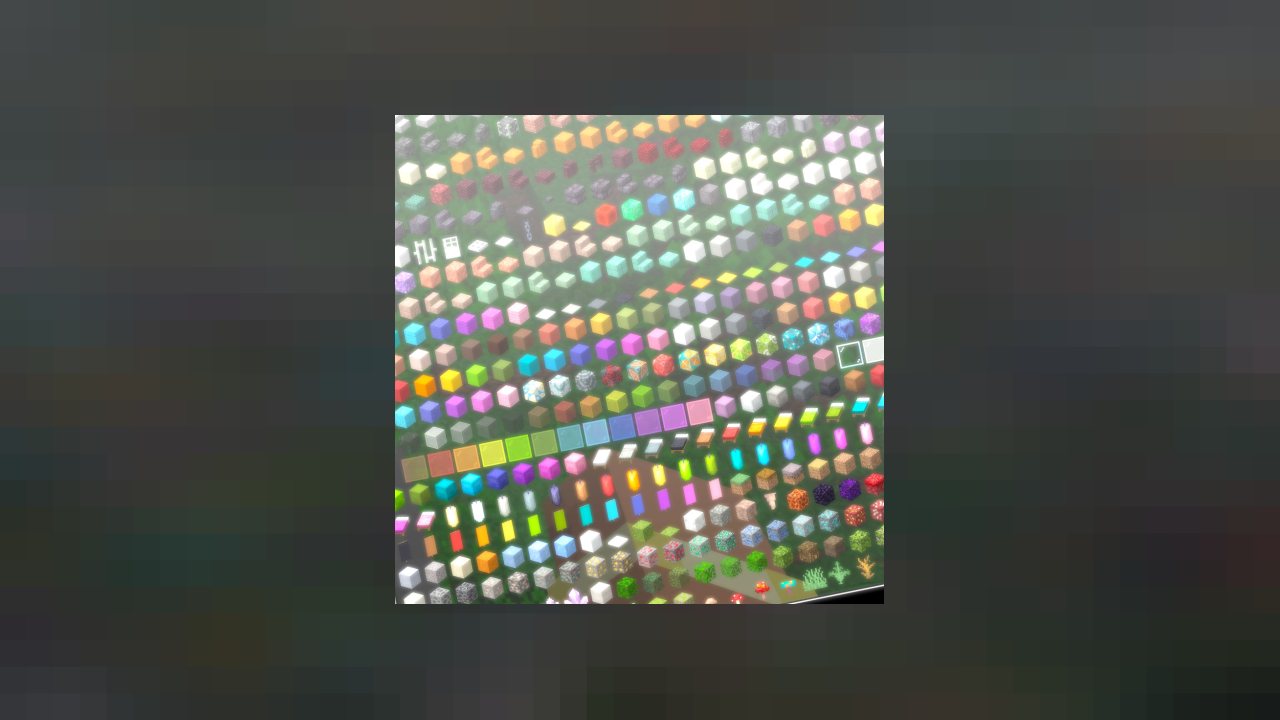
The item and recipe browser. Search everything in the game, and see how to craft it or what it crafts into.
Just Enough Items adds a searchable index of every item in the game to the side of your inventory, and shows the recipes for anything in it. In a modpack with several hundred items you have never seen, it is not a convenience — it is the only practical way to play.
WHAT IT DOES
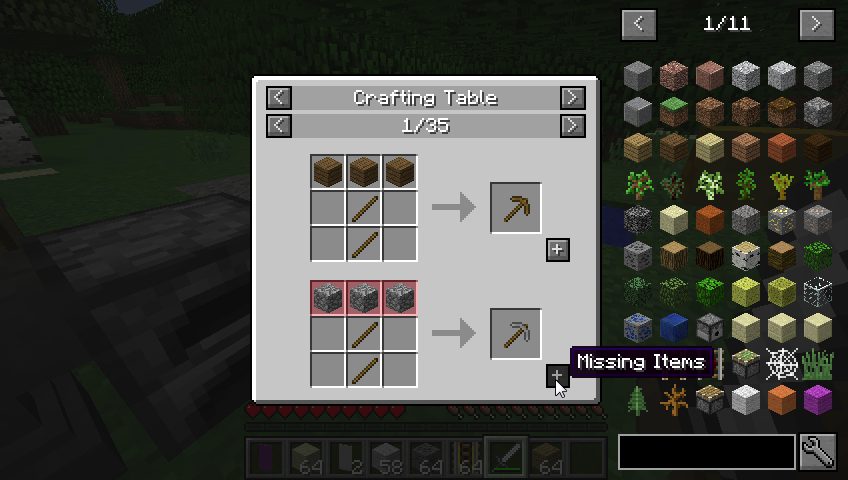
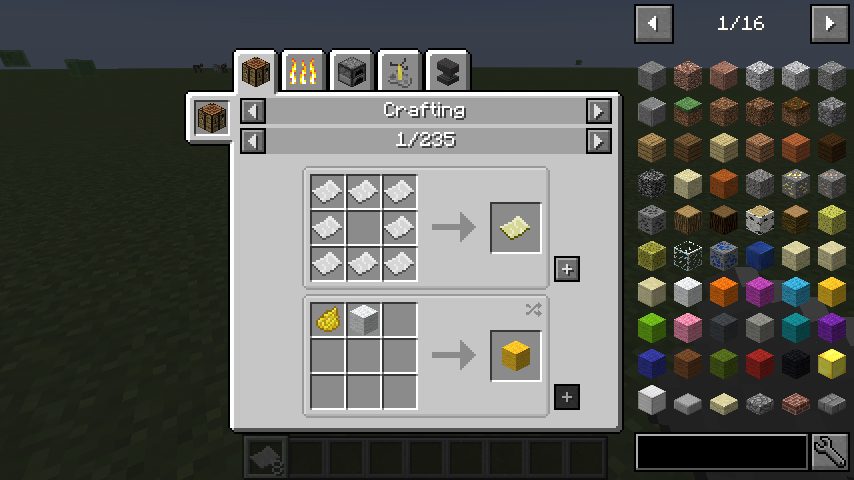
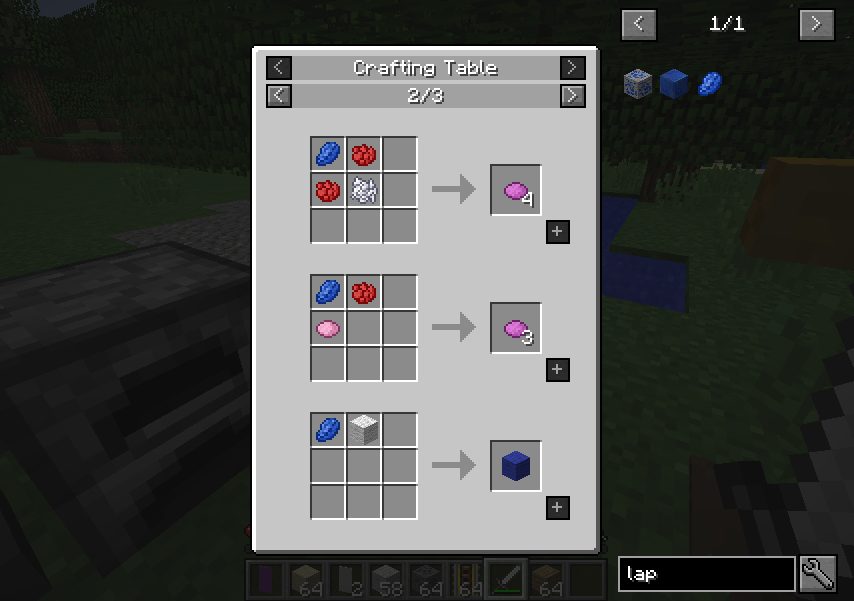
Type to search across every item from every mod. Click an item to see how it is made; right-click to see what it is used for. Recipe categories are contributed by the mods themselves, so a machine from one mod shows its own recipe format rather than being forced into a crafting grid.
Cheat mode for creative or testing gives you a click-to-spawn item list, and there is a bookmark system for keeping the recipes you are working through to hand.
JEI is deliberately a viewer rather than an automation tool, which is why it is the one that ended up universal: it adds no items, no blocks and no gameplay, and modpack authors can assume it without it changing their pack.
Around 69 million downloads on Modrinth and over 600 million on CurseForge as of August 2026.
Media
Recipe Completion
JEI Recipe GUI
Jei header
Potions
Itemlist Edit Mode
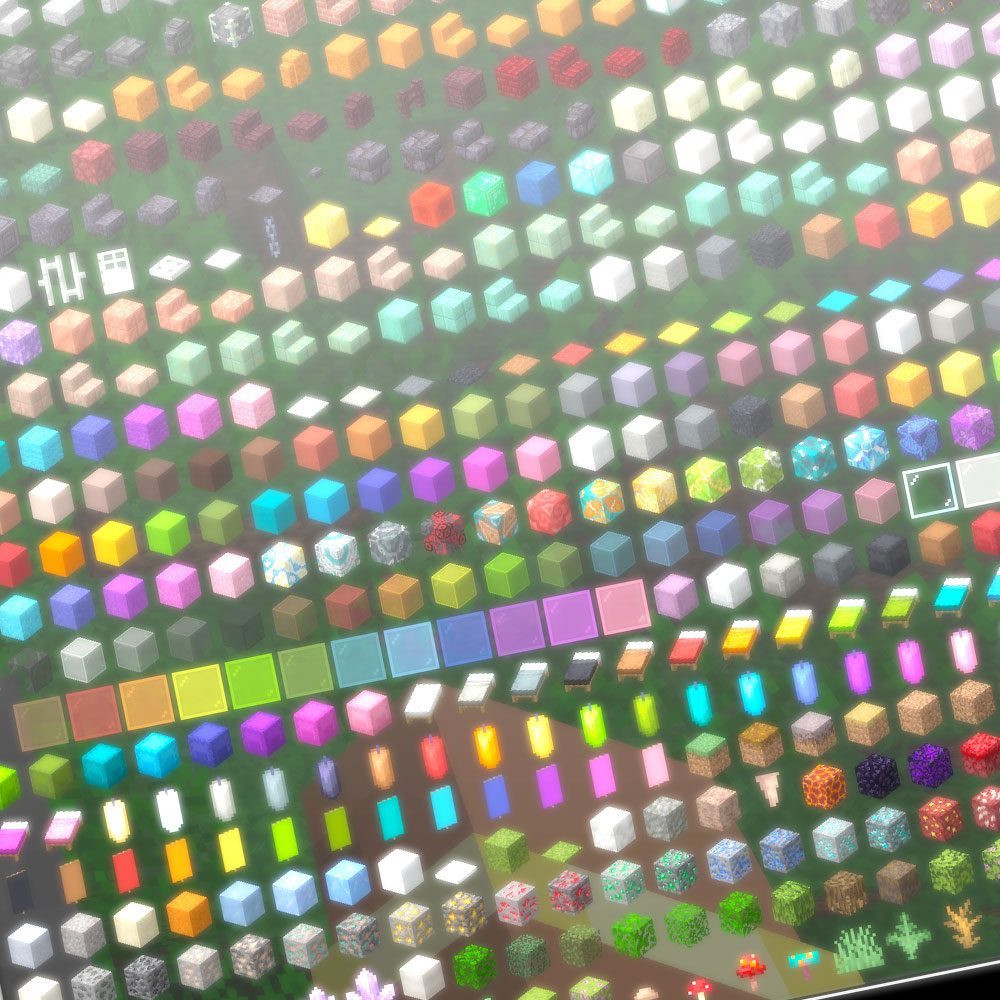
Big Screen Support
Requirements
Game versions
26.2
26.1.2
1.21.1
REQUIRES
Fabric loader and Fabric API, or Forge / NeoForge for those builds. JEI is published for all three.
CLIENT AND SERVER
Client-side for browsing. Installing it on a server as well gives more accurate recipe information for server-side recipe changes, but is not required.
CONFLICTS WITH
REI (Roughly Enough Items) and EMI. All three do the same job; run one.
CHEAT MODE
Only available to operators or in creative. It cannot be used to spawn items in survival on a server you do not control.
Installation
1. Install your loader — Fabric with Fabric API, or Forge / NeoForge.
2. Download the JEI build for your Minecraft version and loader.
3. Drop the .jar into your mods folder.
4. Launch. The item list appears down the right side of the inventory screen.
USING IT
Click an item to see its recipe. Right-click to see its uses. Type in the search box to filter — @modname filters by mod, #tab by creative tab.
This release downloads from modrinth.com, not from us, so
there is no checksum to compare against. Scan the archive before you unpack it.
Version history
v21.1.0Latest
26 Feb 2024 · via modrinth.com · 13 downloads Download
Tracking current Minecraft releases.
Recipe transfer and bookmark improvements.
Performance work on very large item registries.
Off-site on modrinth.com —
no checksum, because we never held this file.
Link checked by our review team on 14 Aug 2026.
Tell us if something is wrong — a file that will not work, content taken from
someone else, or anything that looks unsafe. Reports go to our review team, not
to the author.
We use cookies to ensure that we give you the best experience on our website and improve your experience. By continuing to use this site you consent to such use of cookies.