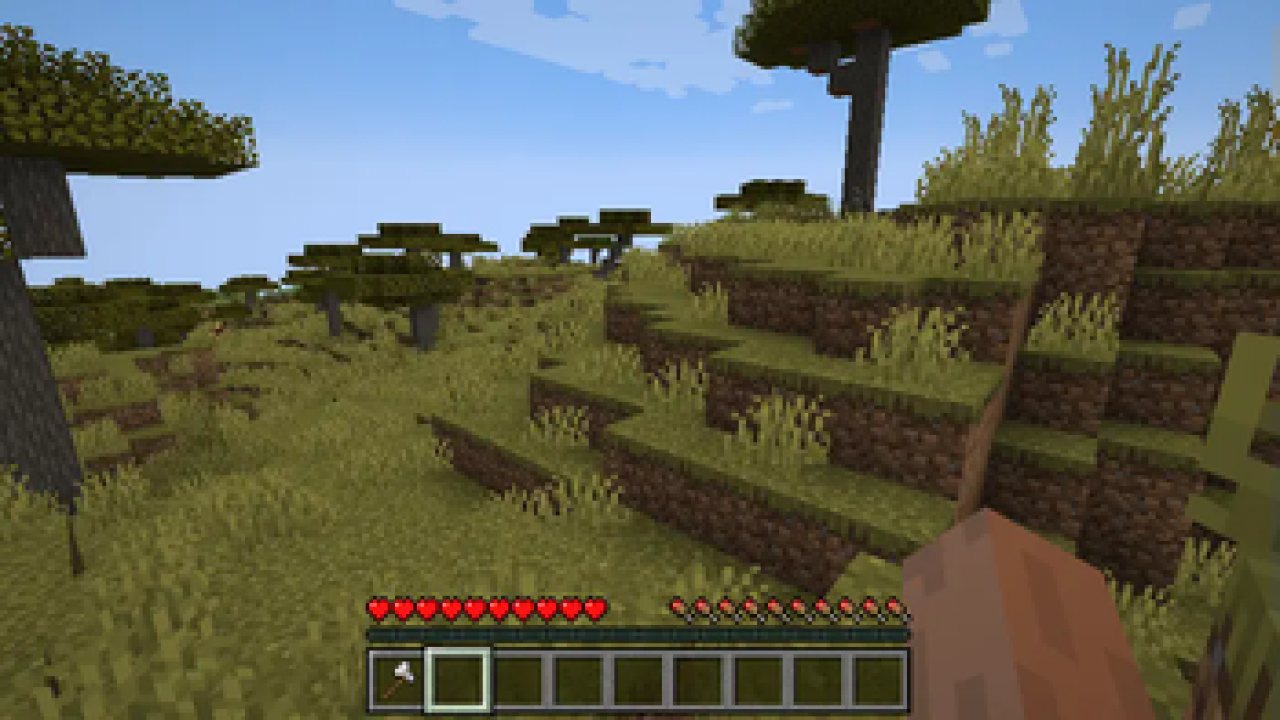
A mod that hides or changes the crosshair dependent on context
Dynamic Crosshair is a Minecraft mod for the Fabric & (Neo)Forge launchers.
It hides or changes the crosshair dependent on context.
NOTE: With version 8, the mod has been substantially rewritten. Configs should be migrated automatically, but please double-check whether any of your settings have been lost if updating from an older version!
Features
Hide the crosshair when not looking at anything.
Hide or show it depending on what is being looked at.
Hide or show it depending on the currently equipped item.
Change the crosshair style for various situations.
Highly configurable.
Dependencies
This mod has been written for Minecraft >= 1.18.2.
Fabric version
requires Fabric API
from version 6 upwards, there is an optional dependency on YetAnotherConfigLib for an ingame configuration screen
versions up to 5.5 require ClothConfig
not required: Mod Menu for ingame configuration screen
(Neo)Forge version
from version 6 upwards, there is an optional dependency on YetAnotherConfigLib for an ingame configuration screen
versions up to 5.5 require ClothConfig
Mod Compatibility
This mod is very strongly coupled to vanilla Minecraft and has to hardcode a lot of interaction rules.
Thus, playing on a non-vanilla world will make the advanced features (context-dependent style) unreliable.
If you play with content mods, I recommend also installing Dynamic Crosshair Compat.
If you like dynamic UI elements, also check out my other mod Auto HUD that extends dynamic behaviour to most of the HUD.
DynamicCrosshair is currently not compatible with Exordium (set its enabledGui setting to false to use its other features) and can have issues with Immediately Fast.
ABOUT THIS LISTING
This page describes Dynamic Crosshair by Crendgrim. The description and screenshots are the author's own, imported from their listing on Modrinth on 24 October 2026: https://modrinth.com/mod/dynamiccrosshair
Mythiq.net hosts no files for it. The download button goes straight to the release file on cdn.modrinth.com, so you are downloading from the author's own host, not from a copy of ours.
The download count, rating and comments on this page start at zero and count Mythiq.net only. The source's own figures are not copied here — they measure a different site, and a number that cannot be checked against our own ledger is not worth printing.
Media
Facing a log, wielding an axe, in the default configuration.
Requirements
Game version
26.3
MOD LOADER
This release is built for Fabric. A mod built for one loader will not load under another — Fabric mods do not run on Forge, and vice versa.
GAME VERSION
Built for Minecraft 26.3. Minecraft mods are tied to an exact version: a 1.21.4 build will refuse to load on 1.21.5.
DEPENDENCIES
Check the author's listing for required libraries before you start the game — a missing dependency shows up as a crash on launch, not as a warning.
Installation
1. Install Fabric for the Minecraft version you play, if you have not already.
2. Download the .jar with the button on this page. Do not unzip it — a mod jar is installed as it is.
4. Launch the game with the Fabric profile selected.
ON A SERVER
Anything that changes world generation or gameplay has to be installed on the server as well as on every client. Client-side visual and interface mods do not.
UPDATING
Replace the old .jar rather than adding the new one beside it. Two versions of the same mod in the folder is a crash on launch.
This release downloads from cdn.modrinth.com, not from us, so
there is no checksum to compare against. Scan the archive before you unpack it.
Tell us if something is wrong — a file that will not work, content taken from
someone else, or anything that looks unsafe. Reports go to our review team, not
to the author.
We use cookies to ensure that we give you the best experience on our website and improve your experience. By continuing to use this site you consent to such use of cookies.