Mixed Theme: Contributed and maintained by Pulsor.
Also try:
and
**Required Libraries**
LibAddonMenu
Translations and Contributions:
Mixed Theme: Contributed and maintained by Pulsor.
Russian Translations: Contributed by Pulsor.
German Translations: Contributed by Godmode_On.
French Translations: Contributed by lexo1000.
Slash Command for Menu: /dui
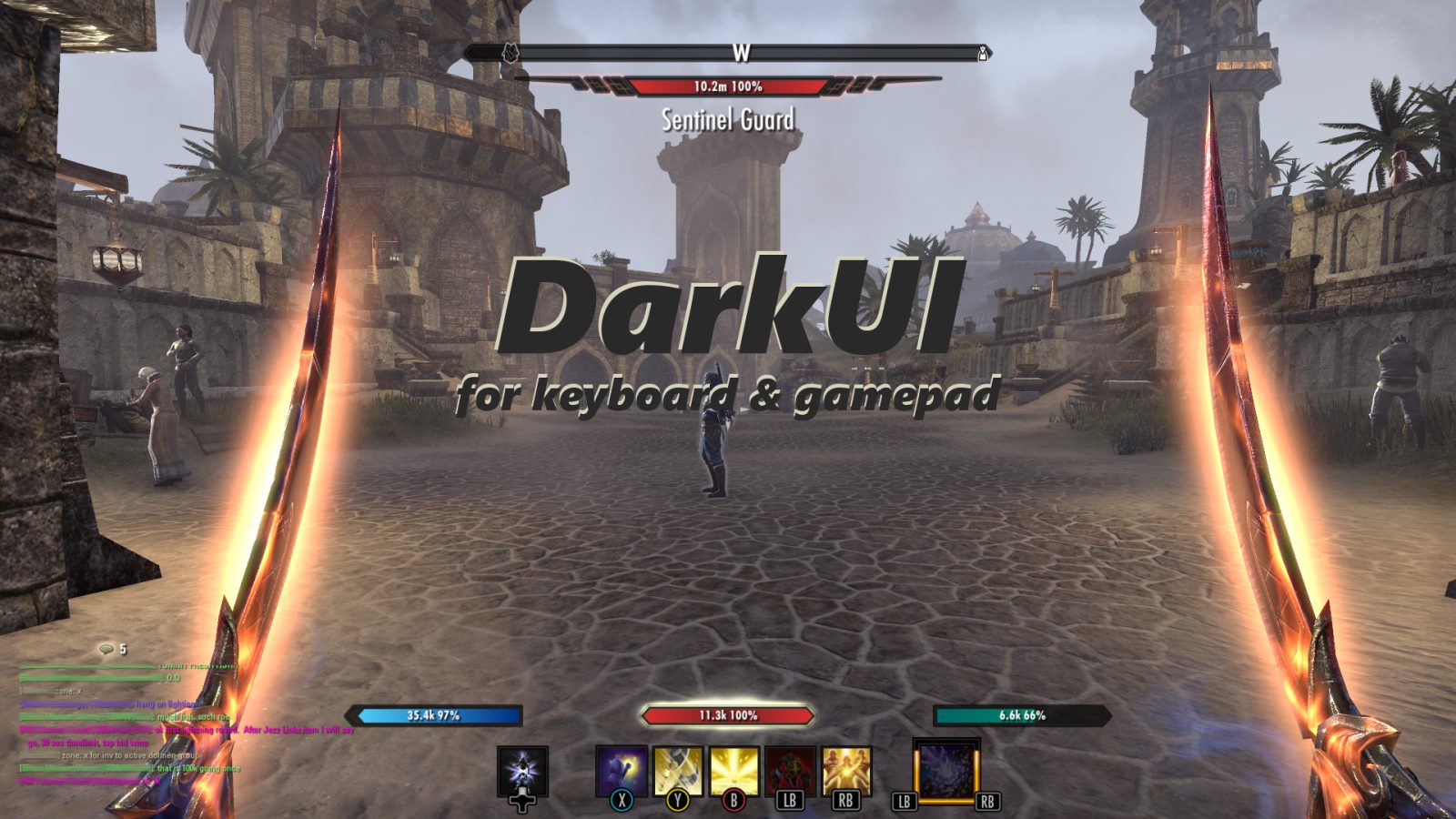
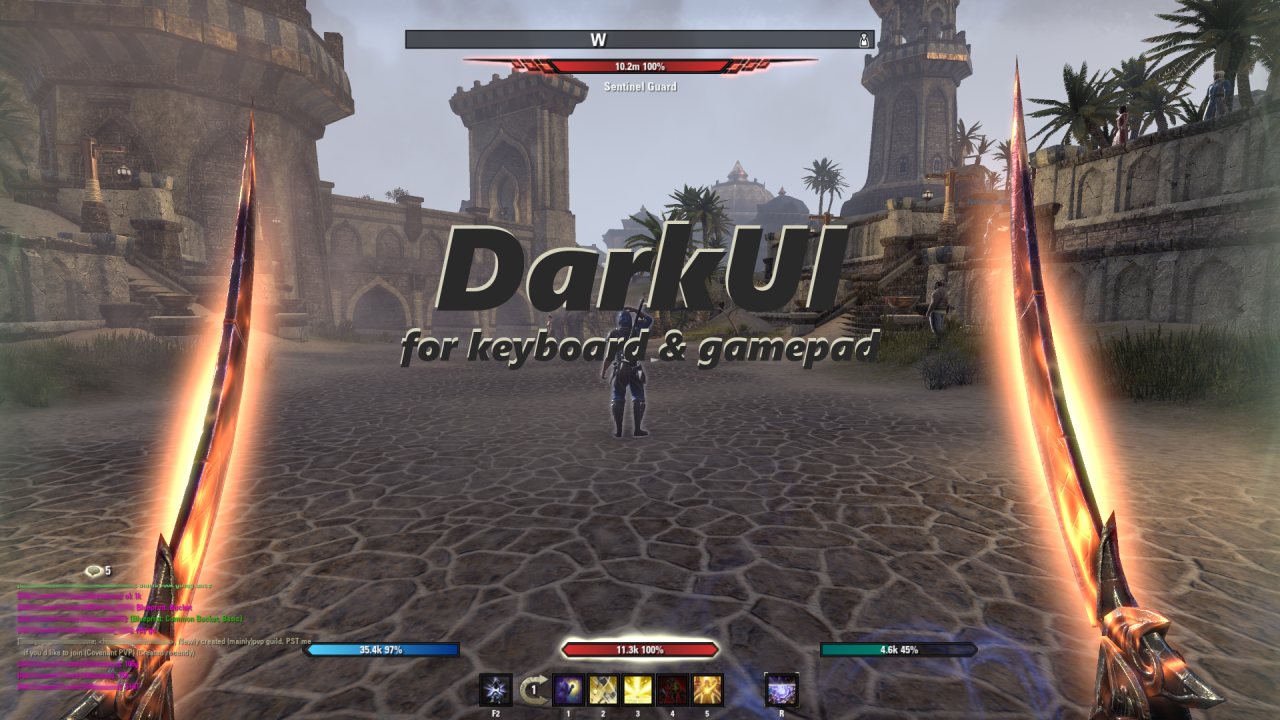
This addon is a reskin of many of the default ESO textures to a smoother and more subdued UI. DarkUI focuses only on changing textures to improve the look and feel of ESO while being compatible with all other addons and having no performance impact.
Themes
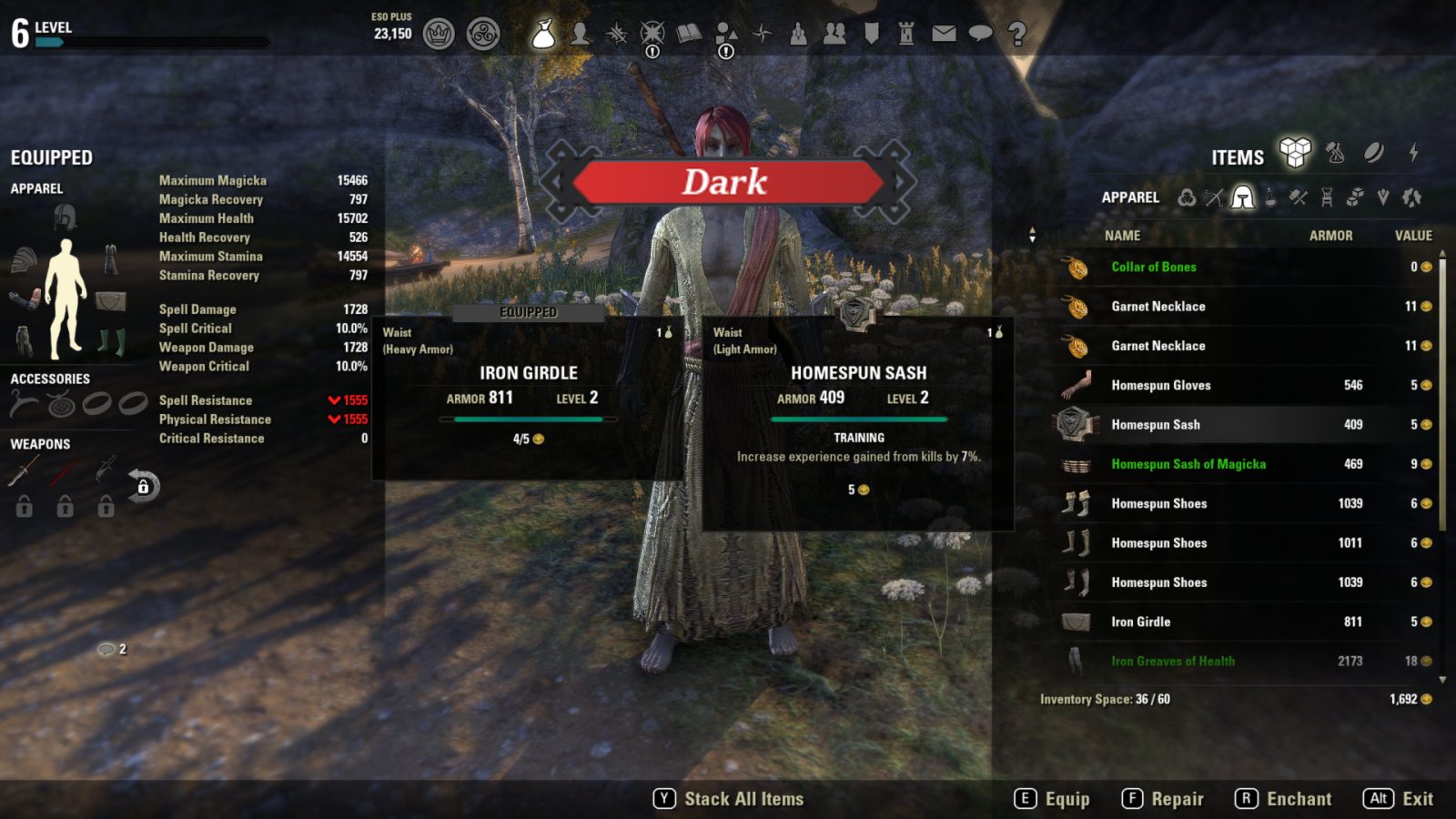
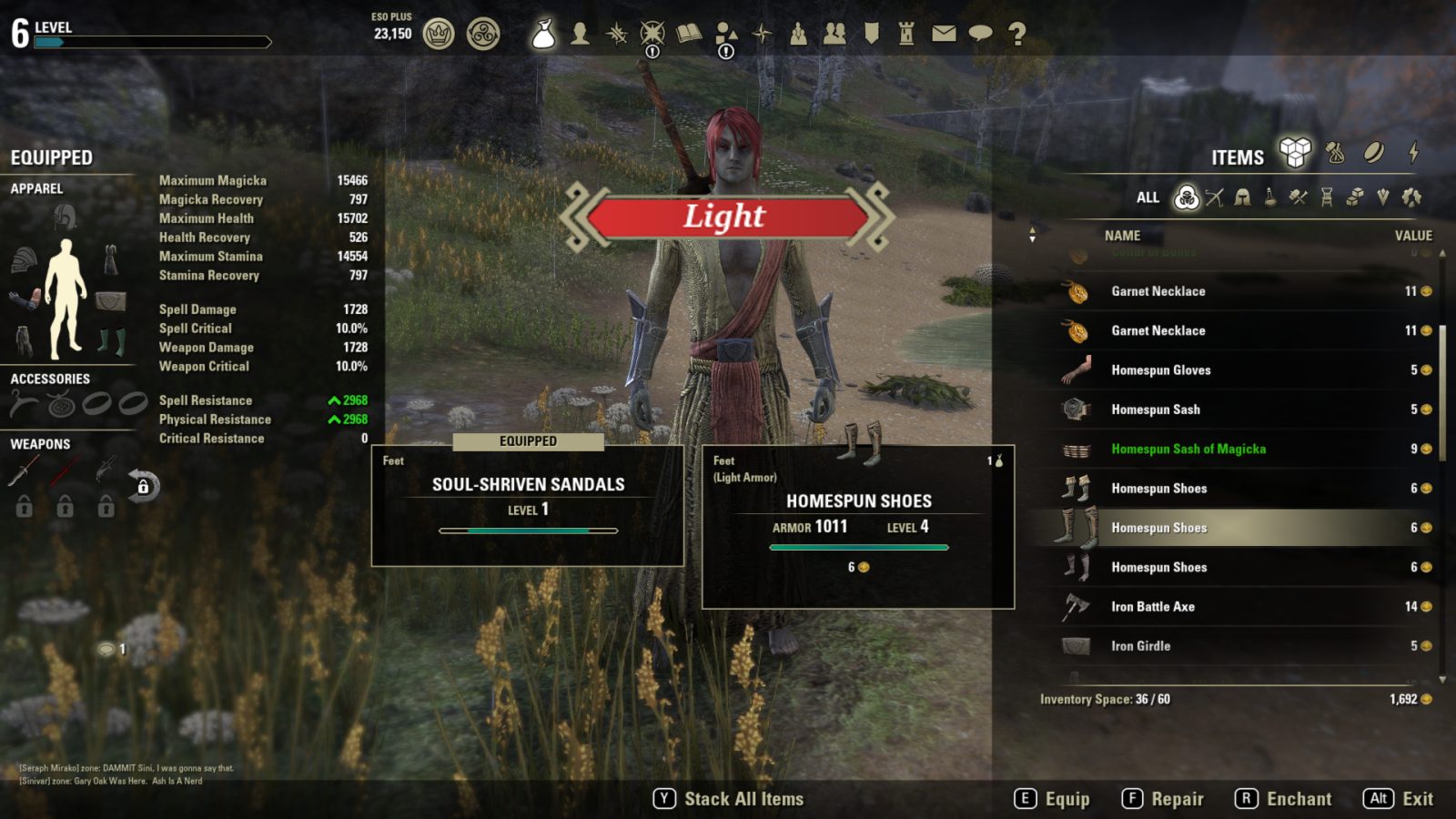
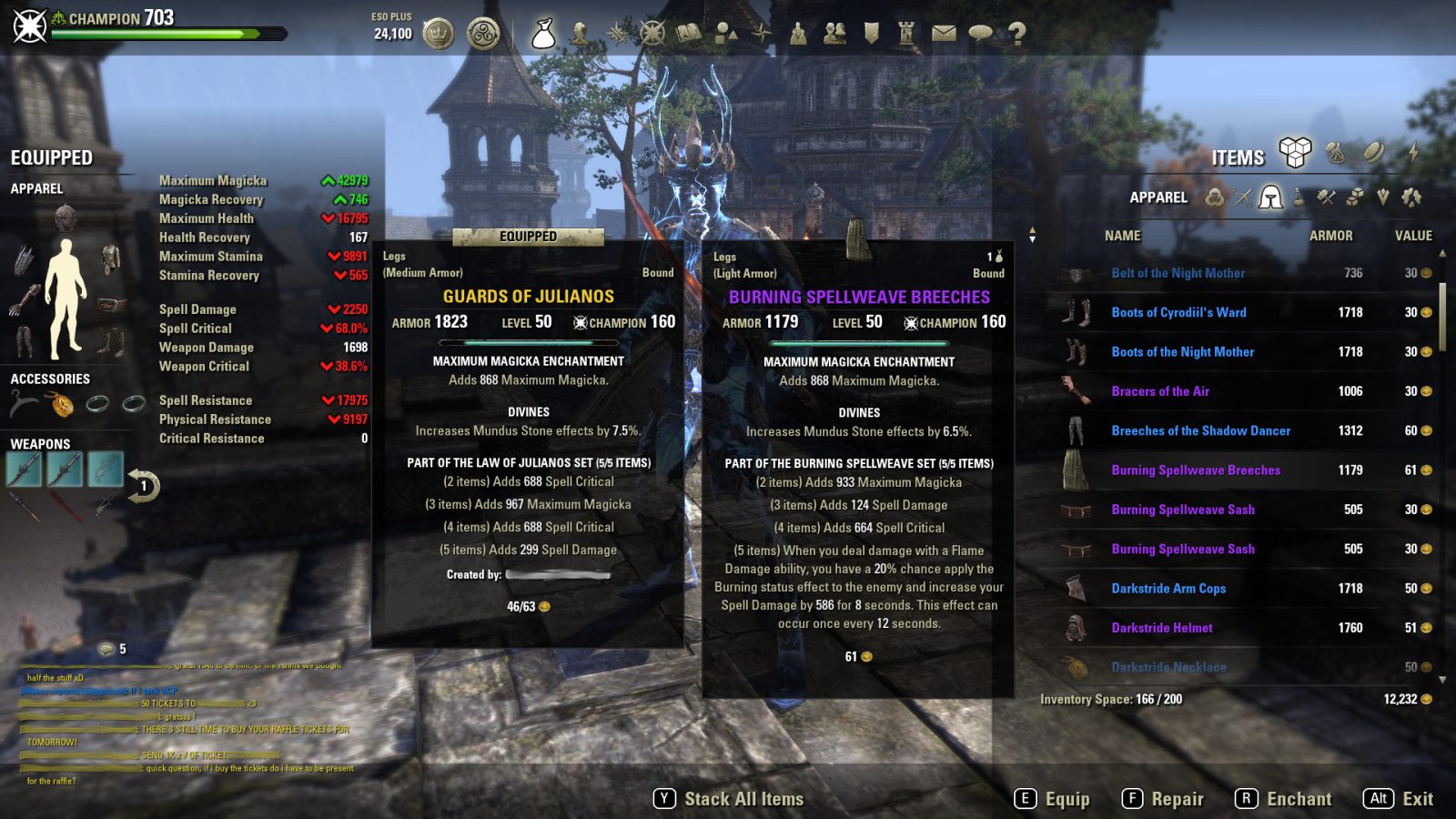
includes the Dark and Light themes. I want to offer something for everyone. Some people may not care for the dark UI so I would like to offer "Light" as an option. I think "Light" is a great alternative to the default UI and may offer more than similar addons. Also included Mixed rounded theme, which is contains some pieces from light and dark themes, removing most of dividers for a best look and smooths some edges.
Additional options for:
- Keyboard & gamepad: Choose glossy or flat attribute, health, and charge bars.
- Keyboard & gamepad: Choose darker attribute and health bars.
- Keyboard & gamepad: Use the default game icons with DarkUI.
- Keyboard: Choose dark, light, or blue quickslot radial menu.
- Keyboard: Choose angled or squared compass edges.
- Keyboard: Hide the group frame background.
- Keyboard: Use low transparency backgrounds.
- Keyboard: Use smoothed backgrounds instead of cutted ones.
- Gamepad: Use grayscale Xbox/PS4 buttons.
Themes
I darkened the default art assets for keyboard and gamepad to a dark charcoal color. I found this more subdued UI to be less distracting and I can focus more on what's happening in the game. A number of additional components have been updated to a darker frame including target frames, tel var stone frame, bounty frame, map border, etc. Also, by default, the attribute bars, skill bars, champion and level bars, and lockpicking timers have been made to a non glossy (flat) texture. There is an option in the addon settings to enable glossy bars if you choose.
Please, let me know in the comments if something is not right or if there is something you would like to see added. This is a work in progress. Screenshots are always helpful for finding exactly where the problem might be. Thank you.
Troubleshooting
Restarting the game is the best way to be sure that all textures reload. I find there are a number of textures that are cached and will not reload with any number of /reloadui's.
Here are some steps that will often correct problems:
- Uninstall DarkUI.
- Reload the game completely without DarkUI.
- Reinstall DarkUI.
- Reload the game completely with DarkUI.
Thank you. Please, enjoy!
ABOUT THIS LISTING
This page describes DarkUI by Sharlikran. The description and screenshots are the author's own, imported from their listing on ESOUI on 3 October 2026: https://www.esoui.com/downloads/info1576-DarkUI.html
Mythiq.net hosts no files for it. The download button goes straight to the release file on cdn.esoui.com, so you are downloading from the author's own host, not from a copy of ours.
The download count, rating and comments on this page start at zero and count Mythiq.net only. The source's own figures are not copied here — they measure a different site, and a number that cannot be checked against our own ledger is not worth printing.
Media
Requirements
Game version
11.0.0
API VERSION
Built for ESO API version 11.0.0. After a patch the game marks add-ons built for the previous API as out of date; the "Allow out of date add-ons" checkbox in the add-on menu loads them anyway, and most work.
LIBRARIES
Many ESO add-ons depend on a shared library — LibAddonMenu-2.0 above all — which is installed separately, exactly like an add-on. A dependency that is missing shows as the add-on simply not appearing in the list.
CONSOLE
Add-ons are PC and Mac only. There is no way to load them on console.
Installation
1. Download the archive with the button on this page and unzip it.
2. Move the unzipped folder into your add-ons directory:
Windows — Documents\Elder Scrolls Online\live\AddOns
3. Start the game, and at the character select screen click Add-Ons.
4. Tick the add-on. If it is greyed out and marked out of date, tick "Allow out of date add-ons" at the top of the same panel.
5. Log in. Most add-ons need a /reloadui after they are first enabled.
UPDATING
Delete the old folder first. ESO loads everything it finds, and two copies of one add-on is the usual cause of "an add-on has produced an error" on login.
This release downloads from cdn.esoui.com, not from us, so
there is no checksum to compare against. Scan the archive before you unpack it.
Version history
v2.76Latest
10 Jun 2025 · 5.9 MB via cdn.esoui.com · 1 download Download
2.76 2025-06-09:
- More updates to resolving old decimal version number
2.75 2025-06-05:
- Added Pre101046UI to manifest file for compatibility
2.74 2025-03-30:
- API Bump
- Updated Low_Transparency_Backgrounds in defaults table
2.73 2023-12-18:
- Attempt to allow only status bar changes. This is experimental and will not be altered if the desired effect is not achieved.
2.72 2023-11-12:
- API Bump
- Attempt to duplicate author's Dark Theme icons for some of the inventory icons
2.71 2022-04-19: Fix for: operator < is not supported for string < number
2.70 2022-04-18: Update to saved variables so it doesn't reset each mod update
2.69 2022-04-18: Pre PTS Version
2.68 2021-05-17: Pre PTS Version
2.67 2021-05-17: API Bump
2.66 2021-01-12: Removed any more use of LibStub.
2.65 2020-11-02: Updated API for Markarth.
2.64 2020-08-24: Updated API for Stonethorn.
2.63 2020-05-08: Updated API for Greymoor.
2.62 2020-02-16:
1. Updated API for Harrowstorm.
2. Removed libstub from dependencies.
2.61 2019-09-14: API bump for Dragonhold.
2.60 2019-08-12: API bump for Scalebreaker.
2.59.2 2019-06-23: Pulsor: Battlegrounds fix for "smoother backgrounds"
2.59.1 2019-06-22: Pulsor: fix for missing accept button.
2.59 2019-06-21: Pulsor: Dark theme color correction. Removed Heart's Day theme.
Note from Jhenox: We decided to remove Heart's Day theme as it is already a lot of work maintaining the Dark, Light, and Mixed themes and I have never heard that anyone was actually using it. I added it for fun around Valentine's Day a couple years ago. My plan is to make a fork of DarkUI that contains a single color theme that I can then batch process to any color anyone wants without having to overhaul DUI every time.
2.58 2019-06-20: Pulsor: Major texture update. Trader icons, navigation buttons, battlegrounds and other.
2.57 2019-04-15: API bump for Elsweyr.
2.56: 2019-04-03: French translation update contributed by lexo1000. Thank you!
2.55: 2019-03-24: Added glyph trio icons to the guild vendor window.
2.54.1 2019-03-16: Pulsor: Another texture update. Added interaction key as separate option.
2.53.1 2019-03-15: Pulsor: A small texture update. Renamed mixed theme to "Mixed Rounded" on all languages. It will cause a little trouble to people who were using that theme. To fix it you just need to choose theme again and reboot the game. Removed interaction key option as unfinished.
2.53 2019-03-04:
1. French translations contributed by lexo1000. Thank you!
2.52 2019-03-03:
1. Mixed theme updated by Pulsor. This also includes some nice rounded border edges!
2. Russian translations contributed by Pulsor. Thank you!
3. German translations contributed by Godmode_One. Thank you!
4. I forgot to update the version in DarkUI.txt but I won't push another version just for that.
2.51 2019-03-02:
Added localization. All text strings can now be found in lang/en.lua. If you would like to contribute translations, please copy en.lua to your language (fr, es, de, etc) and send them to me. Please, let me know if I broke something and thank you for your help.
2.50 2019-02-26: DarkUI-ified the story-line quest icon on the Group window.
2.49 2019-02-20: A couple more scope tweaks.
2.48 2019-02-20:
1. Made some of the functions local. I wasn't very careful with scope. This *might* be why some people have had problems getting this to load properly? I had some problems when I was putting ConspicuousQuestMarkers together with textures not loading until I set some functions to local so I thought it might help here.
2. API bump for Wrathstone.
Off-site on cdn.esoui.com —
no checksum, because we never held this file.
Link checked by our review team on 3 Oct 2026.
Tell us if something is wrong — a file that will not work, content taken from
someone else, or anything that looks unsafe. Reports go to our review team, not
to the author.
We use cookies to ensure that we give you the best experience on our website and improve your experience. By continuing to use this site you consent to such use of cookies.